Texture Pack // by CrystalZink
Aether: Regenerated
Fresh unique textures for your sky dimension adventures
- Latest
- Minecraft 26.3 / 26.2
- Updated
- Sep 13, 2026
- Resolution
- —
- Style
- Vanilla+
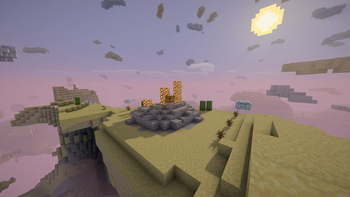
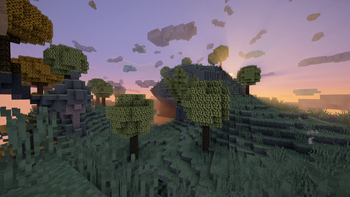
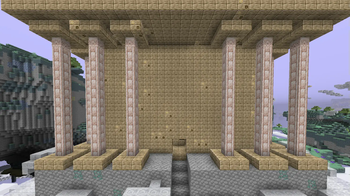
If you have spent any time in the sky dimension, you probably noticed some stuff looks a bit too much like basic re-colored vanilla assets. The Aether: Regenerated pack aims to fix that by giving the mod a more distinct look. Instead of just seeing blue versions of standard items, you get textures that feel like they actually belong to a unique world. It is a great choice if you want to keep that classic feel but need some fresh visuals in your Minecraft texture packs collection.
The pack changes a lot of the core blocks and items to make them look more original. You will notice the difference mostly in the tools and natural blocks. If you like choices, there are extra bits tucked away inside the ZIP file. You can find things like the Blue Icestone swap or the Sweet Berry style bushes if you want the Aether to look more like the overworld flora. There is even a special gold texture for Veridium tools if you are a fan of classic platforming characters.
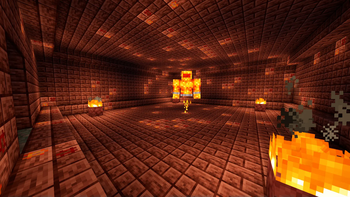
Compatibility is pretty good for recent versions like 1.19.2 and 1.20.4. It works well with several popular mods like Lost Content, Redux, and Emissivity. The author actually took the time to make sure those modded items match the new style too. It makes the whole dimension feel way more cohesive when you are exploring dungeons or building a base in the clouds.
You can grab this specifically for the Aether mod via its Modrinth page if you want to test it out. It really helps the dimension stand on its own feet visually. If you are looking for other ways to change your game world, you can browse more packs to find something that fits your specific style.