Texture Pack // by VinnyStalck
Cobblemon Interface: Modded
Bring a unified look to your modded Minecraft interface
- Latest
- Minecraft 26.2 / 26.1.2
- Updated
- Jul 12, 2026
- Resolution
- —
- Style
- Mod Support
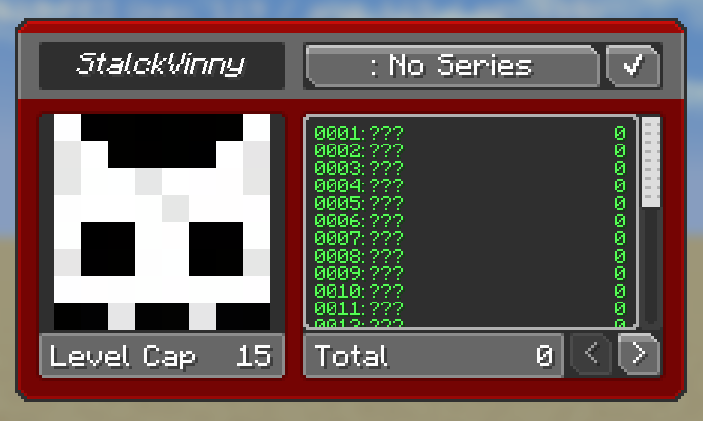
If you have spent any time with the popular Cobblemon mod, you know it has a specific look that makes the UI feel a bit more modern and sleek. However, the moment you open a chest from a different mod or check your backpack, that feeling usually disappears. The Cobblemon Interface: Modded pack was created specifically to fix that. It acts as an addon that themes the menus of dozens of other mods so they actually look like they belong alongside your Pokémon-inspired setup.
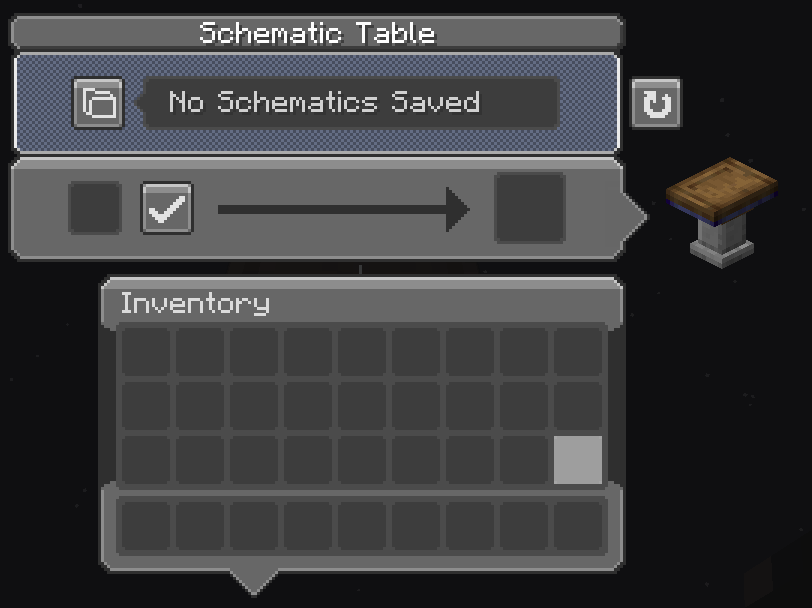
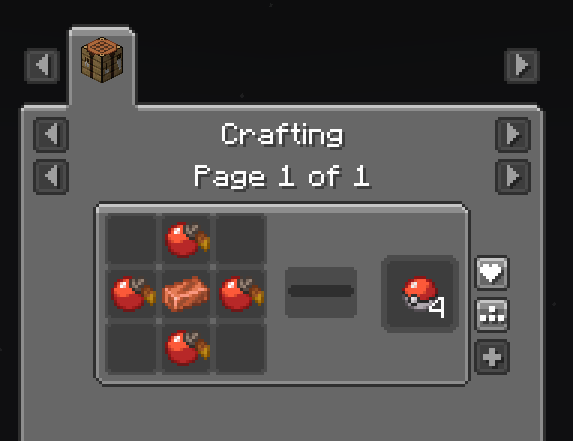
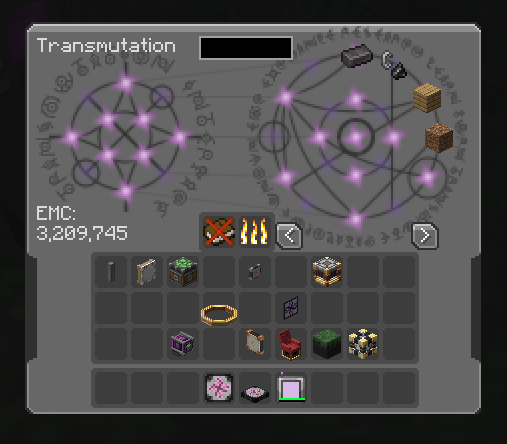
Finding high-quality Minecraft texture packs that cover modded content can be a bit of a headache, but this one does a lot of the heavy lifting. It changes everything from basic storage screens to complex tech mod systems. For example, if you use Applied Energistics 2, Sophisticated Backpacks, or Create, this pack updates those interfaces with the same rounded slots and specific color schemes used in the main Cobblemon UI. It even tweaks sounds to make sure the audio feedback is consistent while you are navigating through different menus.
The list of supported mods is honestly pretty huge. It covers food mods like Farmer's Delight, utility tools like JEI and Waystones, and even expansive mods like The Aether. It is meant to be used on top of the base interface pack, essentially filling in the blanks for any extra content you have installed. If you use a lot of UI-heavy mods, this keeps the game from feeling like a messy collection of different art styles. It is a small change that makes a massive difference when you are spending a lot of time crafting or managing your team.
For the best results, you might want to look into the Raised mod or similar tweaks to keep your hotbar looking right. You can browse more packs if you want to find even more ways to customize how your menus and items look in-game. This pack is a must-have for anyone building a modpack centered around Cobblemon who wants a professional, polished finish for their entire interface.