Texture Pack // by Lenkagari
CobbleMotion v1.5
Bring your Cobblemon to life with custom movements and battle poses.
- Latest
- Minecraft 1.21.1
- Updated
- Jul 12, 2026
- Resolution
- —
- Style
- Themed
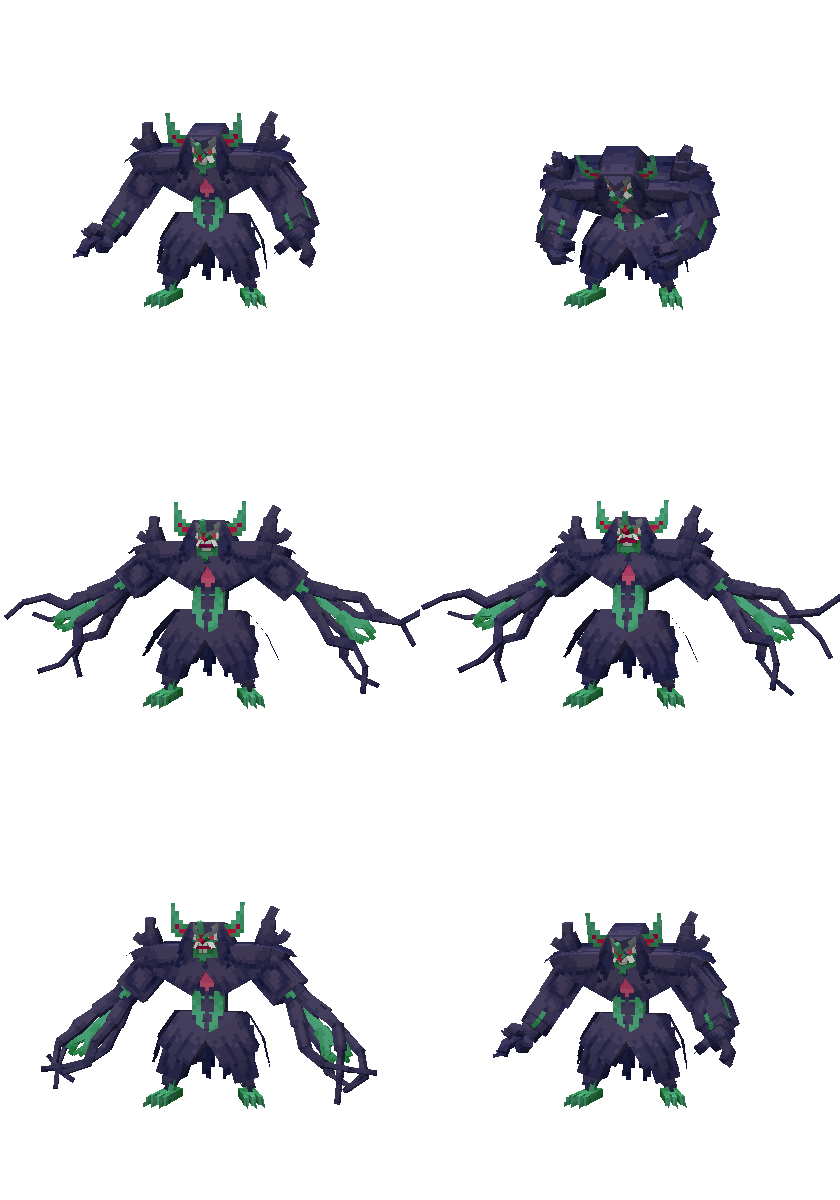
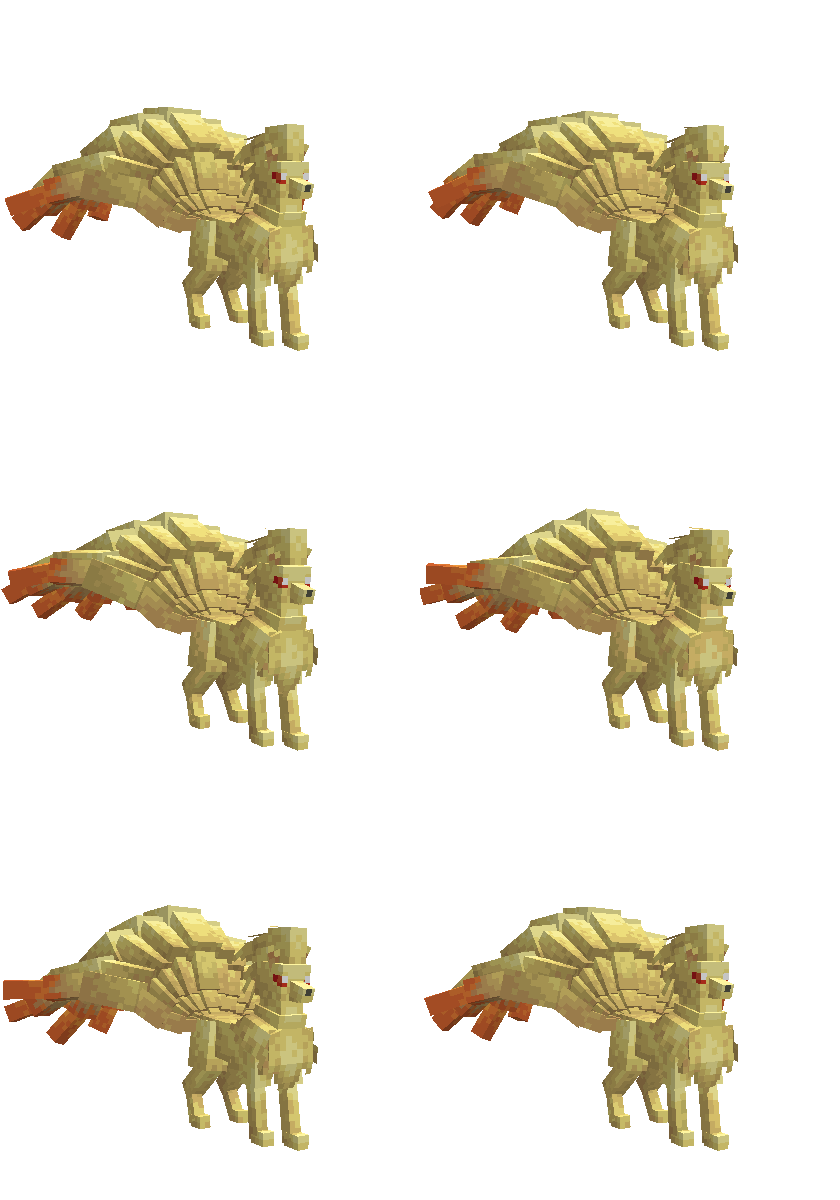
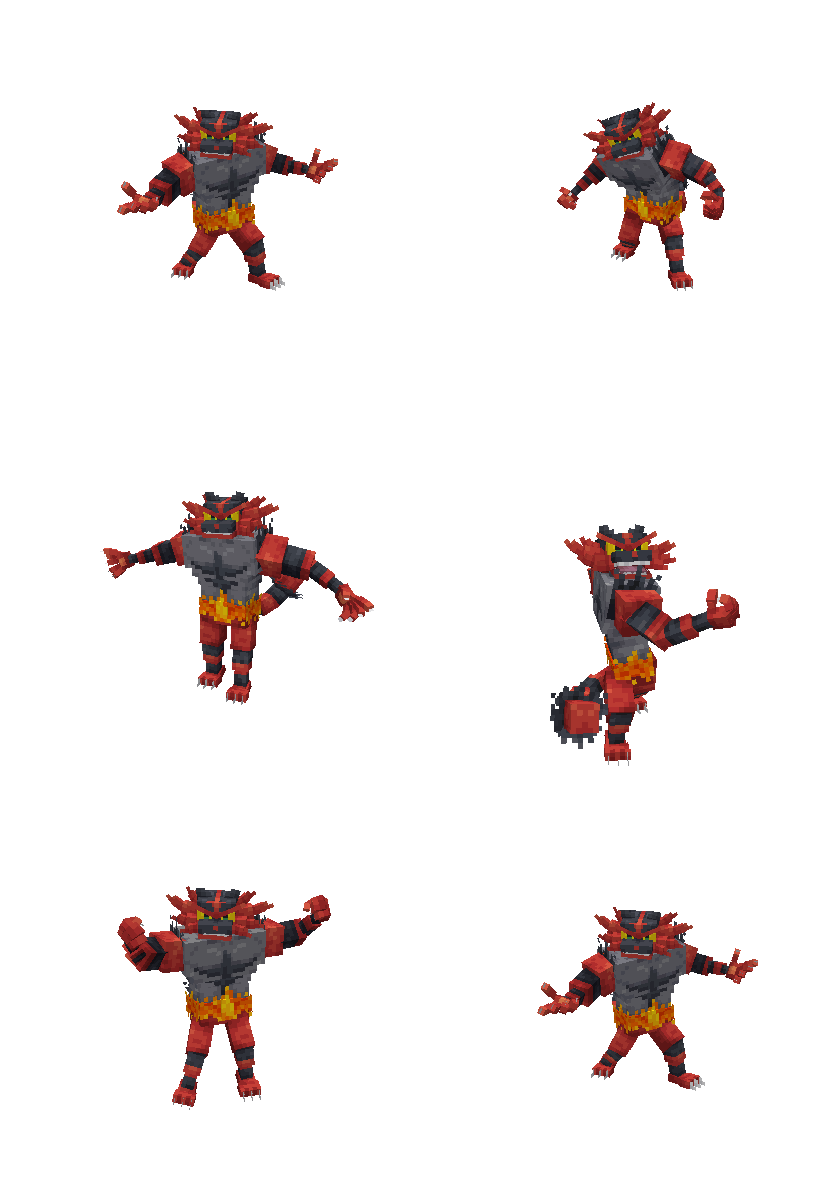
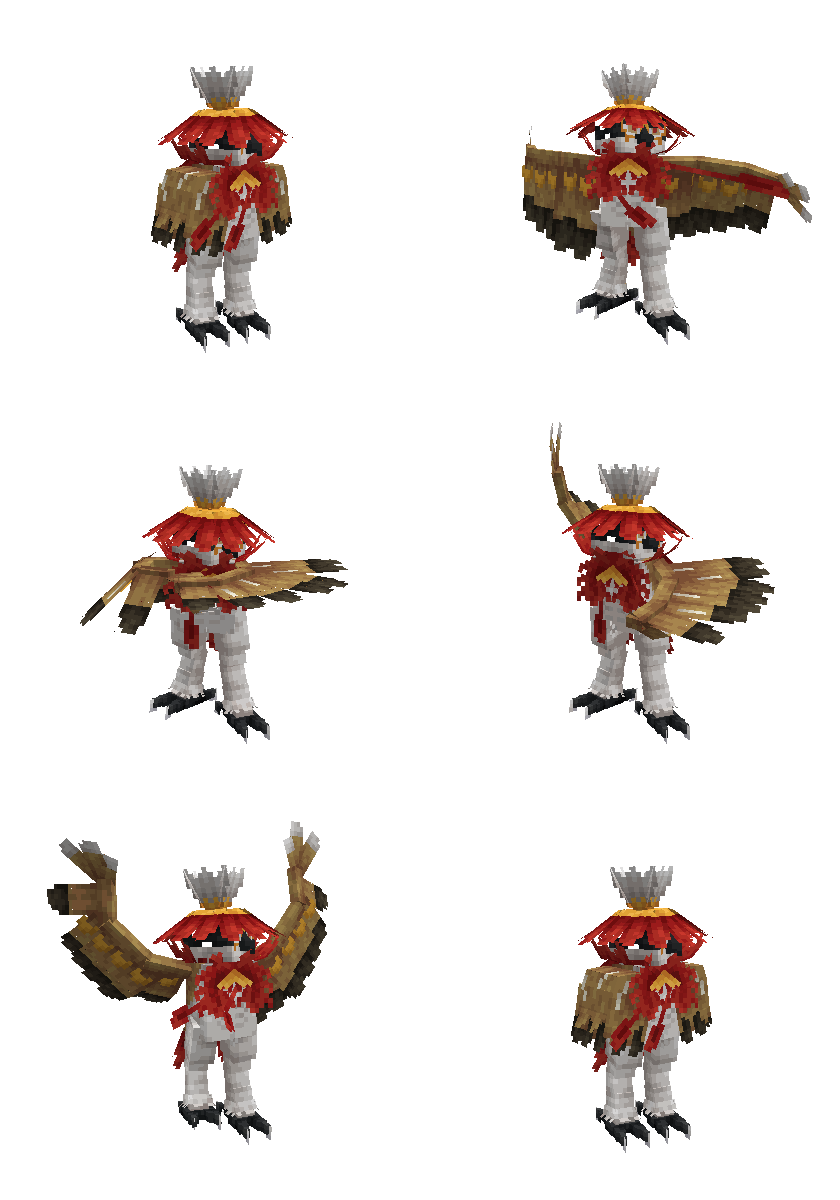
If you have been playing with the Cobblemon mod for a while, you might have noticed that some creatures just stand there looking a bit stiff. The CobbleMotion resource pack is designed to fix that specific problem. It focuses on filling in the blanks by giving movement to models that do not have their own official animations yet. It feels much better when your team actually looks alive while wandering around or waiting for your next command.
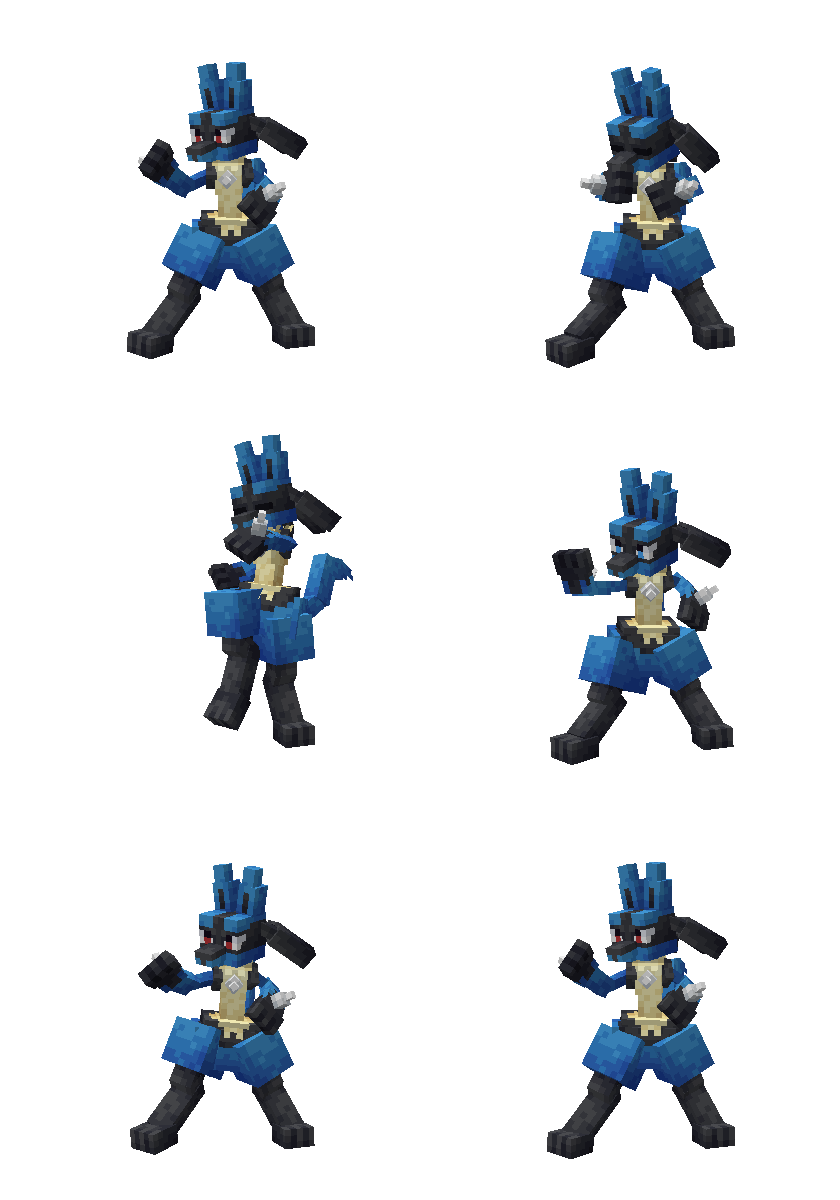
The pack covers a massive range of Pokemon, from starters like Rowlet and Cyndaquil to heavier hitters like Tyranitar and Metagross. Most of the work goes into idle and walking cycles, so they do not just slide across the grass anymore. There are also specific battle animations being added over time. While not every single monster has a full suite of attack moves yet, common favorites like Lucario or the Eeveelutions feel much more dynamic when you throw them into a fight. It is a great addition if you are already looking for more Minecraft texture packs to customize your world.
One thing to keep in mind is that this pack serves as a temporary bridge. The creator intended for these custom movements to stay useful until the official mod developers release their own versions. Because of how it handles the data, you actually need to put the file in two places: your resource packs folder and your world save's datapacks folder. This ensures the models and the logic behind their movements sync up correctly during gameplay.
If you use other add-ons for your monsters, you can make them play nice together by looking through the model and poser folders. Just remove the specific files for any Pokemon that might be overlapping with another pack you prefer. It is pretty flexible once you know your way around the folders. You can browse more packs like this one to see how others handle modded entities and creatures.
Overall, it is a solid pick for anyone who wants their Cobblemon experience to feel more finished right now. It takes away that frozen statue look and makes the world feel like a real ecosystem where the creatures actually breathe and move.