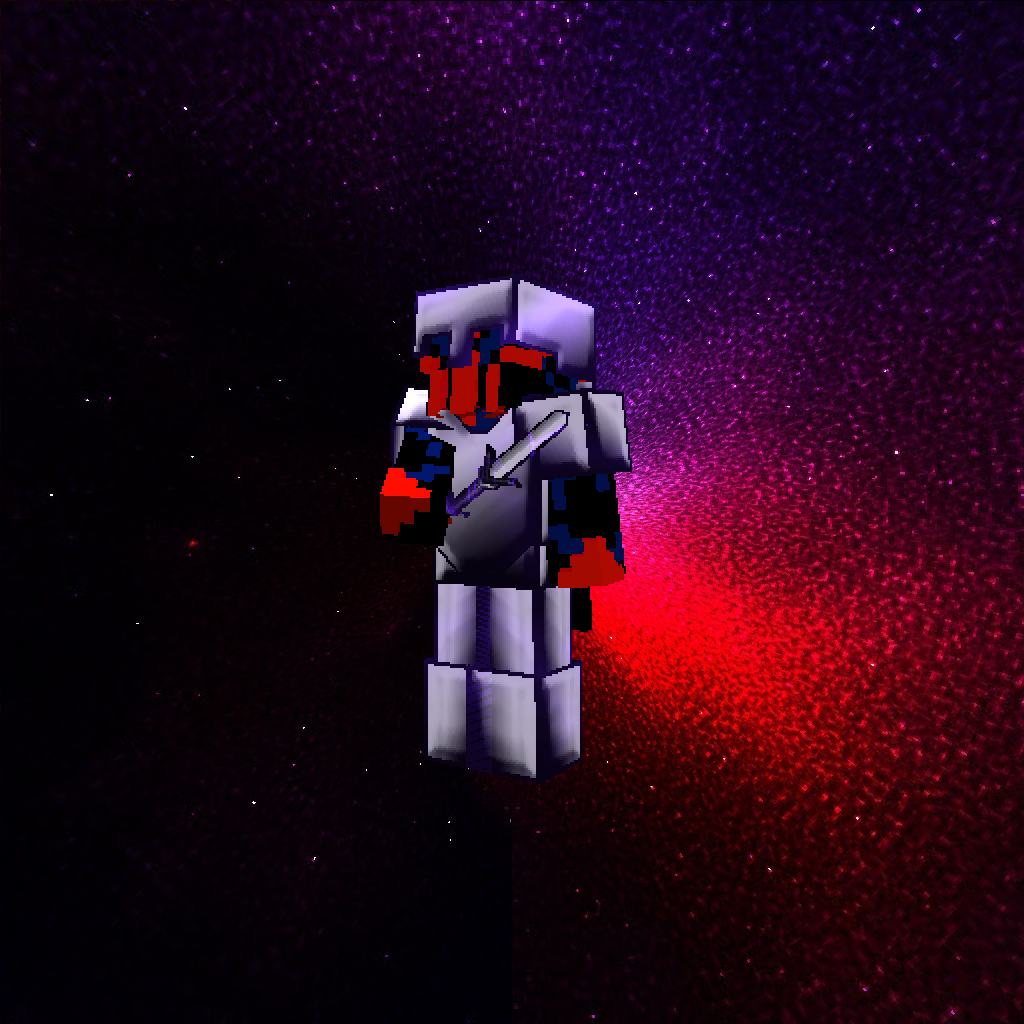
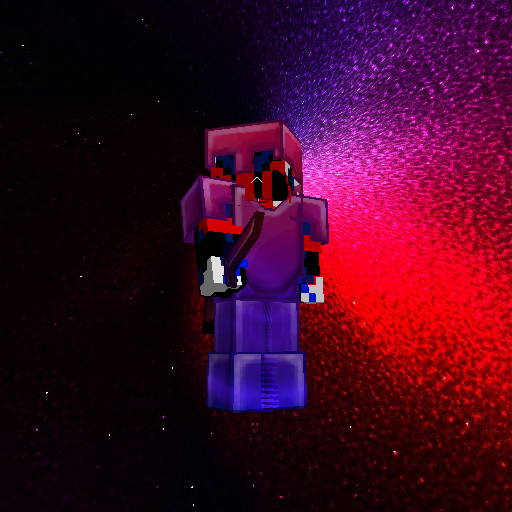
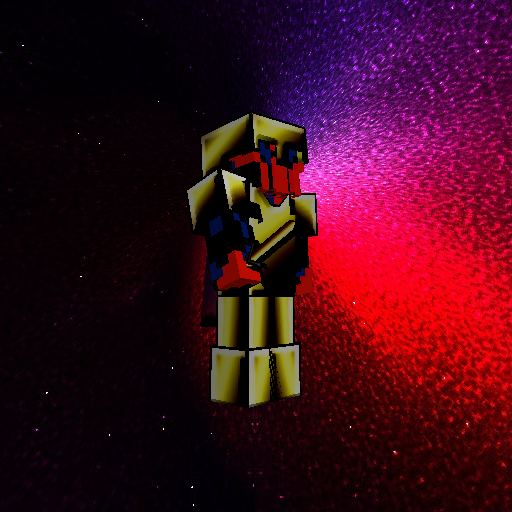
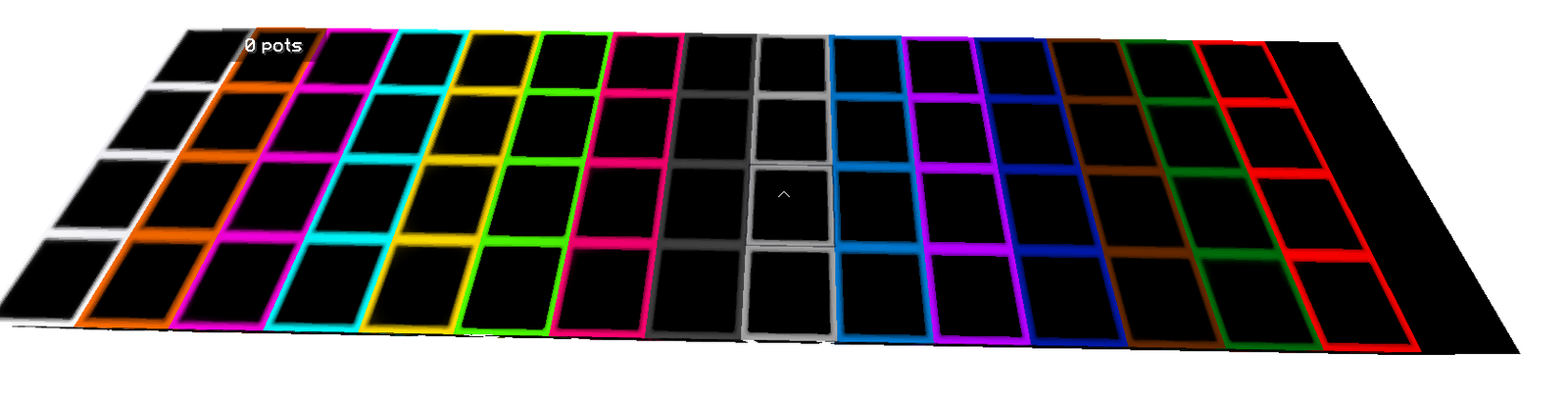
Texture Pack // by ZXQ5
FantasyPvP's
High Resolution PvP Pack for Legacy Versions
- Latest
- Minecraft 1.17.1
- Updated
- Jul 12, 2026
- Resolution
- 256x
- Style
- PvP
If you have been hunting for a set of tools to sharpen your look during combat, FantasyPvP's PvP packs might be what you need. This collection covers quite a range of styles and resolutions, though the 256x version is a particular highlight for players who want their gear to look crisp rather than pixelated. Unlike some high-res options that feel heavy and slow down your frame rate, this one is surprisingly light on your system. It is built to keep your game running smoothly when things get chaotic in a duel or a bedwars match.
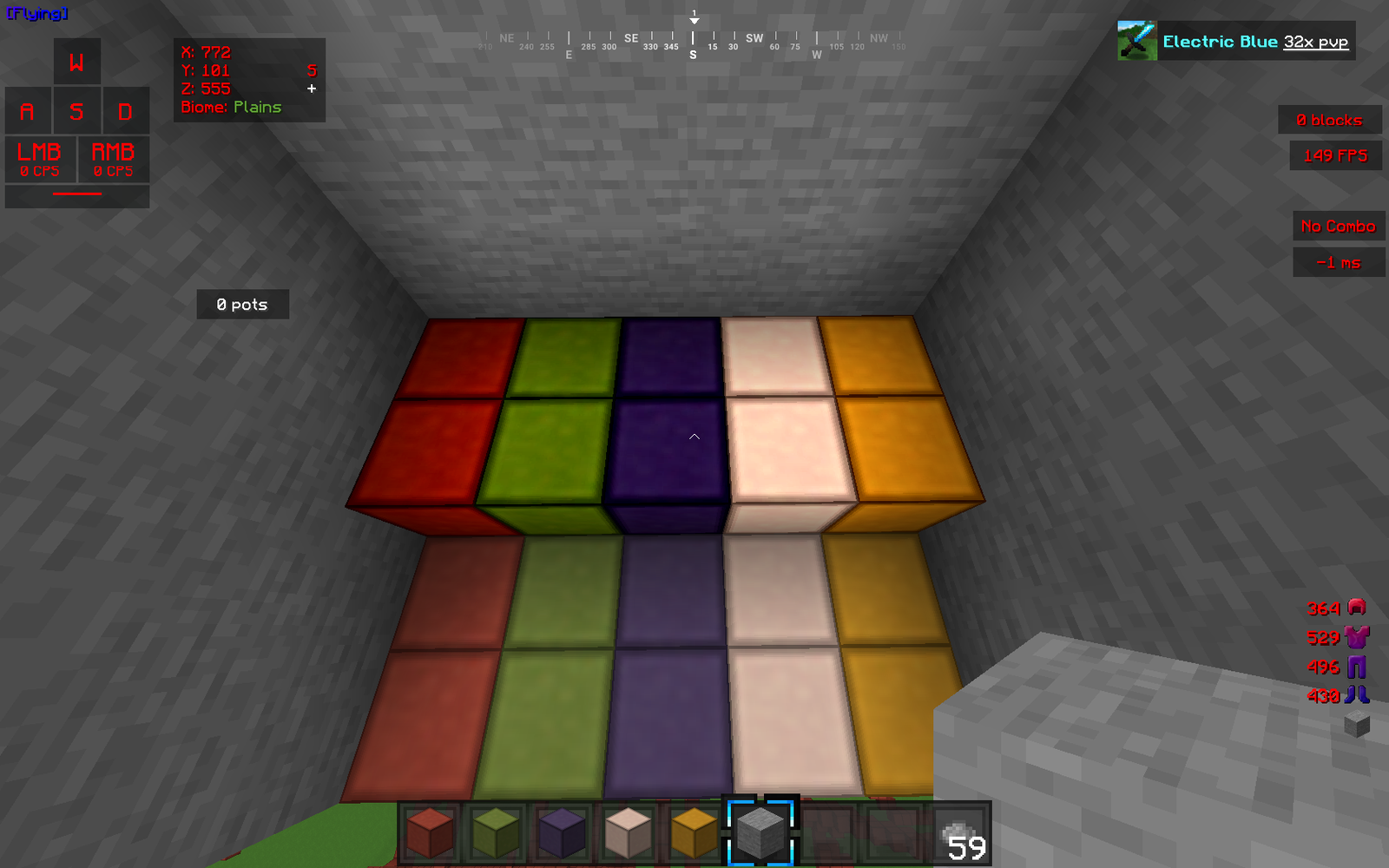
The visual style here leans into the competitive side of things. You get custom overlays for things like bridges and specific sky textures that make the atmosphere feel a bit more alive while you are playing. There are different versions available within the collection, so you can pick between 16x for a classic feel or jump up to the higher resolutions if you want that polished, detailed look on your swords and armor. Because there are different files for different tastes, it is a good idea to check the specific version names before you grab one to make sure you get the resolution you prefer. It is one of those Minecraft resource packs that feels very tailored to the community feedback it grew from.
In terms of compatibility, these packs work well for older versions like 1.8.9 which remains the standard for many competitive servers, but there is support for 1.17 as well. If you like playing with shaders, the author mentions these looks great with Sildur’s Vibrant Shaders, especially when using the 256x textures to get those clean reflections. Even though the pack is now in a legacy state, it still holds up well against newer releases. If you want to see what else is out there for your game, you can always browse more packs to find other styles that fit your setup.