Texture Pack // by Sosa
Poke Discs
Bring your favorite Nintendo tunes to your Jukebox
- Latest
- Minecraft 1.20.4
- Updated
- Jul 12, 2026
- Resolution
- —
- Style
- Themed
If you're tired of hearing the same old weird sounds when you find a music disc in a dungeon, Poké Discs changes things up by bringing in some of the best tracks from across the various Pokémon regions. It replaces the default audio for every single disc with themes you'll recognize from towns, forests, and even those intense battle sequences. It's a great little addition for anyone who wants a bit more nostalgia while they're working around their base.
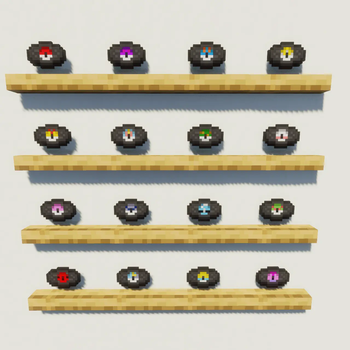
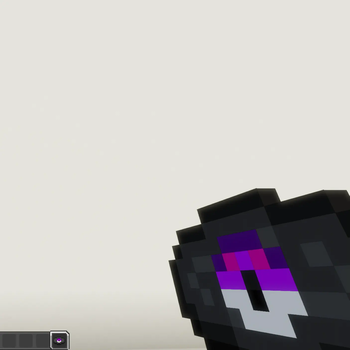
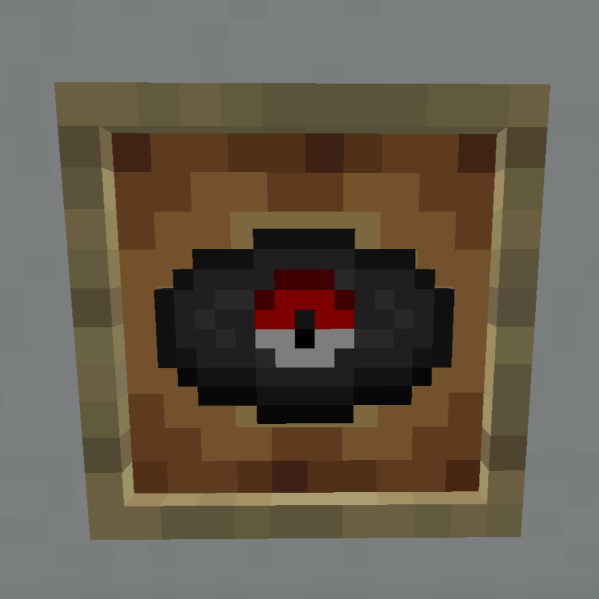
The visual side of the pack is straightforward but nicely done. Instead of the standard colored rings on the records, the Minecraft resource packs textures are swapped out for a design that looks like a Pokéball in the middle of each disc. It’s a small detail, but it looks cool when you're organizing them in a chest or displaying them in an item frame. You’ll find classic tracks like Lavender Town for a creepier vibe or the upbeat Jubilife City music for when you're just chilling during the day.
Because of how Minecraft handles music, the author had to match the song lengths to the original discs to make sure nothing cuts off weirdly or plays too long. This means you get a pretty good variety of genres spanning from the older GameBoy days up through the 3DS era. It works perfectly fine on version 1.19 all the way up to 1.20.4, and it's basically a must-have if you're already running something like the Cobblemon mod to complete the vibe.
You can grab the files over at the Poké Discs Modrinth page. If you want to find more ways to change up your world's look or sound, feel free to browse more packs to see what else is out there.