Texture Pack // by TheEscaper
Rainbow Enchantment Glint
Bring a colorful pulse to your enchanted gear with the Rainbow Enchantment Glint resource pack.
- Latest
- Minecraft 1.20.1
- Updated
- Jul 12, 2026
- Resolution
- —
- Style
- Simplistic
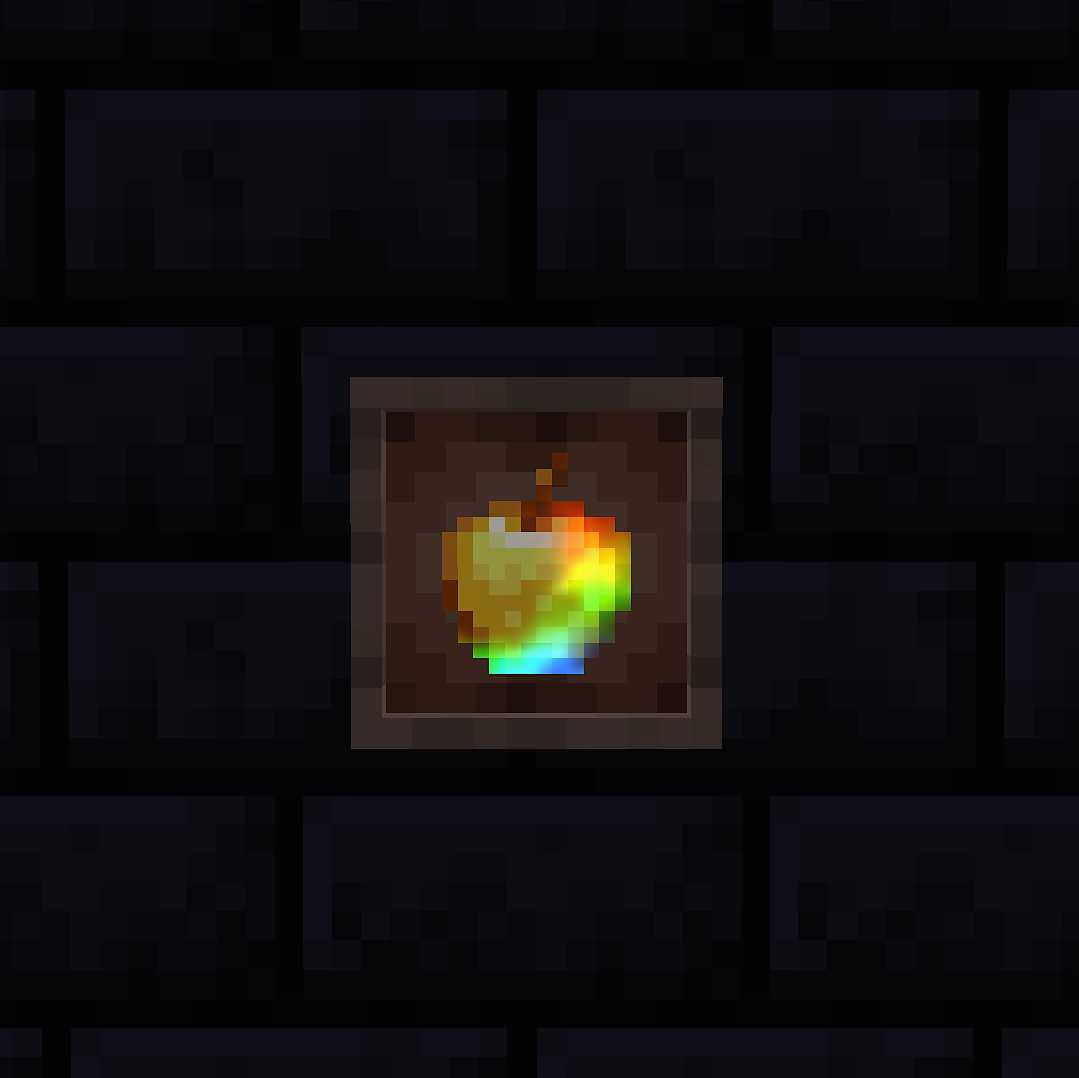
If you have been playing for a while, that standard purple shine on every enchanted sword or piece of armor can get pretty boring. The Rainbow Enchantment Glint pack changes that by replacing the basic glow with a spectrum of colors that cycle through while you hold an item or wear your gear. It makes your inventory look much more lively without actually changing how the items themselves look.
Most Minecraft resource packs try to change the blocks or the UI, but this one focuses entirely on the enchantment effect itself. When you apply this, your netherite tools, enchanted books, and even potions will show a scrolling rainbow pattern. It is a nice way to make your high-tier gear stand out more when you are exploring or hanging out on a server with friends. The colors transition smoothly and do not feel too distracting when you are just trying to mine or build.
Since this is a vanilla-style edit, you do not need any special mods or external loaders to make it work. It functions perfectly on standard versions 1.19 and 1.20. You just drop it in your folder and the rainbow effect should show up immediately. It works on everything from your primary armor set to the smaller icons in your hotbar.
It is a lightweight change that fits into any setup. If you want to find more ways to tweak your game look, you can browse more packs to see what else fits your style. For those who like a bit of color, Rainbow Enchantment Glint is a great little addition to keep the game looking fresh.