Texture Pack // by texturizzo
Realistico
Discover a new level of fidelity with Realistico for Minecraft
- Latest
- Minecraft 26.3 / 26.2
- Updated
- Sep 13, 2026
- Resolution
- —
- Style
- Realistic
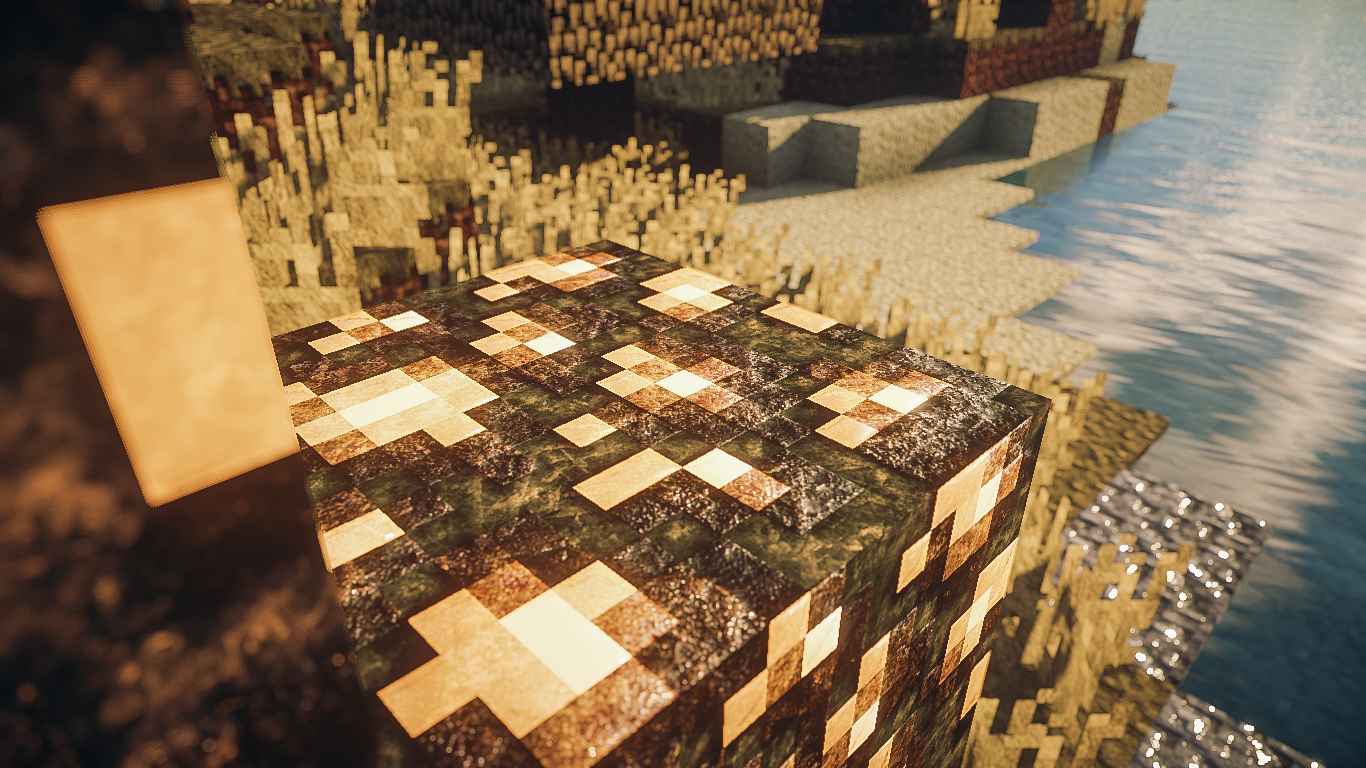
I have spent a lot of time looking at different Minecraft resource packs, but few actually manage to make the game look sharp without ruining the blocky vibe. The Realistico pack is one of those rare examples where things look hyper-realistic, keeping the pixel-perfect grids we are used to while adding insane amounts of texture detail. It is basically the default look of the game, but turned up to a level that feels much more physical and grounded.
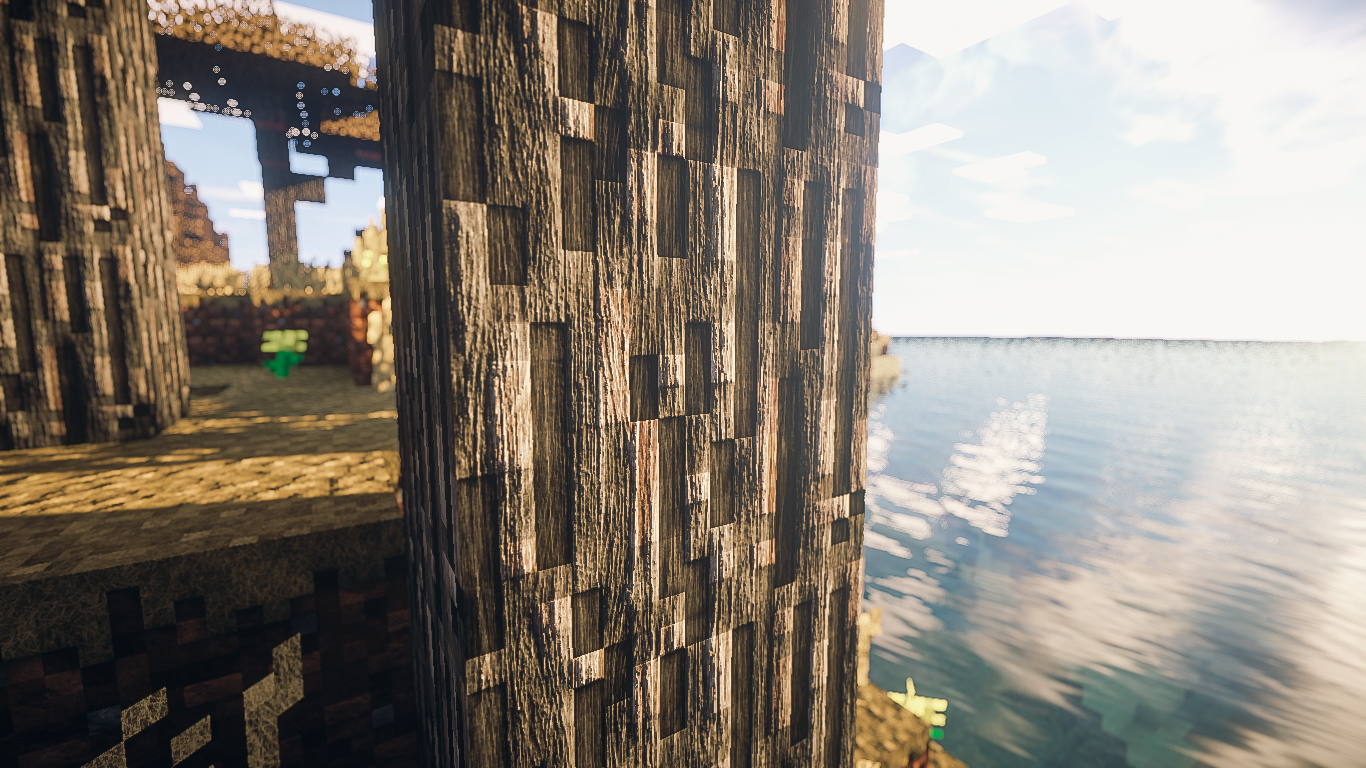
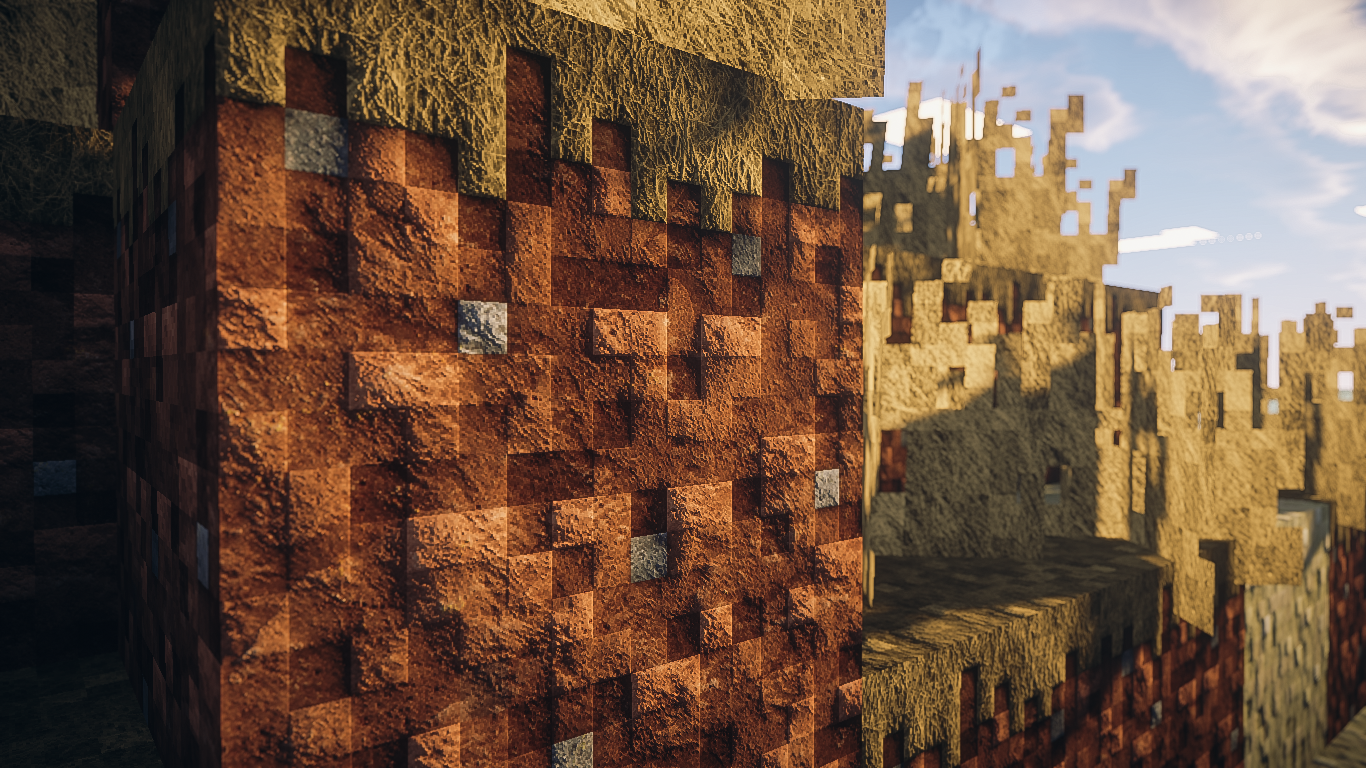
The main thing you will notice with Realistico is how it handles surfaces. Instead of just flat colors, the blocks have these material shadows and depth that make stone look cold and rough, and wood look like it actually has grain. It does not try to turn Minecraft into a completely different game. It just fixes the missing details that the base textures sometimes lack. You get these crisp, high-quality textures that still fit perfectly on a standard block, making the whole world feel a bit more solid.
It works really well if you want that high-end look without losing the faithful spirit of the world you have already built. Since it targets versions like 1.8.9 through 1.12.2, it is a great choice for players on those popular older versions who want a visual upgrade. You can find the files over on the Modrinth page if you want to give it a try.
If you are looking for something different or want to see how this compares to other styles, you can always browse more packs to find the right fit for your specific setup. It really comes down to whether you like that mix of simple blocks and complex textures.