Texture Pack // by db3k
Updated Aquaculture
Refreshing the Aquaculture 2 Mod for Modern Versions
- Latest
- Minecraft 1.21.5
- Updated
- Jul 12, 2026
- Resolution
- —
- Style
- Themed
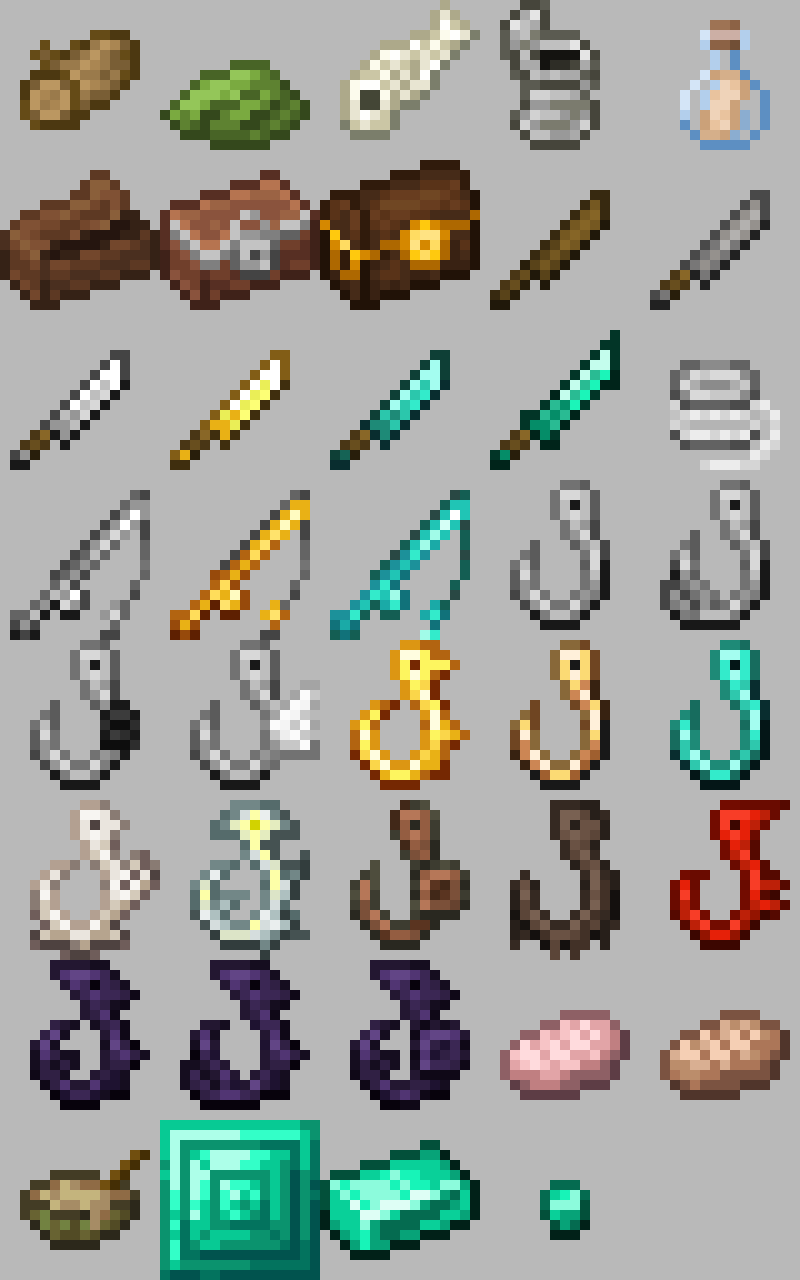
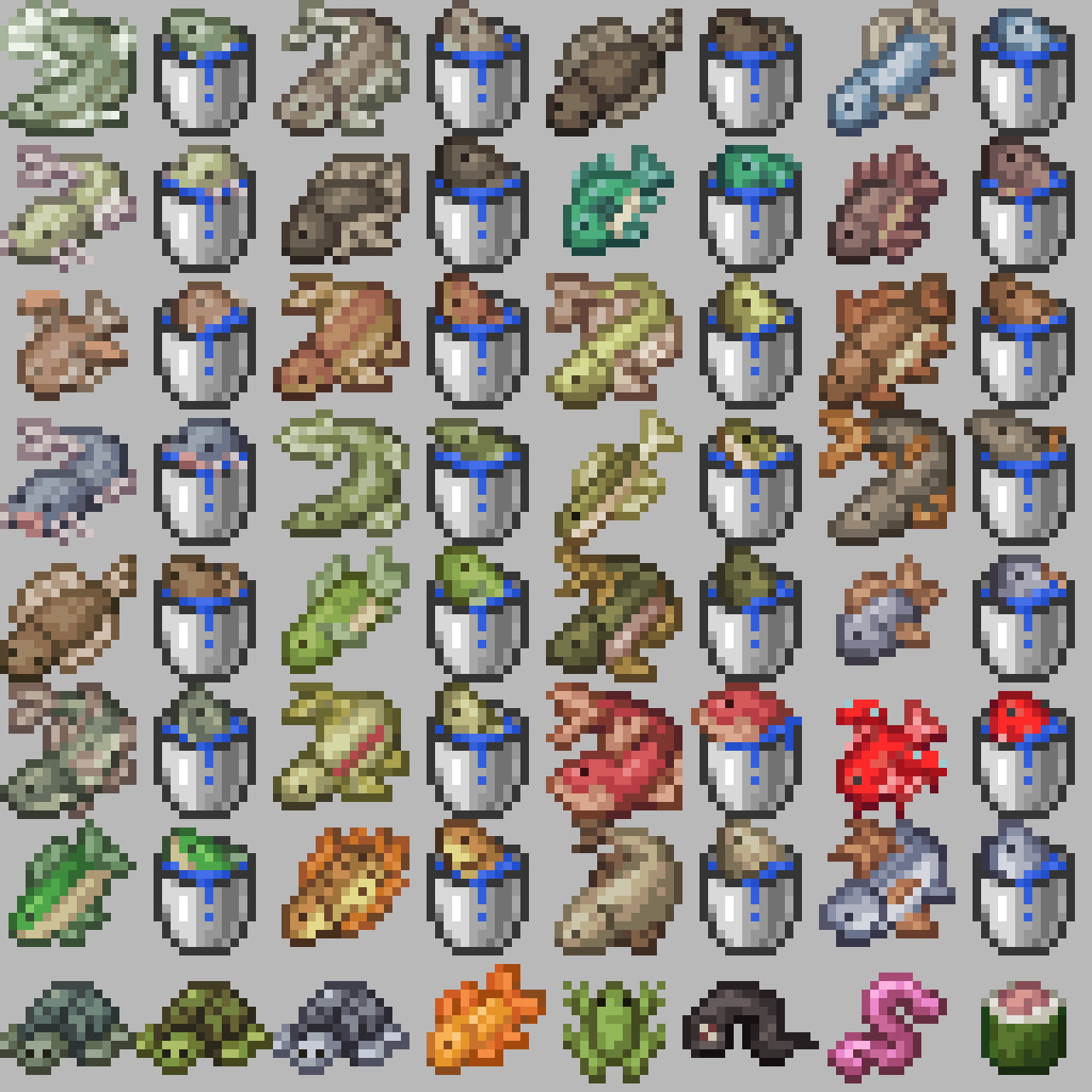
If you play with the Aquaculture 2 mod, you probably noticed that the items look a bit out of place compared to the modern game. While the base game got a massive visual overhaul several versions ago, this mod stayed stuck in the old ways. The Updated Aquaculture pack fix this by giving the fish, tools, and gear a fresh look that actually fits in with the blocks around them.
The goal here is pretty simple: make the modded items look like they belong in a modern texture pack collection. It focuses on color palettes and shading that match the post-1.14 textures. Instead of the flat or overly grainy look from older versions, you get smoother gradients and better shapes for your fishing rods and the dozens of different fish types the mod adds. It makes a huge difference when you are sorting through your inventory or showing off a rare catch.
Because this is a specific compatibility pack, it covers a wide range of game versions from 1.12 all the way up to the latest releases like 1.21. No matter what version your server or modpack is running on, the textures should load up fine as long as you have the main mod installed. It is basically essential if you care about visual consistency while you are out by the water.
Everything looks a lot cleaner now, especially the icons for the different loot crates and the specific mounting equipment. If you want to see what else you can change to make your game look better, you can browse more packs to find something that pairs well with these new fishing visuals.
Overall, Updated Aquaculture is a straightforward fix for a very specific problem. It does not try to change the game entirely, it just makes sure your favorite fishing mod does not look like it was made a decade ago.