Texture Pack // by AT-3109
Better Old Netherrack
A subtle tint fix for the classic Nether blocks
- Latest
- Minecraft 1.21
- Updated
- Jul 12, 2026
- Resolution
- 16x
- Style
- Tweaks
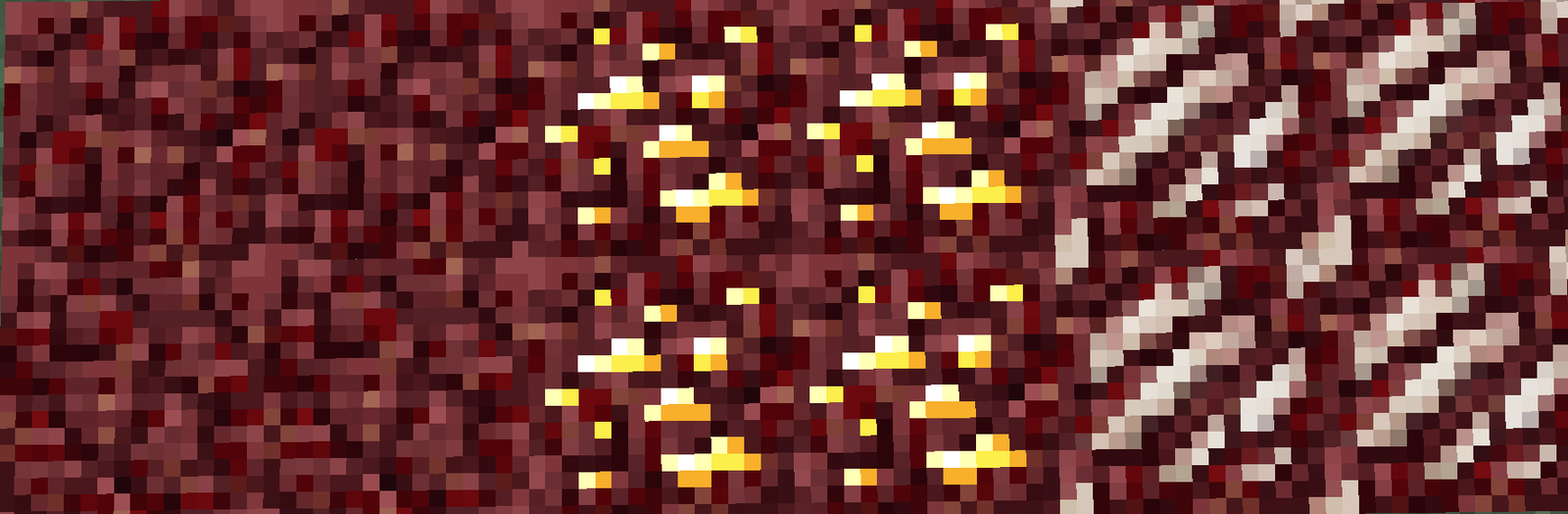
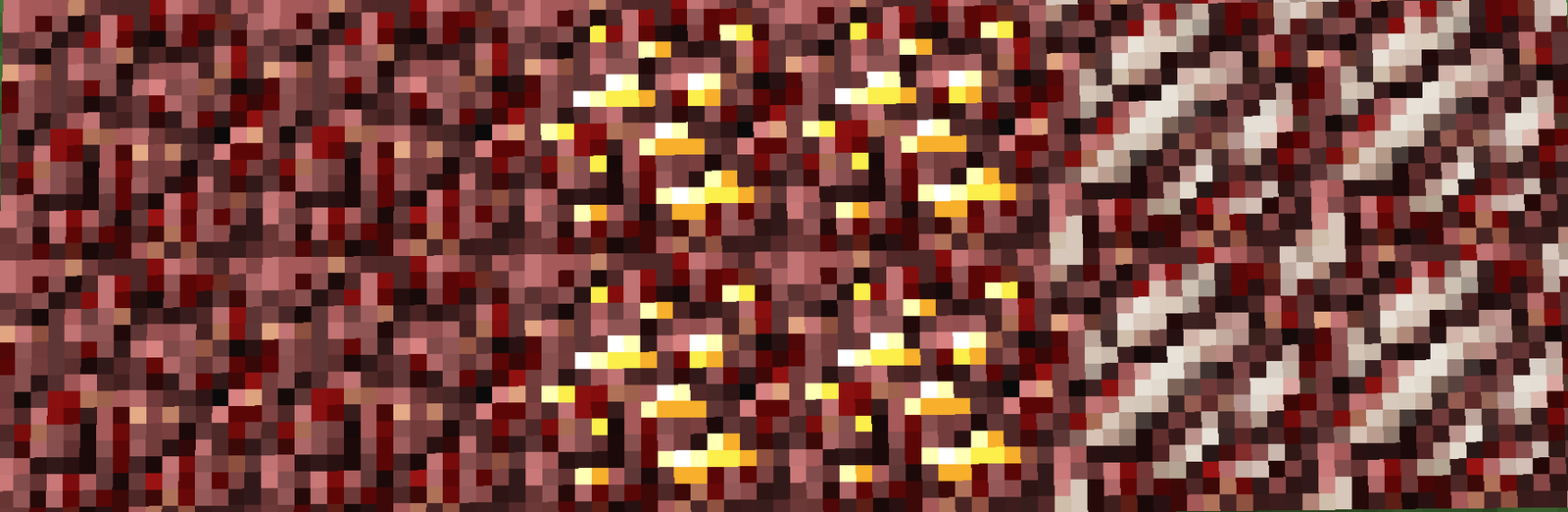
If you have ever played older versions of the game, you know that the original netherrack was pretty rough on the eyes. It had that noisy, high-contrast look that made the entire Nether feel like a messy blur of red pixels. Better Old Netherrack takes that classic 16x design and gives it a much-needed color adjustment to make building in the underworld less of a headache.
This texture tweak works by applying a deeper, darker red tint to the block faces. It keeps the iconic pattern from the Alpha and Beta days but removes that eye-straining brightness. It is a great middle ground for players who miss the old style but don't want their screen to look like it is bleeding. Because it is meant for newer versions of the game, the pack also includes a modified version of old nether gold ore, originally by PoeticRainbow, so the gold veins actually match the darker surrounding rock instead of looking out of place.
I find that this works best if you are already using other vanilla style texture packs that focus on nostalgia. The author even suggests using it alongside Golden Days if you want that full old-school vibe. It covers basically every version from 1.16 up to 1.21, so you can bring that retro look into modern survival worlds without any major issues.
Since this is a simple texture edit, it stays very lightweight. It doesn't change how the game runs, it just makes the environment visually tolerable. If you want to see more ways to change up your world, you can browse more packs to find other useful tweaks for your survival setup.