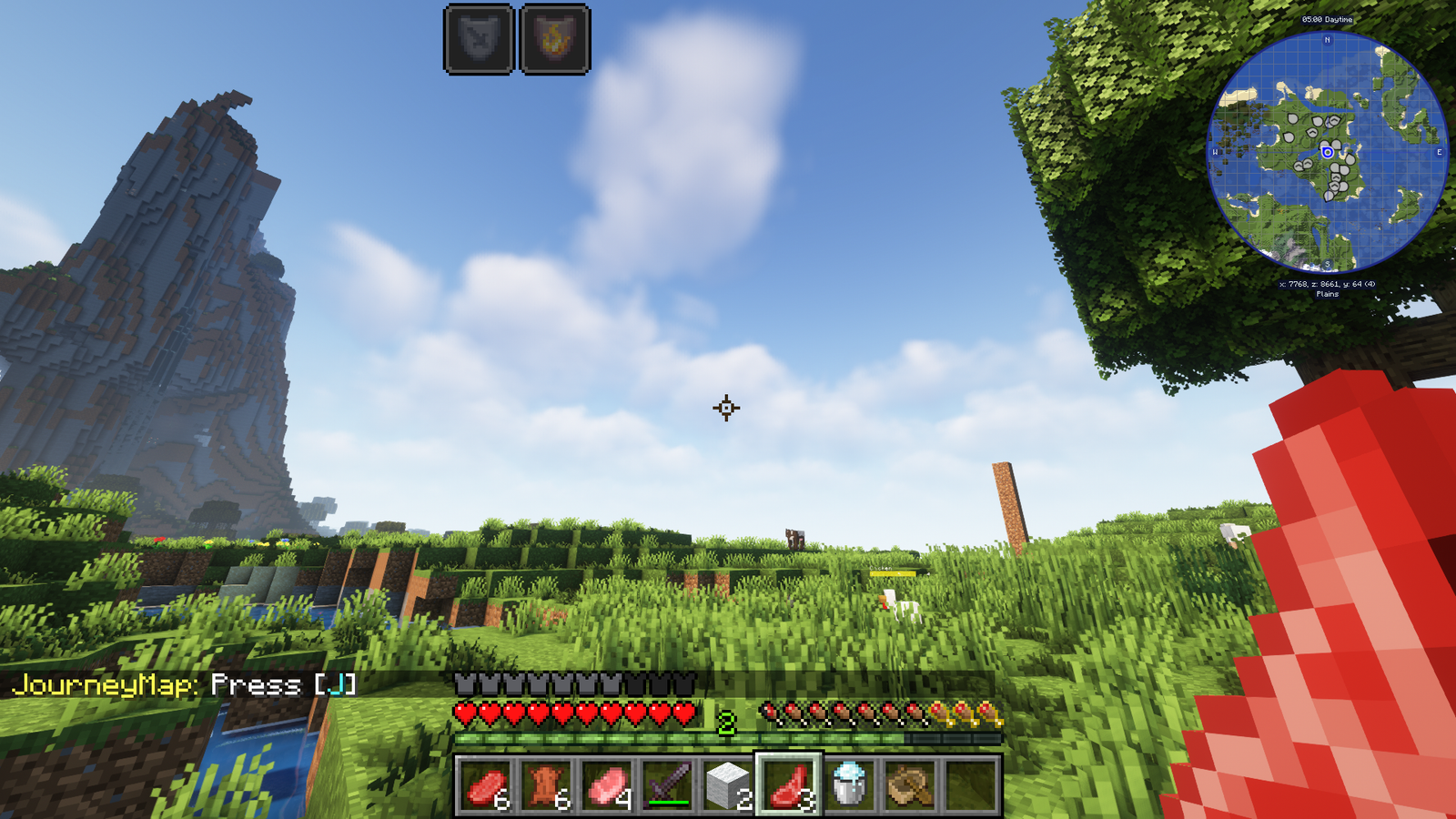
Texture Pack // by NitroRiced
Combat Crosshair
A dedicated crosshair designed for players who focus on combat accuracy.
- Latest
- Minecraft 26.3 / 26.2
- Updated
- Sep 13, 2026
- Resolution
- —
- Style
- PvP
If you spend a lot of time in the arena or fighting off mobs, you probably noticed the standard crosshair is a bit basic. The Combat Crosshair resource pack changes that by focusing on a design that actually helps you track targets better. It is not some massive overhaul that changes every block in the game, but it does one specific job really well. The new reticle is built to stay visible against different backgrounds, making it easier to keep your hits on track during fast fights.
I have found that small tweaks like this and other Minecraft texture packs aimed at utility can make a huge difference in how the game feels. This pack stays out of the way of your vision while providing a clear center point for those moments where precision matters most. It's especially useful if you are tired of losing track of the tiny default plus sign when things get chaotic on screen.
Regarding support, it covers a huge range of versions. Whether you are playing on older setups like 1.12.2 for specific mods or keeping up with the latest 1.21 updates, it should work fine without issues. It also plays nice with most mods, so you do not have to worry about it breaking your UI if you have other stuff installed. For anyone looking to tweak their setup further, you should check out the resource pack collection to see what else fits your style. It is a simple, lightweight drag and drop addition that does exactly what it says on the tin.