Texture Pack // by zanderest
Cubic Leaves
Performance focused bushy foliage for Minecraft
- Latest
- Minecraft 26.3 / 26.2
- Updated
- Sep 13, 2026
- Resolution
- —
- Style
- Vanilla+
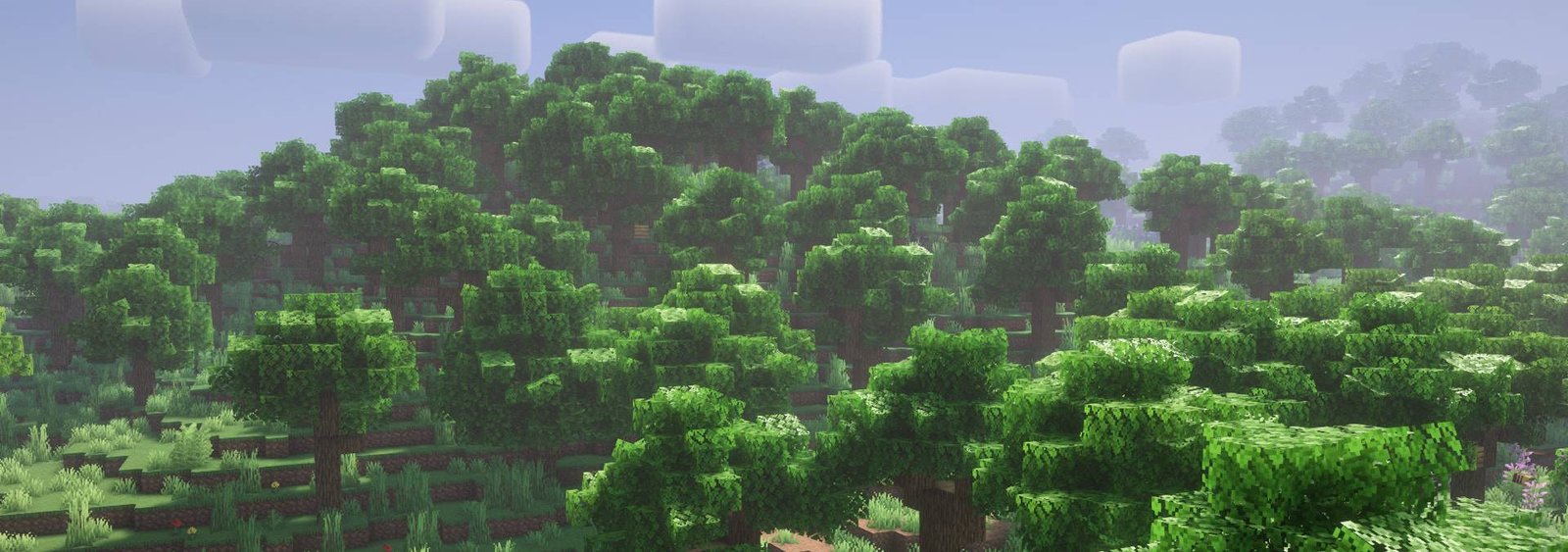
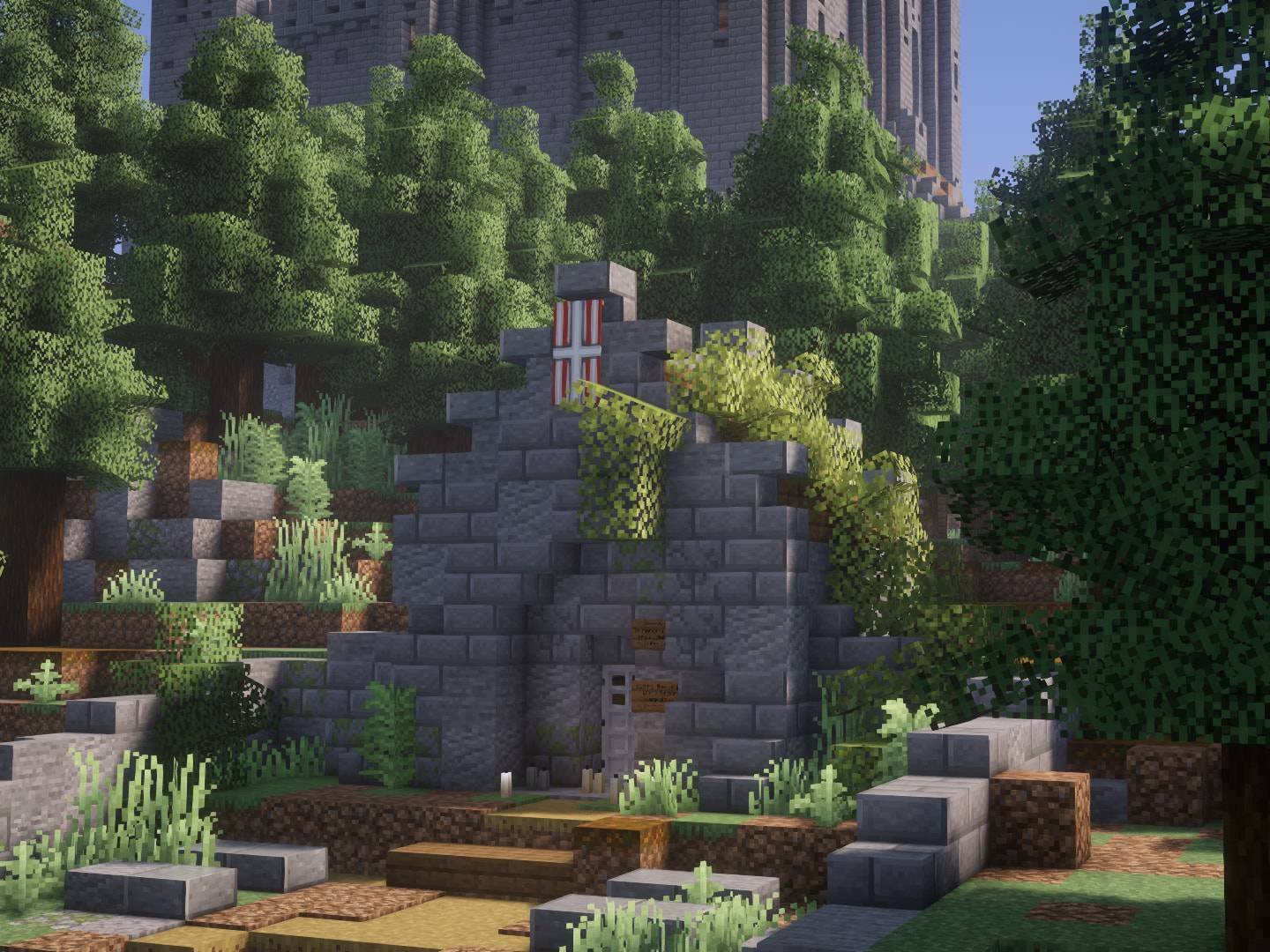
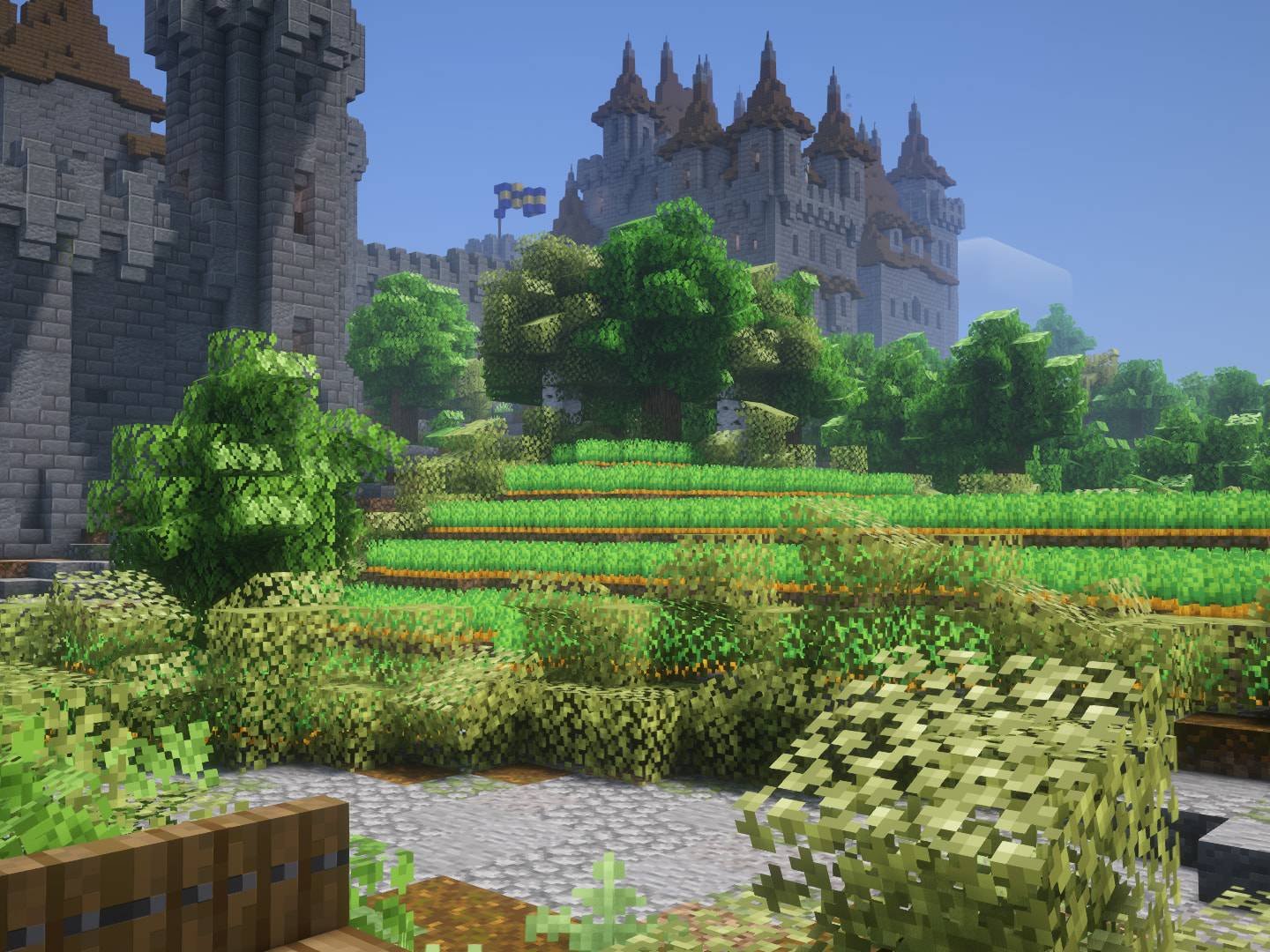
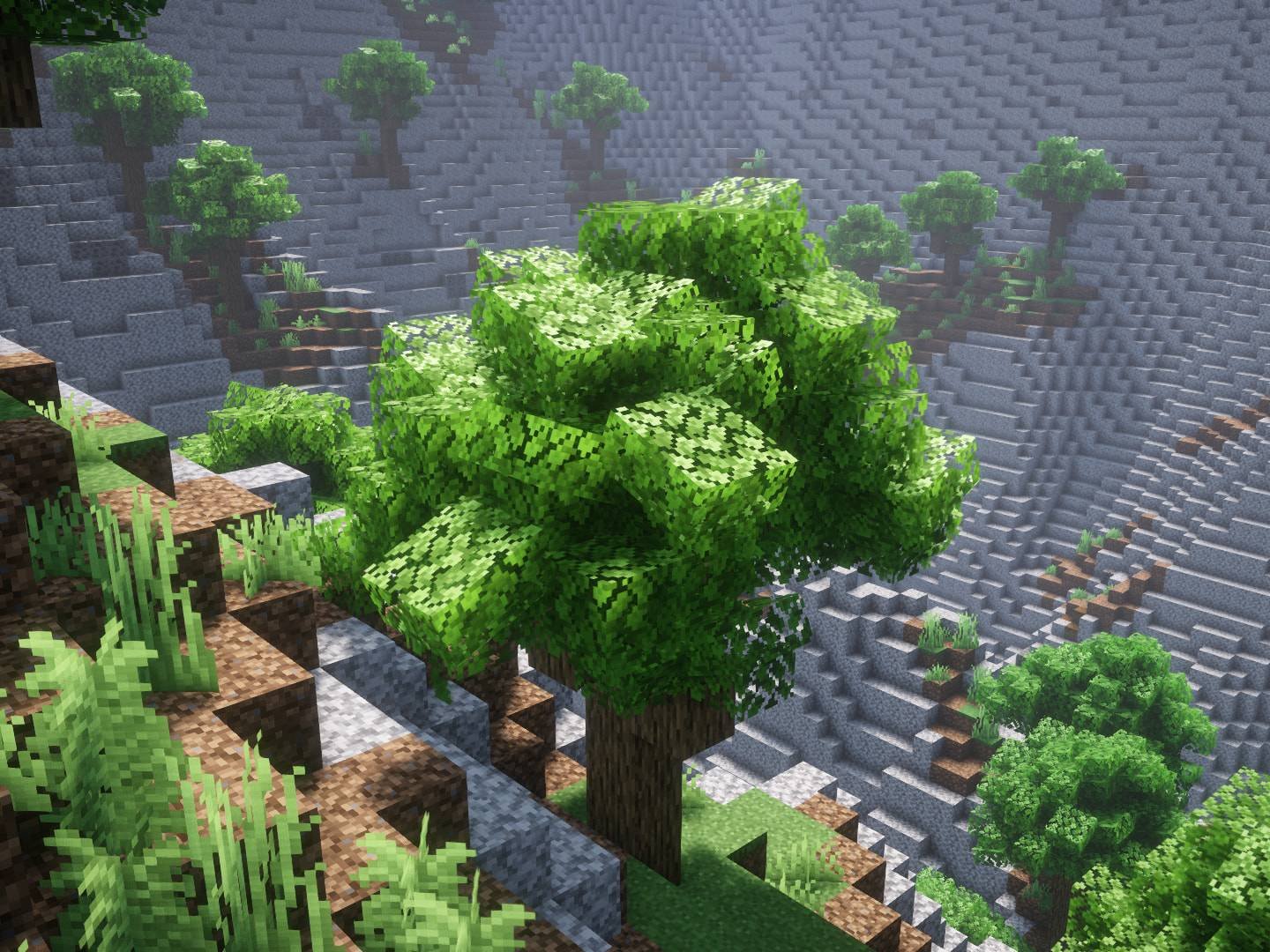
Trees in Minecraft often feel a bit flat when you are using the default look, but most people avoid fancy foliage because it tanks their performance. The Cubic Leaves pack fixes this by adding a simple, bushy layer to tree canopies that keeps the chunky, blocky feel of the game. It is a great way to make forests feel thicker without making your computer struggle to render every single leaf block.
Each tree type has its own small variations in the model, so you aren't just looking at the same repeating shape on every oak and birch tree. Since this is a Minecraft texture pack built for efficiency, the geometry is kept light. It avoids the thousands of tiny planes that other bushy packs use, which is why it runs so much better on low end PCs or massive modpacks where you have thousands of trees loaded at once.
Compatibility is a big part of why this works so well. There are two main versions you can find on the Modrinth page depending on what you need. One version is tuned strictly for pure speed, while the other is designed to work alongside other packs. If you use the compatible version, the bushy bits will actually pick up the textures from whatever other pack you have active, keeping the colors and patterns consistent.
It works across pretty much every modern version of the game, from 1.13 all the way up to the newest updates like 1.21. It also has wide support for various leaf blocks added by popular mods, so your custom biomes won't look out of place next to the updated vanilla trees. If you want to see what else you can add to your world, you can always browse more packs to find the right look. It is a solid choice if you want your nature to look a bit more alive while keeping your frame rate stable.