Texture Pack // by JoeFly
Cubic Sun & Moon
Add depth to the Minecraft sky with the Cubic Sun & Moon pack.
- Latest
- Minecraft 1.21.11
- Updated
- Jul 12, 2026
- Resolution
- —
- Style
- Themed
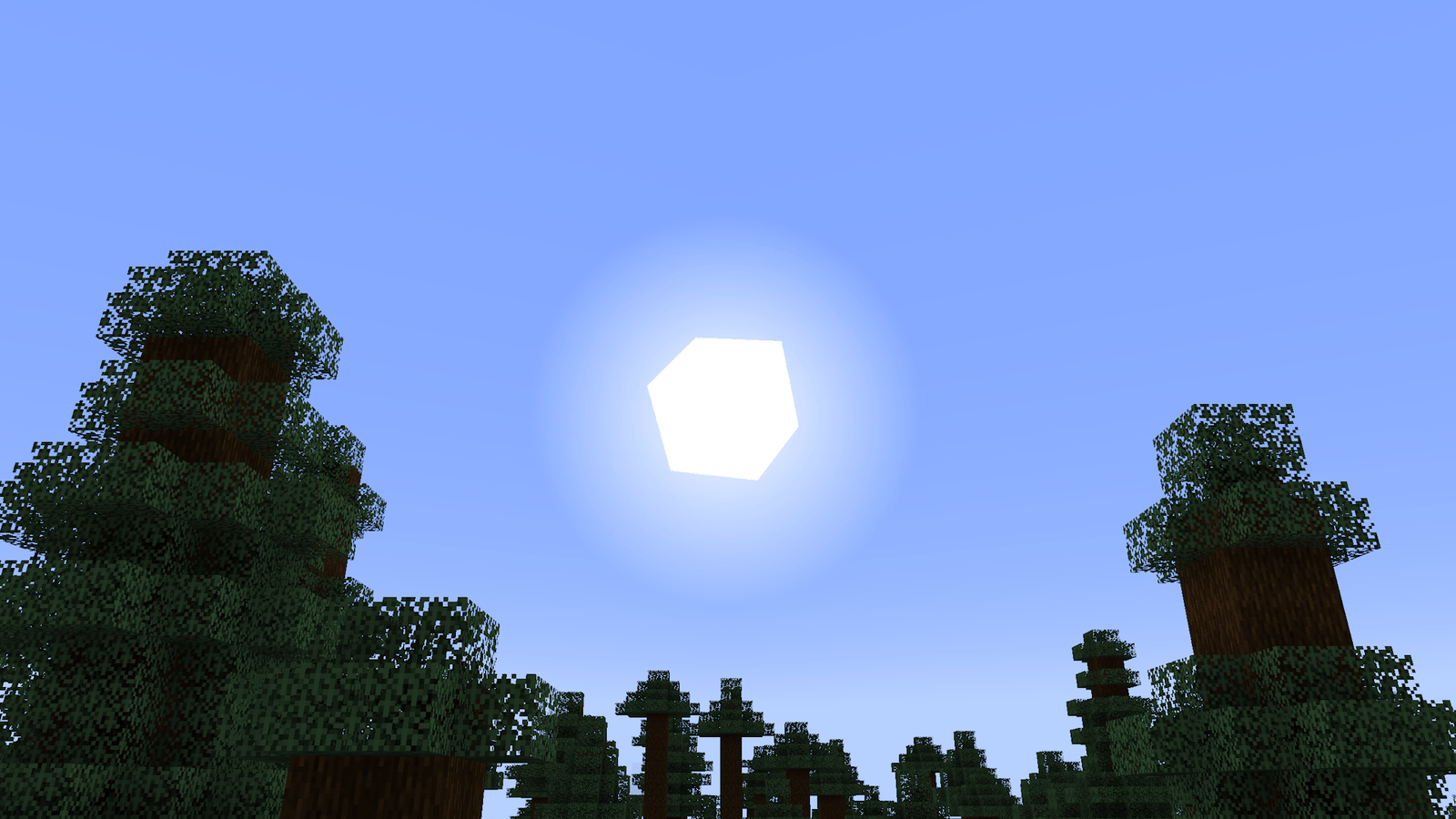
It always felt a bit weird that everything in Minecraft is a 3D block except for the sun and moon, which are just flat textures floating in the sky. The Cubic Sun & Moon pack fixes this by giving some actual volume to the celestial bodies. Instead of a paper-thin square, you get a sun and moon that look like they actually belong in a world made of cubes. It’s a small change, but when you’re standing on a hill watching the sunset, having that extra bit of depth really makes a difference. This is a great choice if you like Minecraft texture packs that stay true to the blocky spirit of the game without trying to be too realistic.
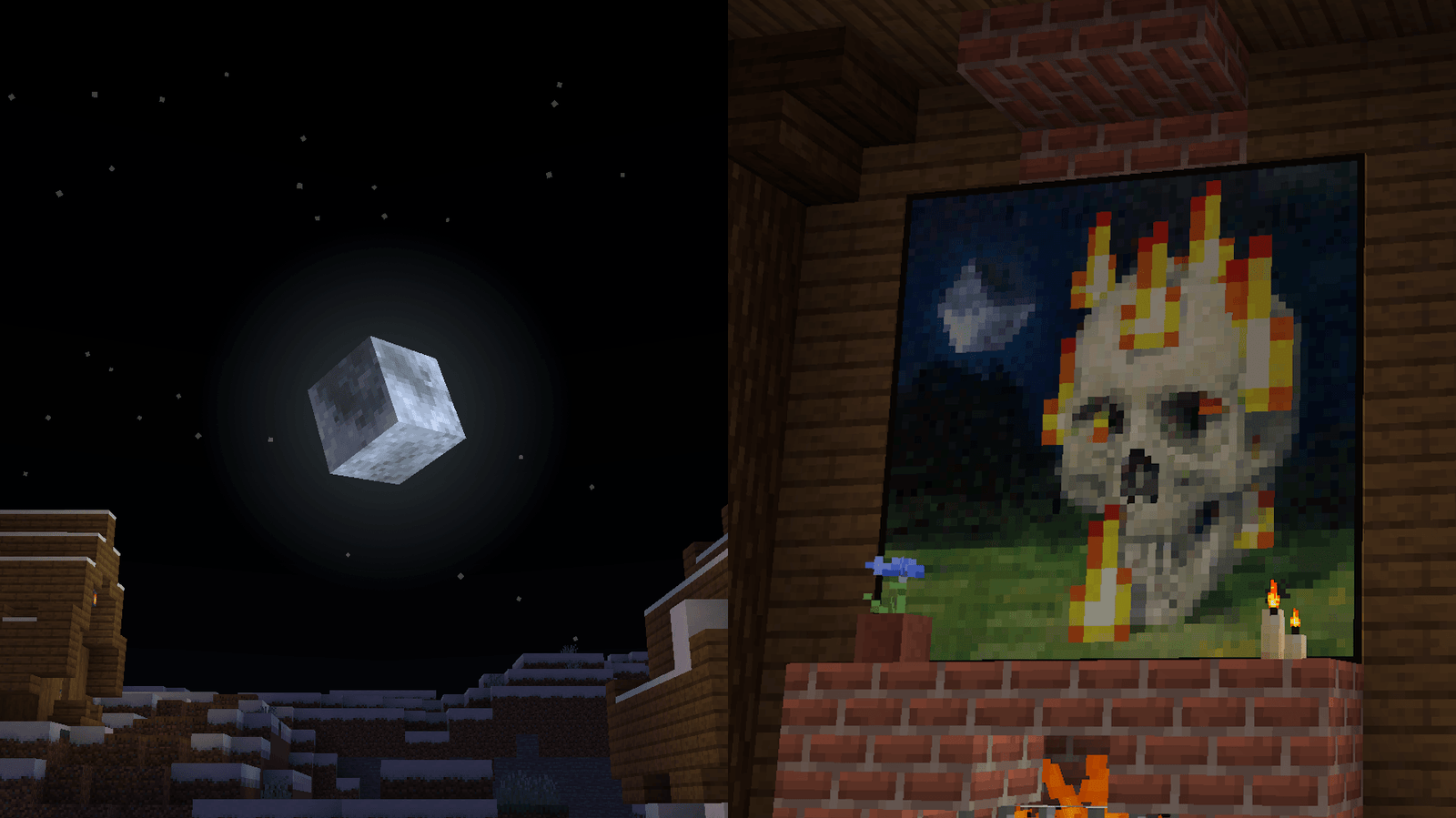
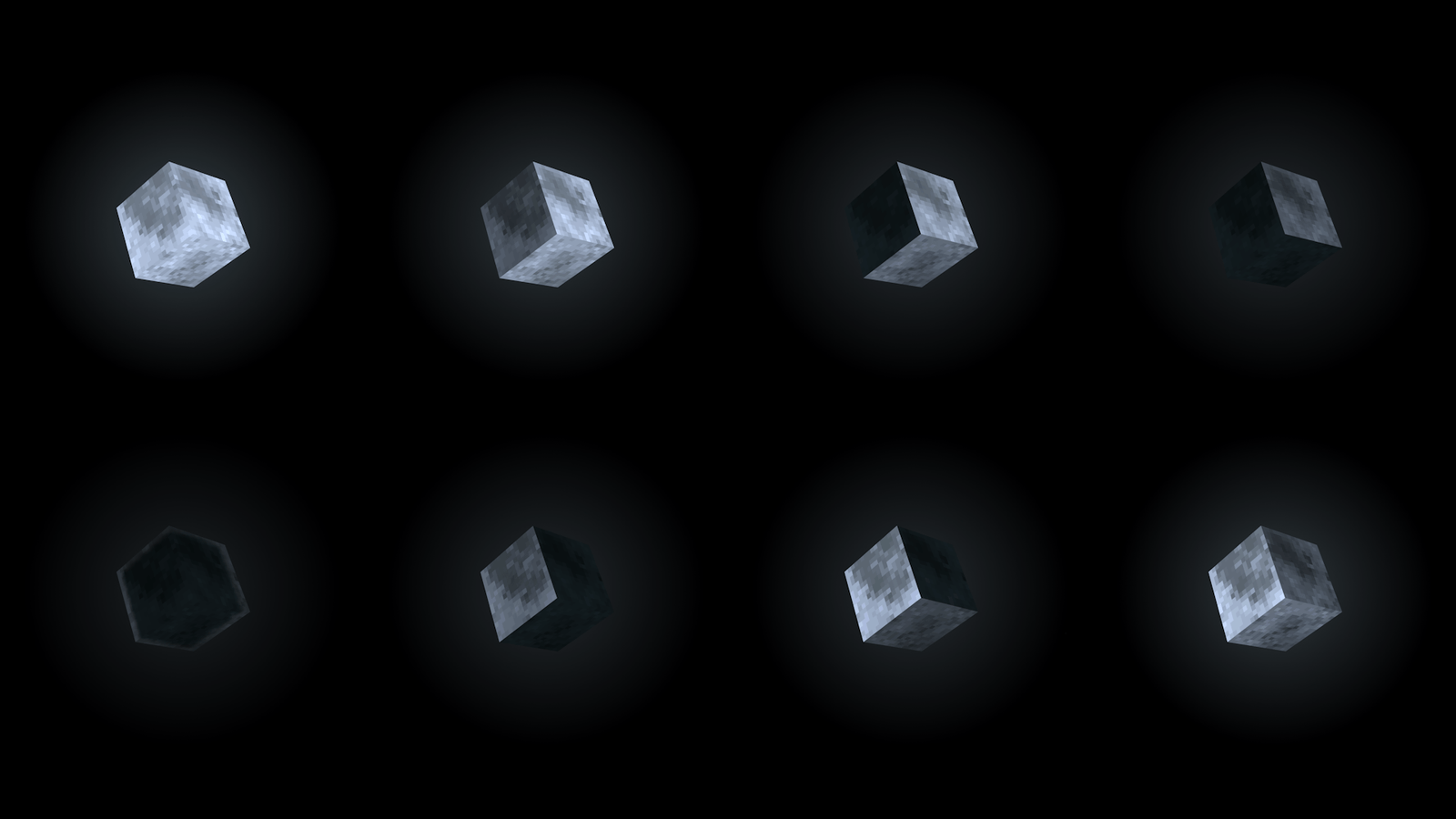
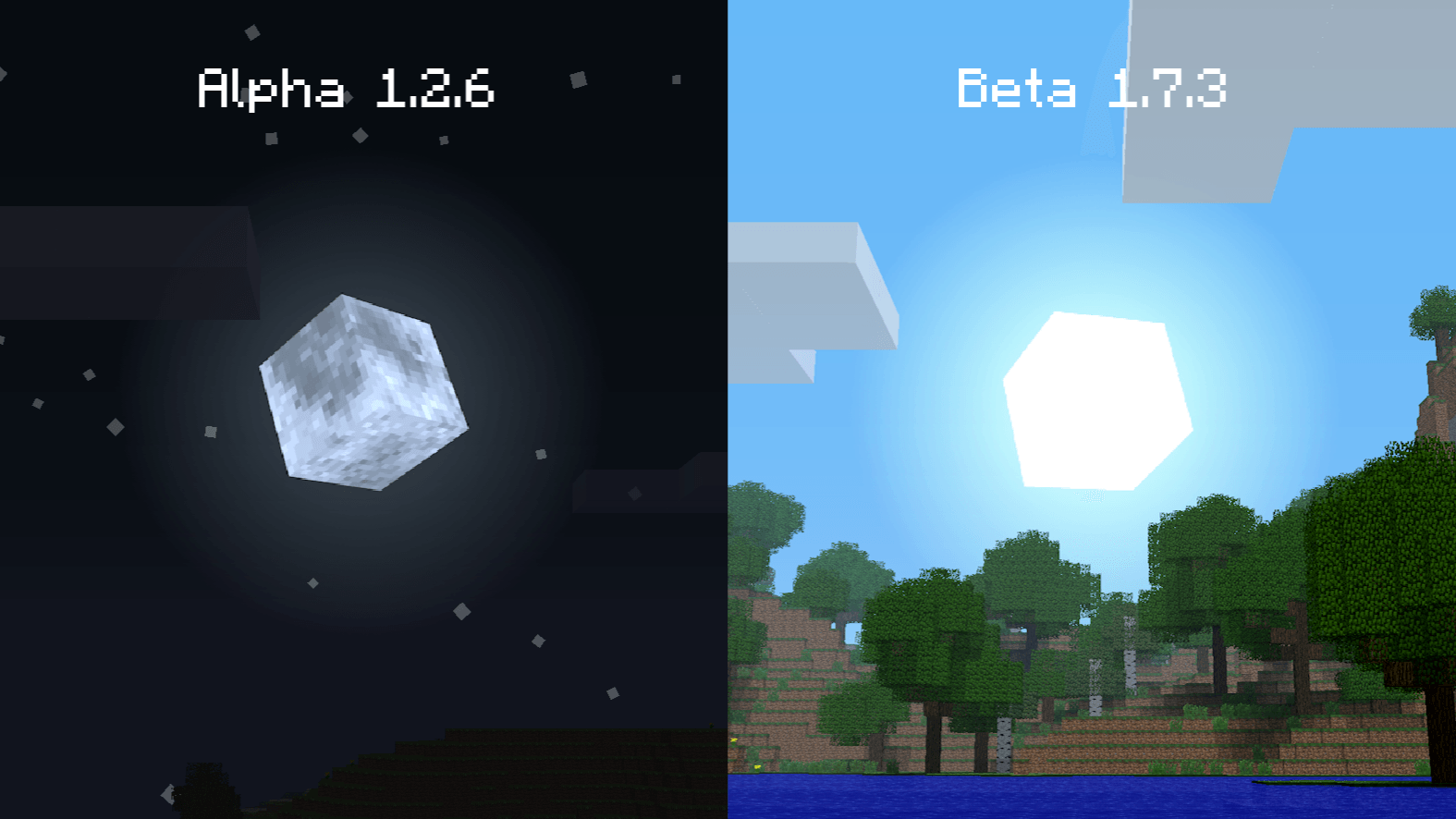
The pack goes beyond just making the shapes bigger; it includes all eight moon phases rendered in 3D. The creator even tweaked a painting texture to match the theme. One of the best things here is how far back the compatibility goes. You can load this on modern versions like 1.21 or take it all the way back to the old Alpha and Beta days. It even works with April Fools updates, which is a nice touch for those who like playing through the weirder history of the game.
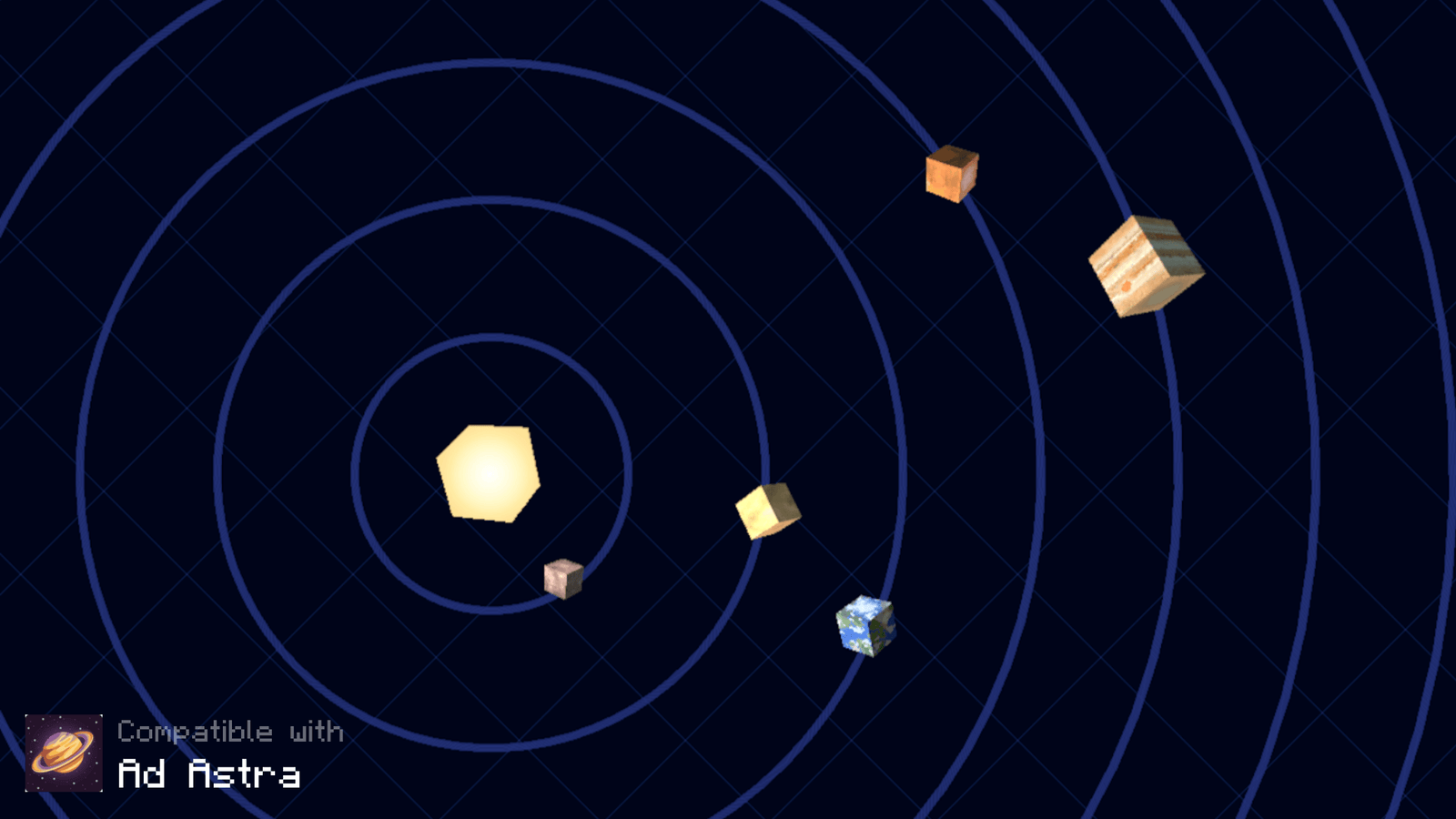
If you use mods, staying with the vanilla sky can be boring. This pack actually has built-in support for space-themed mods like Galacticraft, Ad Astra, and Stellar View. It also behaves well with shaders like BSL or Complementary, provided those shaders allow for custom sun and moon textures in their settings. If you want to find more ways to tweak your world, you can browse more packs to see what else fits your style. It’s a solid, lightweight addition that makes look up at the night sky a lot more satisfying.