Texture Pack // by godkyo98
Icon Xaero's
Detailed Mob Head Icons for Xaero's Map Mods
- Latest
- Minecraft 1.21.11
- Updated
- Jul 12, 2026
- Resolution
- —
- Style
- Mod Support
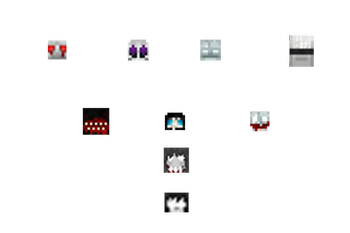
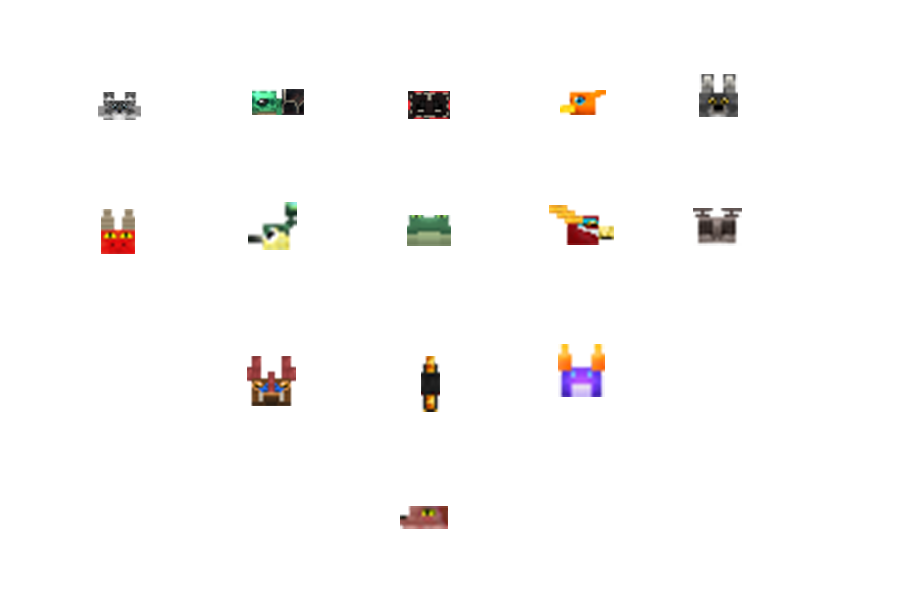
If you have ever used Xaero's Minimap while running a heavy modpack, you know how annoying it is when every cool creature just shows up as a generic dot or a blurry mess on your screen. The Icon Xaero's pack fixes exactly that by adding specific, high-quality head icons for a massive range of entities. It basically bridges the gap between the map interface and the actual monsters and animals you encounter in your world.
Most decent Minecraft texture packs focus on the blocks in front of you, but this one is all about the utility of your interface. It covers an insane amount of ground, including heavy hitters like Alex's Mobs, Cobblemon, and the various Let's Do series. Instead of guessing if that dot is a hostile boss or a friendly stray cat, you get a clear visual indicator right on your radar. The style keeps things consistent so the map doesn't look cluttered or mismatched even when you have multiple different mob mods installed at once.
Technical compatibility is pretty straightforward here. While the pack is built to function on modern versions like 1.21.1, it actually works all the way back to 1.16.5. You just need to have the actual Xaero's Minimap or World Map mod installed for the icons to have a place to show up. It also plays nice with Fresh Animations if you are using the specific compatibility versions, ensuring that your game looks fluid while remaining easy to navigate. If you notice a specific mod is missing its heads, the creator is usually open to suggestions for future updates.
Since this project is focused on icons rather than changing the whole world, you can easily layer it on top of your existing setup. It is a small change that makes a big difference when you are exploring dangerous dimensions or deep caves. You can browse more packs if you want to find something that changes your block textures to match this clean UI look.