Texture Pack // by CesarZorak
Mandala's GUI - Dark mode
A clean blue-gray dark interface for Minecraft players
- Latest
- Minecraft 1.21.11
- Updated
- Jul 12, 2026
- Resolution
- —
- Style
- Vanilla+
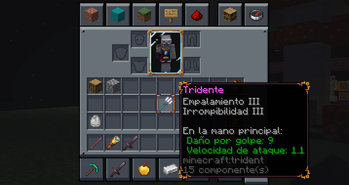
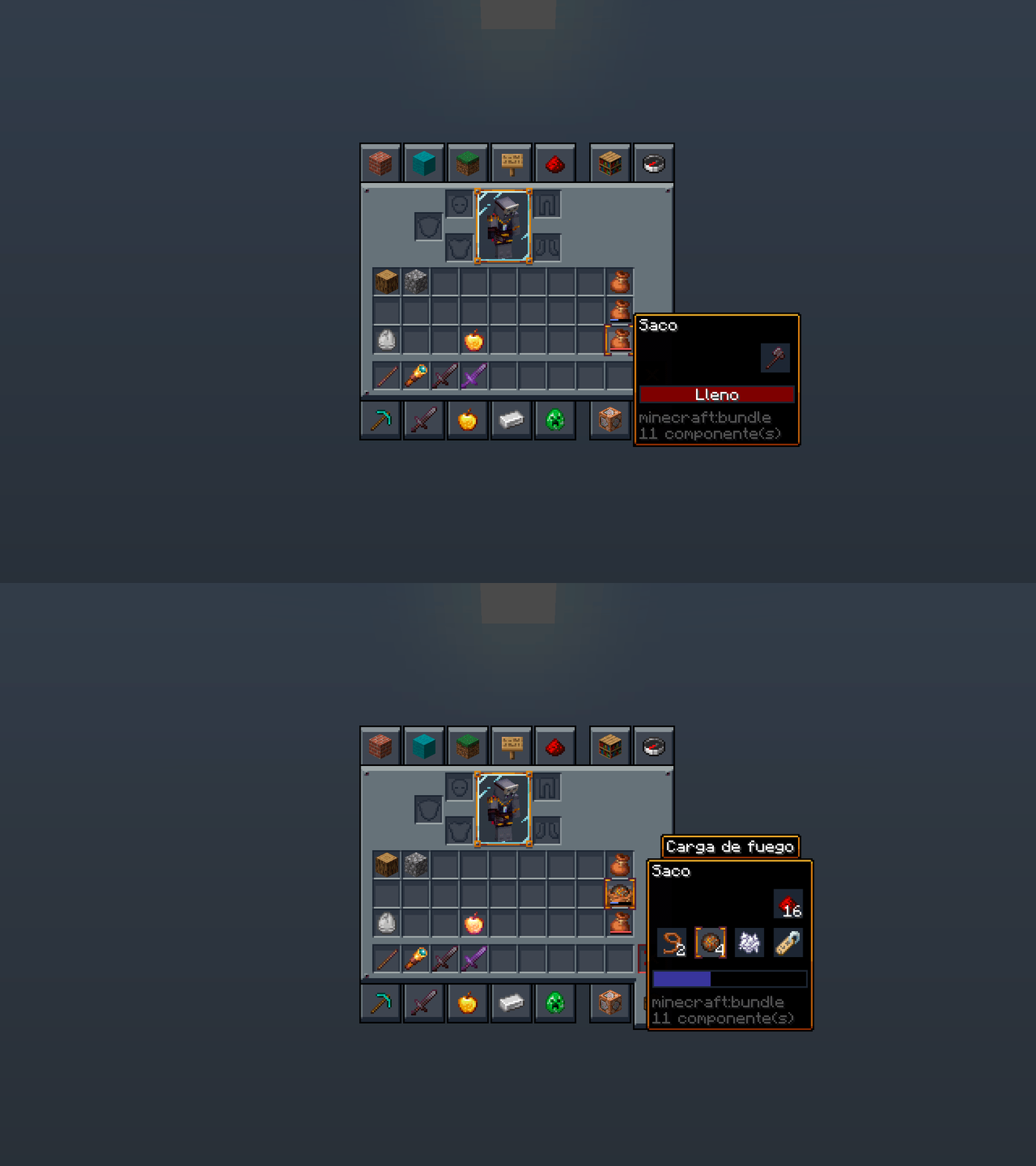
If you find yourself squinting at the screen every time you open your inventory, Mandala's GUI - Dark mode might be exactly what you need. This pack focuses entirely on the user interface, swapping out those bright, classic gray menus for a much cleaner and darker look. It does not touch your blocks, mobs, or items, so it is a great choice if you just want to rest your eyes while keeping your favorite Minecraft resource packs active for the world itself.
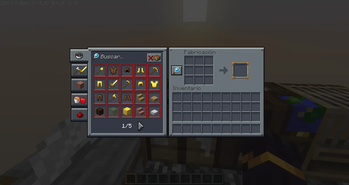
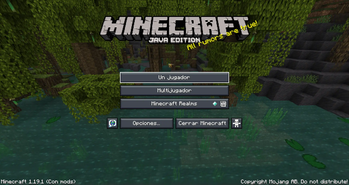
The visual style here is very specific. It uses a blue-gray color palette that feels modern and flat, avoiding the chunky or noisy textures found in some other themes. Everything from the crafting table to the furnace and the main menu gets this treatment. It is consistent across the board, which makes the whole game feel a bit more cohesive if you are a fan of dark mode on your phone or computer. Since it follows the Mandala Creations design aesthetic, the lines are sharp and the icons pop well against the darker background.
One of the best things about this pack is how well it works with other things. Because it exclusively edits UI files, you can layer it on top of other textures without issues. It also has a lot of built-in support for popular mods, so your modded machines and extra inventory tabs won't look like a mess of mismatched styles. It supports a huge range of game versions, so you can probably use it on your favorite old server just as easily as the newest update.
If you want to move away from the basic look of the inventory systems, browse more packs to see how this fits with other styles. Mandala's GUI - Dark mode is a solid pick for anyone who spends a lot of time crafting and wants a more sophisticated look for their menus.