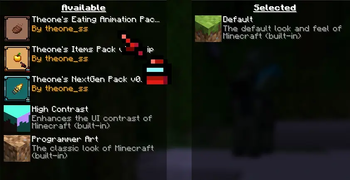
Texture Pack // by theoness1
Theone's Eating Animation Pack
Animated food and drinks for Minecraft without using mods
- Latest
- Minecraft 1.21.11
- Updated
- Jul 12, 2026
- Resolution
- 16x
- Style
- Tweaks
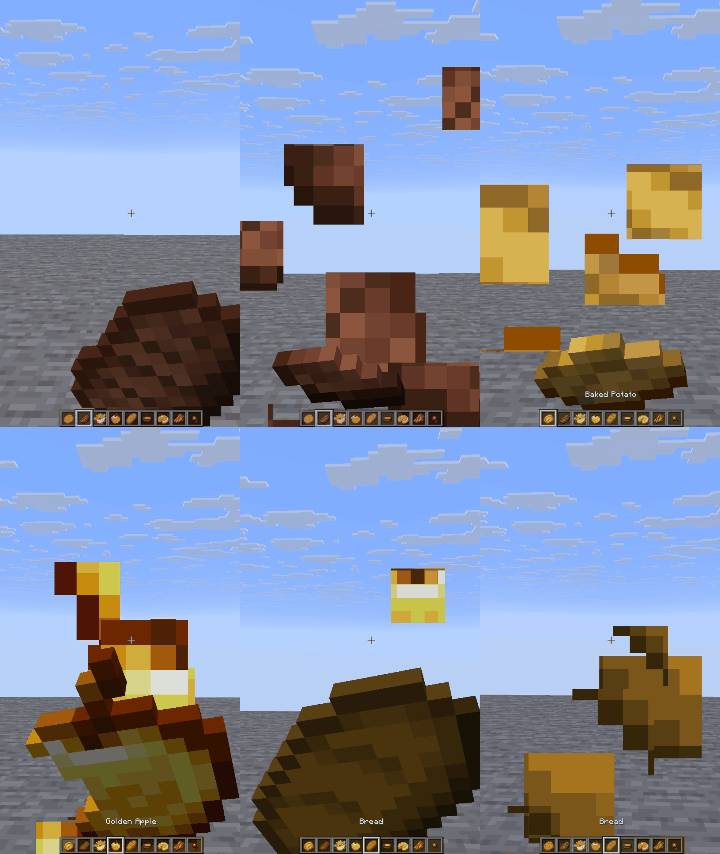
It always felt a bit weird that eating in Minecraft just looks like you're shaking a piece of steak near your face. Theone's Eating Animation Pack fixes that by adding actual frame-by-frame movement to the item sprites while you use them. It basically ports the logic from popular animation mods into a standard resource pack format. If you want your vanilla style texture packs to feel a bit more alive, this is a solid way to do it without messing with your game performance.
The pack focuses on the items themselves rather than the player model. When you start eating a golden apple or drinking a potion, the sprite changes over time to show bites being taken or the liquid level dropping. Since it is 16x resolution, it fits right in with the default game look. It covers pretty much everything you can put in your mouth, including stews, meats, and even the glass bottles for honey or potions. It is a small detail, but you really notice it once the food actually disappears as you eat it.
For those running modern versions like 1.21.x, this works natively as a vanilla resource pack. You do not need to install any heavy external loaders to get these visual tweaks running. It is a good choice for people playing on servers where mods might be restricted but you still want that extra level of polish. You can find more resource packs to pair with this if you want to keep refining your inventory visuals.
It is simple to use and does exactly what it says on the tin. If you are tired of the static items, giving Theone's Eating Animation Pack a try is a no-brainer for a slightly more reactive visual style.