Texture Pack // by un_roman
Visual Traveler's Titles
Change how you enter new worlds with custom dimension logos
- Latest
- Minecraft 1.21.11
- Updated
- Jul 12, 2026
- Resolution
- —
- Style
- Themed
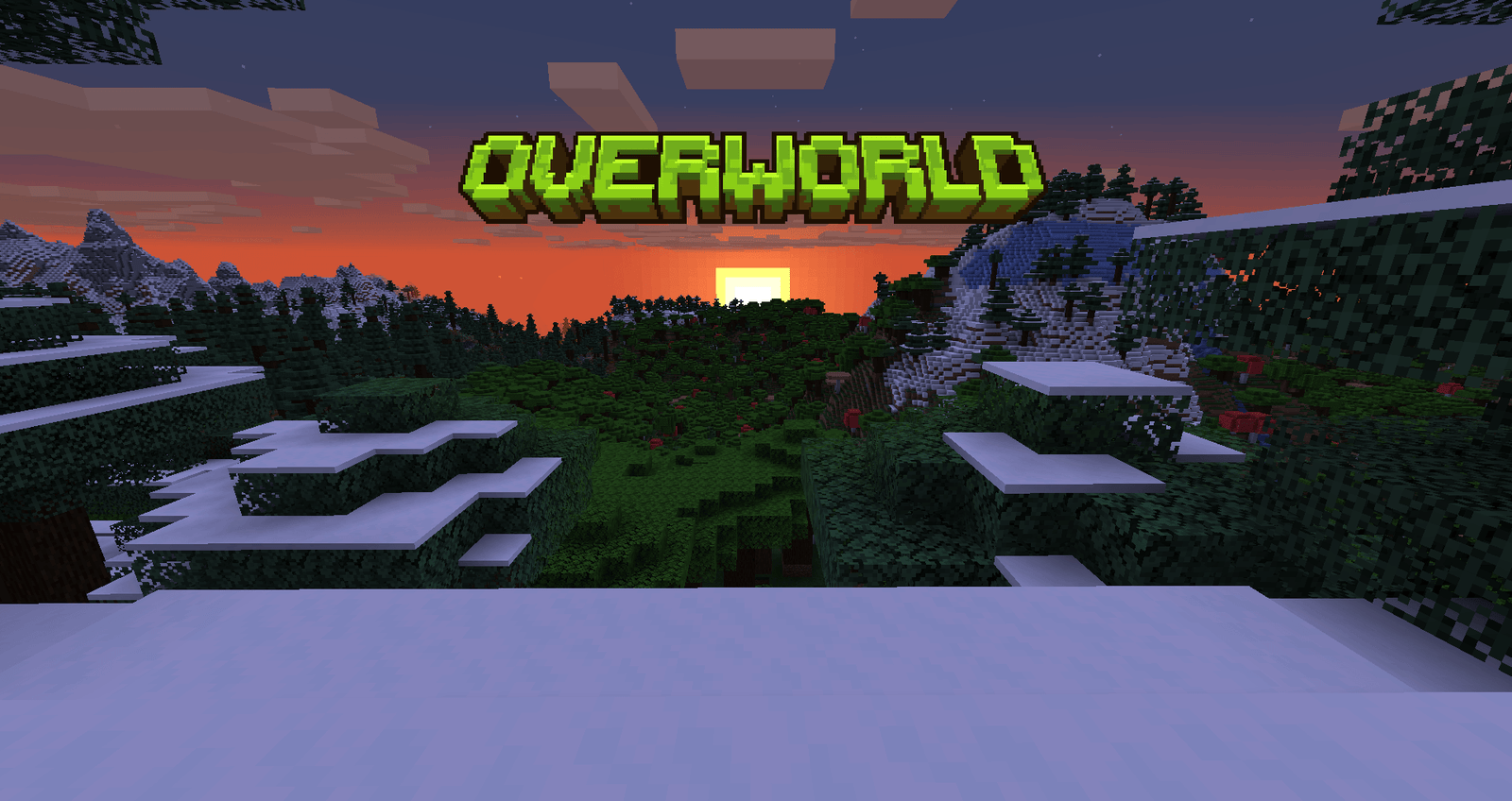
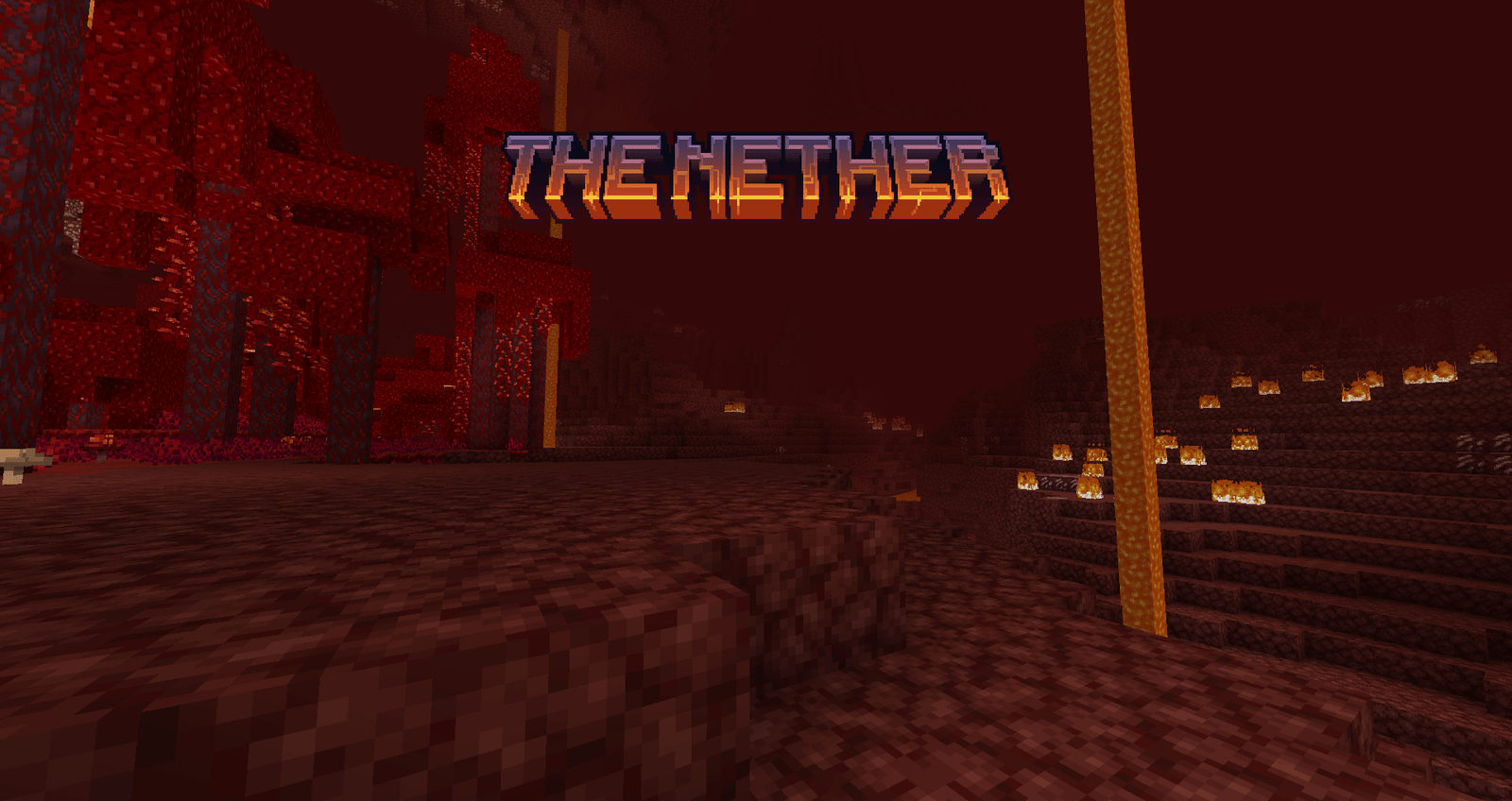
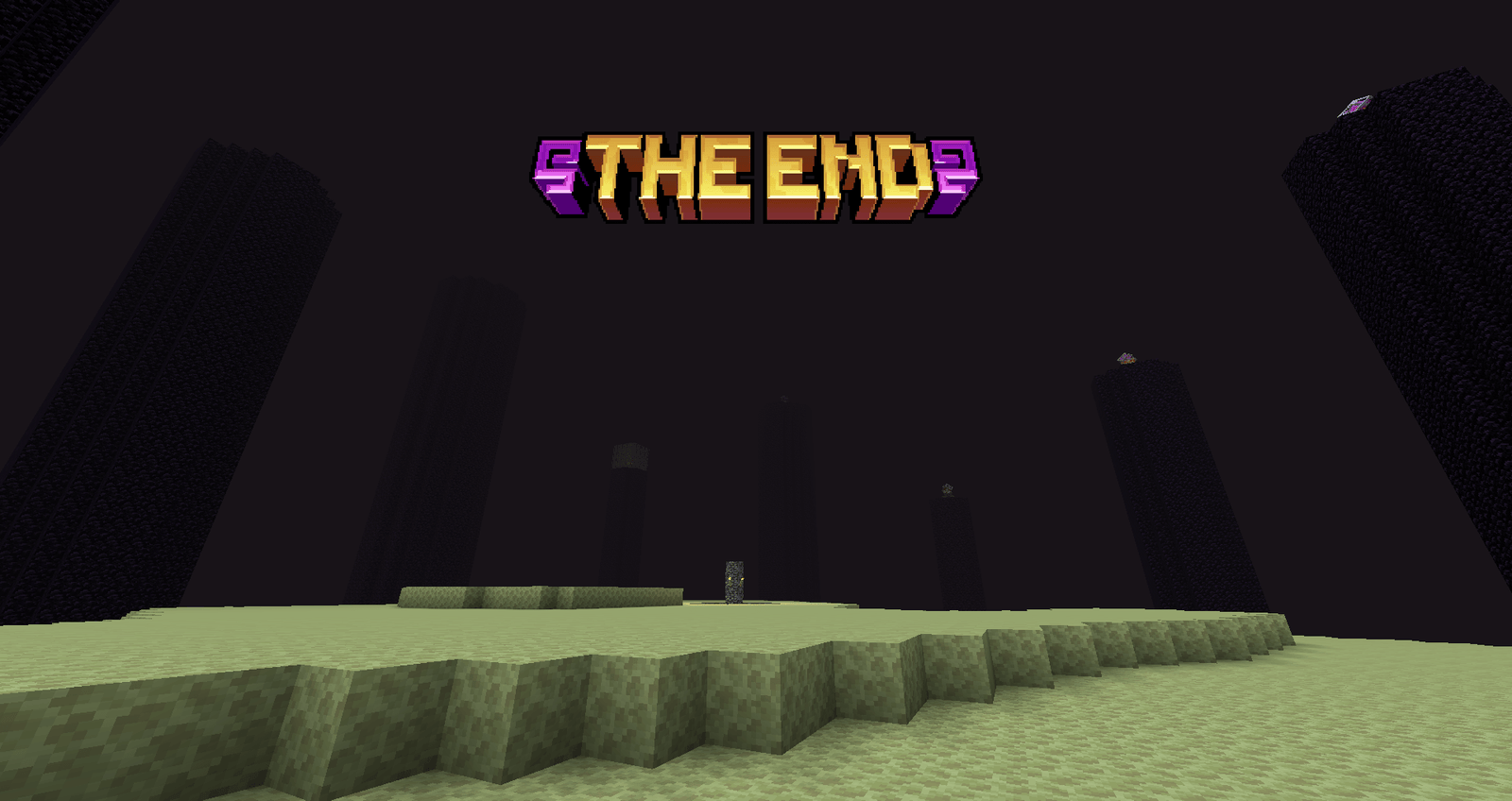
When you hop through a portal in Minecraft, the game usually just tells you where you are with a basic string of text. Visual Traveler's Titles changes that small detail into something much more artistic. Instead of plain letters, you get a custom, handmade logo that pops up on your screen to introduce the dimension. It makes the transition feel a bit more like a scripted event in an adventure game rather than just a server message.
The pack focuses on giving each major location its own visual identity. The creator went through the trouble of designing unique graphics for the usual trio: the Overworld, the Nether, and the End. If you like using Minecraft texture packs that focus on interface and HUD improvements, this one fits right into that category without changing how the actual blocks look. It keeps the core gameplay untouched while polishing the navigation experience.
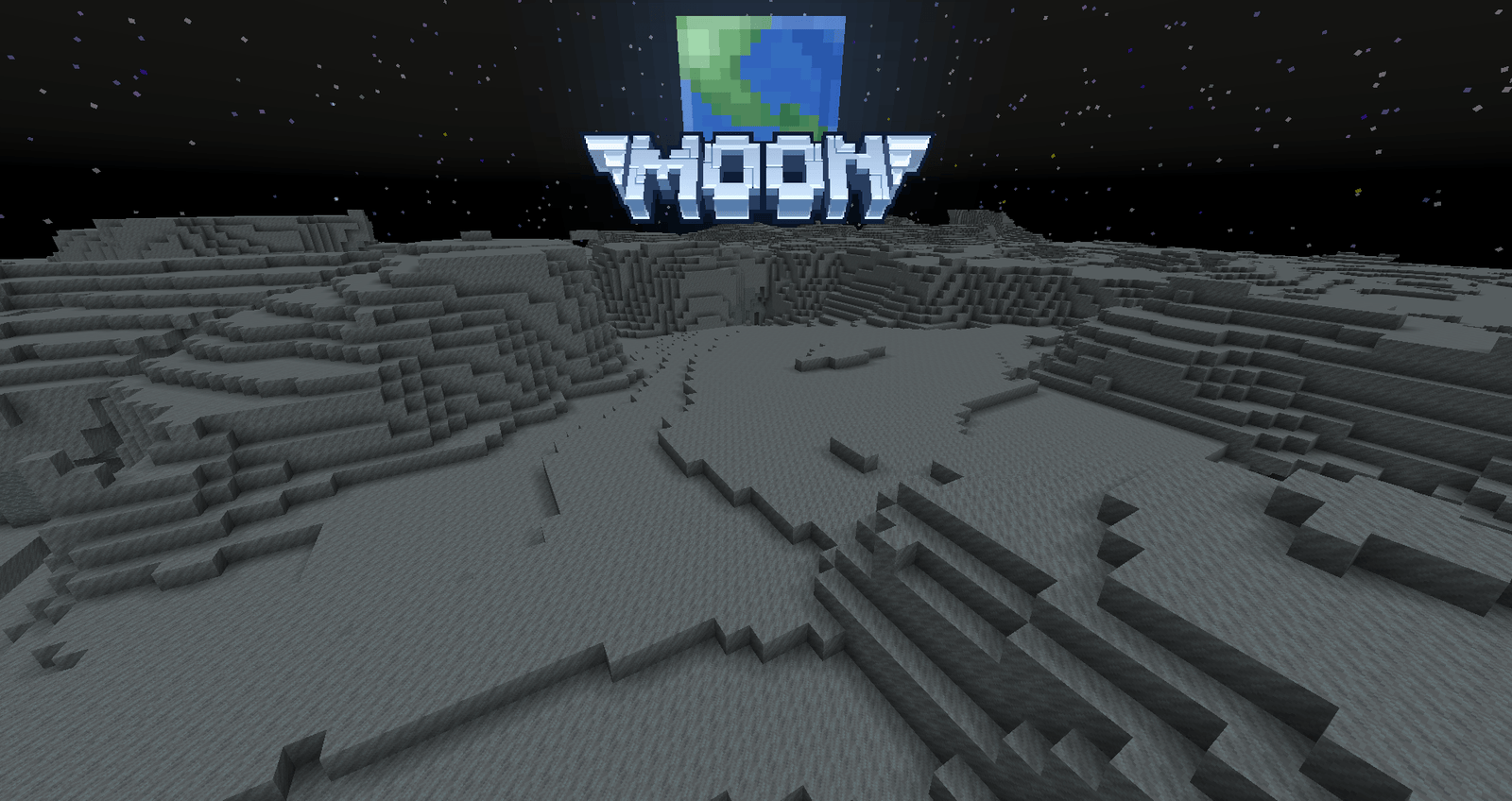
One of the best things about this resource pack is how many mods it already supports. It doesn't just stop at the vanilla dimensions. If you are into space mods like Galacticraft, Ad Astra, or Beyond Earth, the pack includes custom titles for planets like Mars, Venus, and the Moon. It even covers popular choice dimensions like The Aether, Twilight Forest, and Tropicraft. This makes it a great pick for large modpacks where you are constantly jumping between different worlds and want a consistent look across all of them.
Language support is also pretty extensive here. There are translations included for dozens of languages, including French, German, Japanese, and Ukrainian, so the titles should work correctly for players all over the world. There are even settings you can mess with if you want to remove text shadows for a cleaner look or toggle off certain biome titles depending on how much screen clutter you like. You can browse more packs if you want to find other UI tweaks to pair with these dimension labels.
Setting it up is easy since it works across many versions of the game, from older versions like 1.16 all the way up to the newest releases. Just make sure you check your load order if you are combining different versions of the pack to get the look you want. It’s a simple mod that does exactly what it says on the tin, adding a nice bit of flavor to your interdimensional travels.