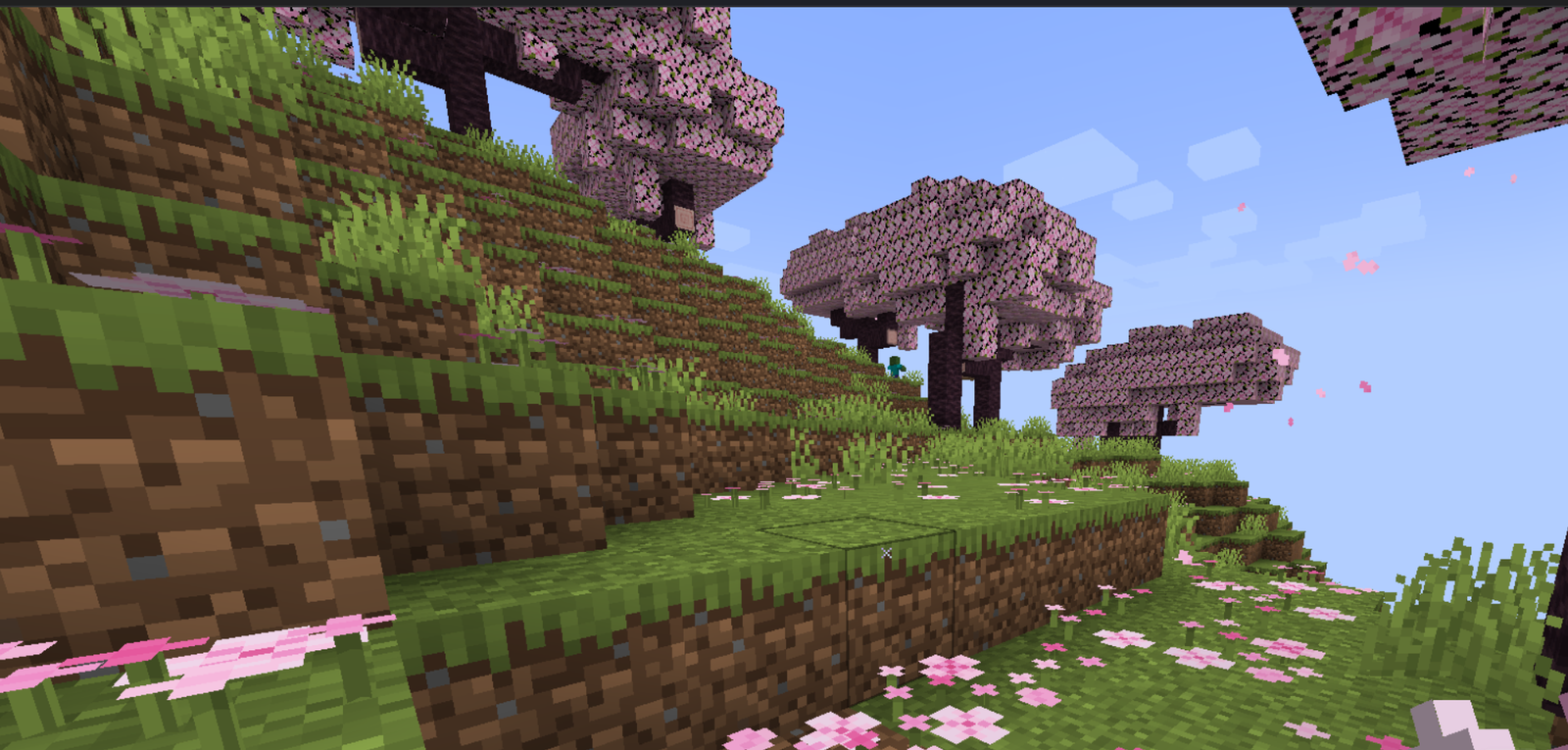
Texture Pack // by bananegod
X Crosshair
Change your aiming experience with a clean X-shaped pointer
- Latest
- Minecraft 26.3 / 26.2
- Updated
- Sep 13, 2026
- Resolution
- —
- Style
- PvP
If you have been playing for a while, you probably know how the default Minecraft crosshair can sometimes feel a bit bulky or just plain boring. The X Crosshair pack changes that small but vital part of your screen into something much more focused. Instead of the usual plus sign that everyone is used to, you get a clean X shape that centers your vision without blocking too much of what you are actually trying to look at.
A lot of players prefer this style because it feels more like a modern shooter or a competitive setup. When you are moving fast or trying to land a specific hit in a duel, having a sharp diagonal layout can help you track targets better. It is definitely one of those Minecraft texture packs that does not try to overcomplicate things. It focuses on doing one job well, which is giving you a clear point of reference in the middle of your screen.
The visual style is very straightforward. It keeps the aesthetic of the game intact while making the UI feel a bit more refreshed. Because it is a simple change, it does not clutter your folders or slow down your frame rate. It looks great whether you are just mining underground or jumping into a heavy PVP match on a server. The pack is compatible with a massive range of game versions, from old classics like 1.8.9 all the way up to the newest releases like 1.20.4, so you probably won't have any issues getting it to run on your favorite version.
You can find the files over at the X Crosshair download page if you want to give it a try. It is a solid choice if you want to move away from the basic vanilla UI. If you find yourself wanting to try out different looks for your game, you can always browse our texture pack collection to see what else might fit your playstyle.