Texture Pack // by xalixilax
xali's Enhanced Vanilla
Refreshing the basics with xali's Enhanced Vanilla
- Latest
- Minecraft 26.3 / 26.2
- Updated
- Sep 13, 2026
- Resolution
- 16x
- Style
- Vanilla+
A lot of us actually like the default look of the game, which is exactly where xali's Enhanced Vanilla finds its niche. It is basically for players who usually skip out on heavy visual overhauls because they want to keep that blocky charm intact. Instead of replacing everything with brand new art, this pack focuses on cleaning up the default textures, fixing odd transitions, and adding a bit of variety to the world. It stays strictly within the 16x resolution, so it feels like a natural extension of the base game rather than a total transformation.
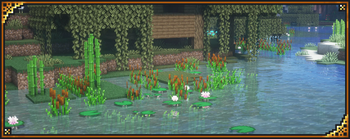
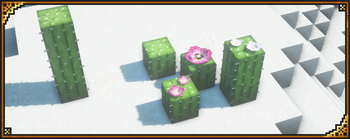
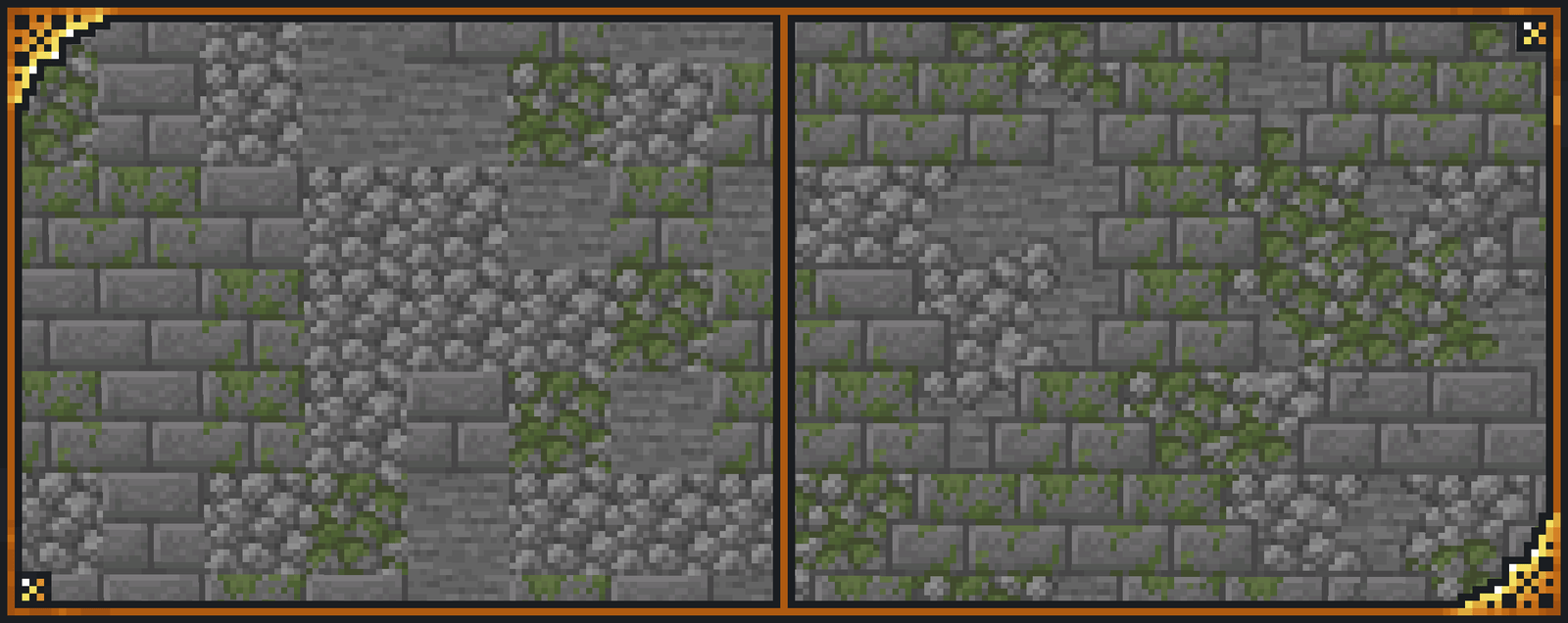
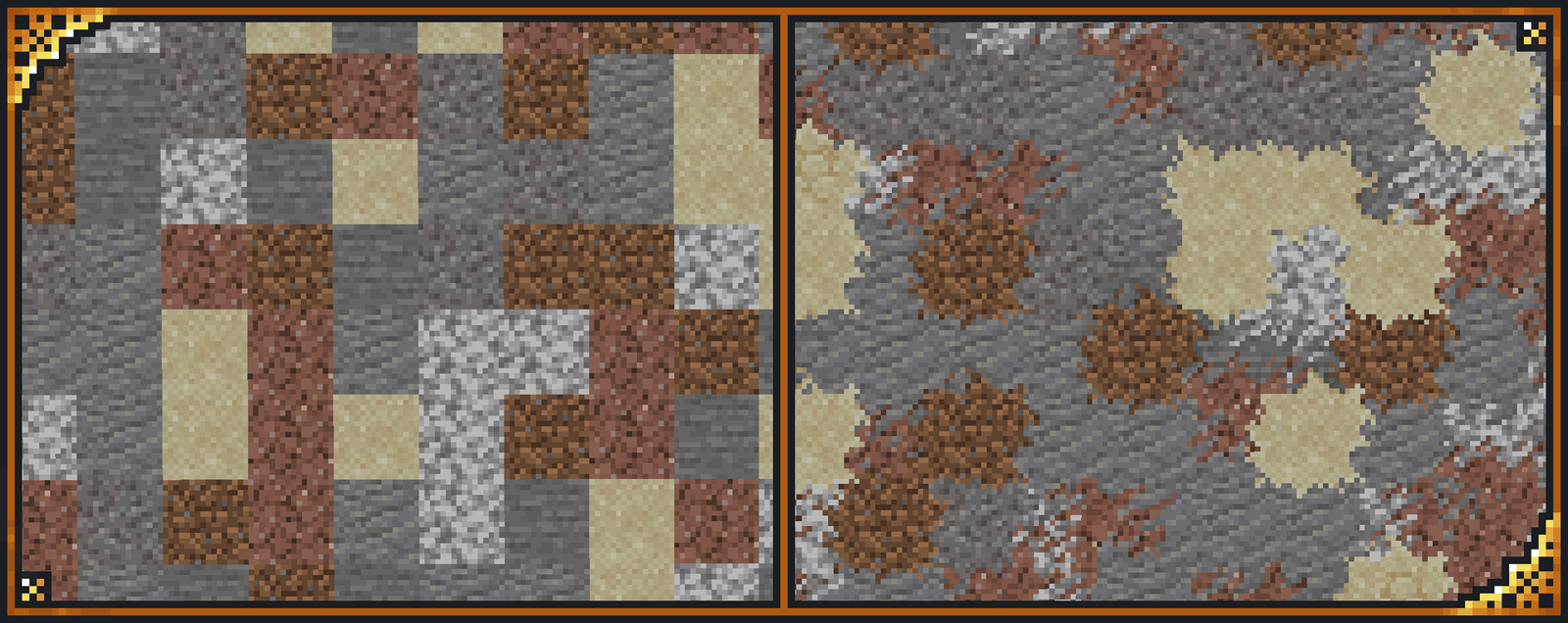
One of the coolest parts is how it handles variation. You will notice that many blocks no longer look like carbon copies of each other when placed side by side. It uses alternate textures and better models to break up those repetitive patterns that often make builds look static. It feels like a subtle Minecraft texture pack update that Mojang might have released themselves if they had more time to focus on the fine details of environment blending.
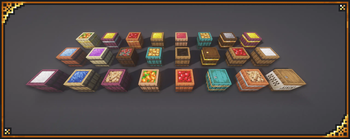
A standout feature is the custom barrel system. If you use an anvil to rename your barrels, you can actually change their appearance. The system is pretty flexible, allowing you to stack different looks and layers just by typing in specific names. It adds a nice layer of customization for decorators who want more specific storage types in their workshops or kitchens without needing a dozen different mods.
To get the most out of these visuals, you really need Optifine or the equivalent Fabric mods like Continuity and CIT Resewn. These are necessary for the connected textures and custom item features to show up properly in your world. The pack is also designed to be modular. Since most of the author's work is separated, you can easily layer this with other specific addons to tweak only the parts of the game you want to change.
It covers basically every version from 1.13 all the way up to 1.21, so it is quite reliable for any world you are currently playing on. If you enjoy this refined aesthetic and want to see what else is out there, you can browse more packs to find similar styles that keep the game looking clean but interesting.