Texture Pack // by Filmjolk
Xray Ultimate
Mining with Xray Ultimate
- Latest
- Minecraft 26.3 / 26.2
- Updated
- Sep 13, 2026
- Resolution
- —
- Style
- Themed
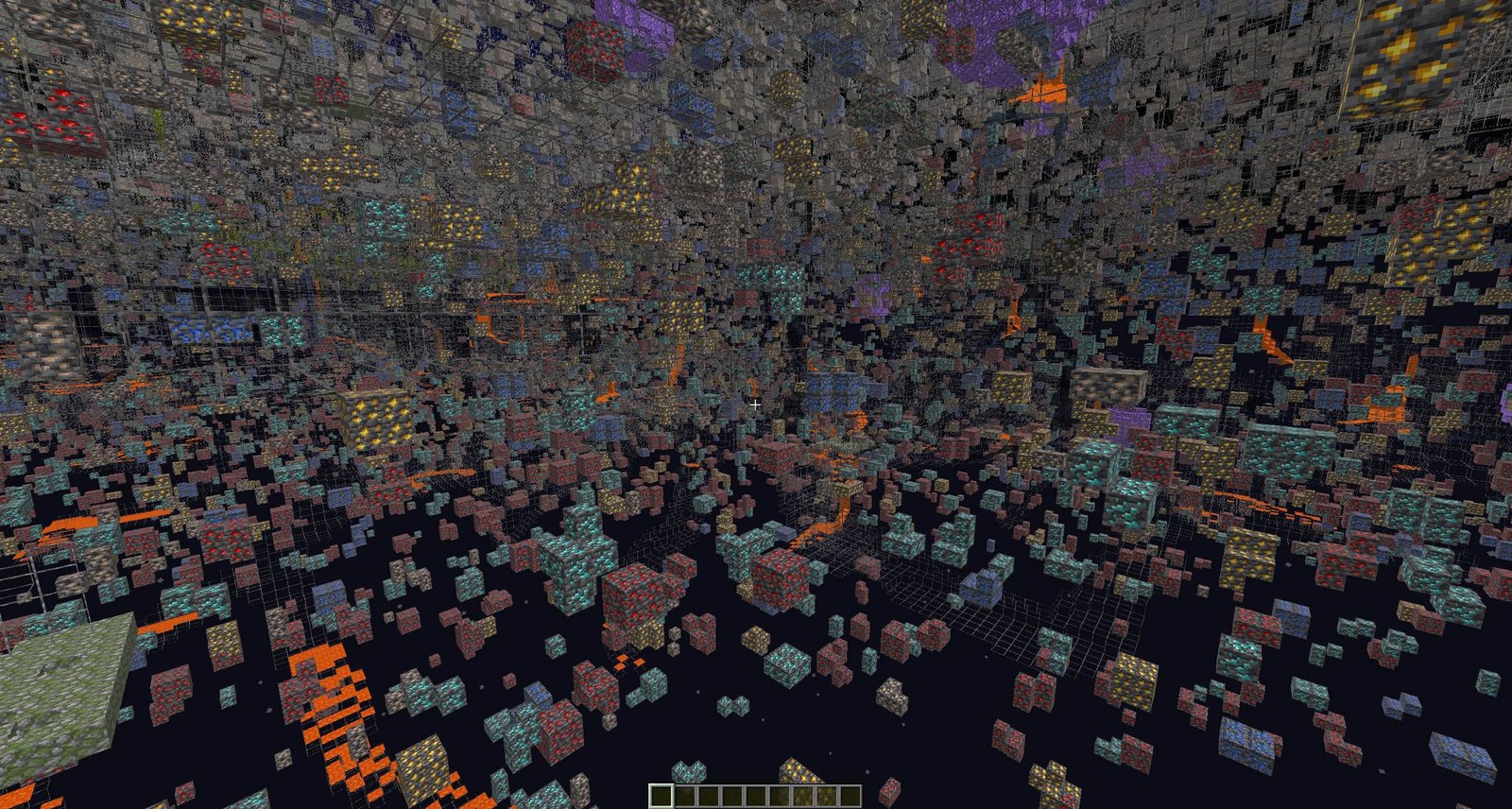
If you have ever spent hours just digging in a straight line hoping to hit a vein of diamonds, you know how tiring mining can get sometimes. The Xray Ultimate pack is basically designed to solve that problem by making regular blocks like stone, dirt, and gravel transparent. It leaves the important stuff visible so you can see exactly where the ores are sitting in the walls or under the floor. It is a very direct way to speed up your progression if you are playing on a solo world or a private server where you just want to get to the end-game gear faster.
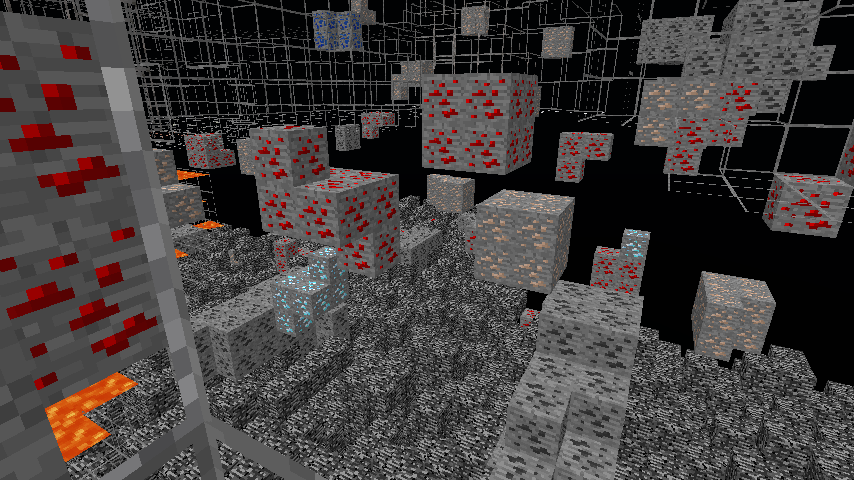
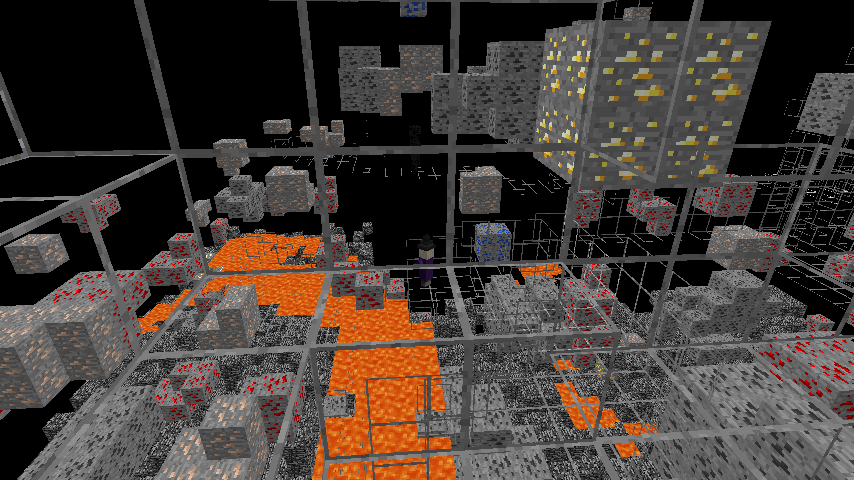
The visual style of this pack is pretty straightforward. Instead of completely deleting textures, it makes the filler blocks invisible while keeping the edges of the ores bright and clear. One helpful detail is how it handles monster eggs. Silverfish blocks are marked with a red square, which is a nice touch to keep you from accidentally breaking one and starting a swarm while you are focused on grabbing gold or iron. Many people like using these kinds of Minecraft texture packs because they don't require installing complex mods or extra software just to see through walls.
One of the biggest strengths here is how many mods it works with. Usually, these packs only show vanilla ores, but this one supports a massive list including things like Create, Applied Energistics, Mekanism, and many more. Whether you are playing a heavy tech pack or a magic-focused adventure, the modded minerals will show up just like the standard ones. It works across almost every version of the game too, from the very old updates all the way to the newest releases like 1.21. Just remember that it works best when you turn off smooth lighting so the ores glow a bit more naturally in the dark.
If you want to try out a different look or find tools for other parts of the game, you can always browse more packs to see what else is out there. This specific set of textures is great for what it does, especially since it stays lightweight and does not mess with your frame rate while you are exploring underground.