Texture Pack // by Futureazoo
Blinking Ender Eyes
Giving your Ender Eyes a bit of life and a creepy vibe
- Latest
- Minecraft 26.1
- Updated
- Jul 12, 2026
- Resolution
- 16x
- Style
- Vanilla+
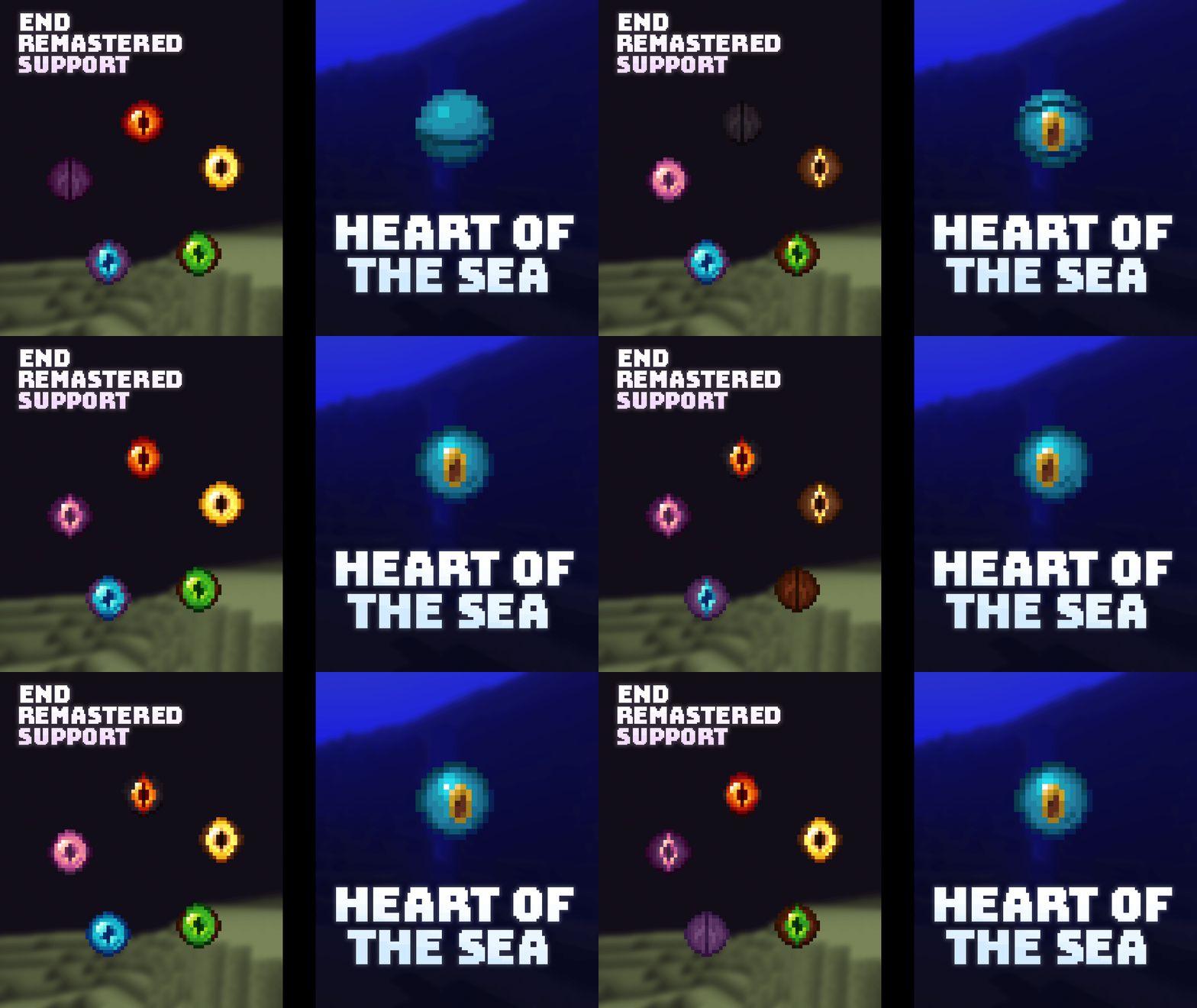
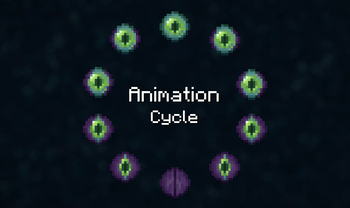
Ever noticed how the Eyes of Ender just stare blankly at nothing? The Blinking Ender Eyes pack fixes that by making those eyes actually feel alive. It is a subtle change, but when you drop into a stronghold and see those portal frames staring back at you with random blinking rhythms, it really changes the atmosphere of the room. It makes the eyes feel like actual organic parts of a creature rather than just static items sitting in your inventory.
The pack is built in a 16x resolution, so it fits perfectly with the default look of the game. If you like using Minecraft texture packs that stay true to the original game while adding small bits of logic or polish, this is a great choice. Besides the Ender items, it also adds a similar blinking animation to the Heart of the Sea, giving that rare item a bit of a pulse. Everything happens on a randomized loop, so the eyes do not all blink at the exact same time, which would look weird and mechanical.
As far as compatibility goes, it works on a huge range of versions. It goes all the way back to 1.11 and up through the most recent 1.21 updates, so you probably won't have any issues regardless of which version you prefer to play on. It is a small file that does exactly what it says on the tin without slowing down your game.
If you enjoy these kinds of small tweaks, you can browse more packs to find other ways to customize your world. Adding a little movement to the environment makes the End feel a lot more mysterious than it does with the basic textures.