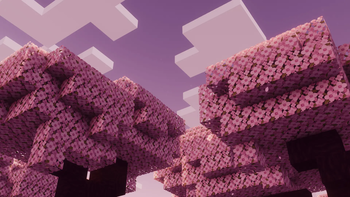
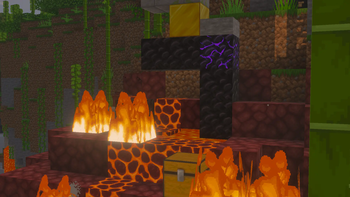
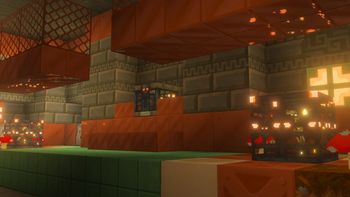

Texture Pack // by HARYA301
Faithful 64x
A high-resolution take on the standard Minecraft look with four times the detail.
- Latest
- Minecraft 26.3 / 26.2
- Updated
- Sep 13, 2026
- Resolution
- 64x
- Style
- Vanilla+
If you have ever felt that the standard textures are just a bit too blurry but you do not want to change how the game feels, Faithful 64x is exactly what you are looking for. It takes the foundation of the original game art and scales everything up significantly. Instead of the blocky low-res look, you get textures that are four times as dense as the standard ones. This makes a huge difference when you are building close up or looking at fine patterns on stones and wood planks.
The main goal here is consistency. A lot of high-res Minecraft texture packs try to make everything look realistic, which often ends up feeling weird in a world made of blocks. This pack avoids that trap by sticking to the color palette and shapes you already know. The grass still looks like grass, and the ores still look like ores, they just have much finer lines and smoother gradients. It is basically like putting on glasses for the first time while playing.
Since this is a community-driven project, the quality remains high across the board. The artists follow specific guidelines to make sure no block feels out of place compared to the others. Because it builds on the work done for the 32x version, the design language is very stable. You will notice the extra detail in the bark of trees, the shimmer on diamond armor, and even the tiny debris in dirt blocks. It works great for modern versions of the game, including the latest 1.21 updates, and generally runs fine as long as your computer can handle a bump in resolution.
Before you commit to a survival world with this, you can always browse more packs to see how this resolution compares to others. But for many players, this specific density is the sweet spot where things look sharp without becoming unrecognizable. It keeps the vanilla charm perfectly intact while giving your builds a much cleaner finish.