Texture Pack // by Tylerrrr
FurSky Reborn
Bringing Custom Textures to Your Skyblock Journey
- Latest
- Minecraft 26.1
- Updated
- Jul 12, 2026
- Resolution
- 16x
- Style
- Themed
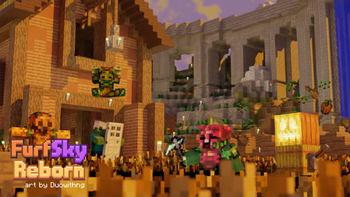
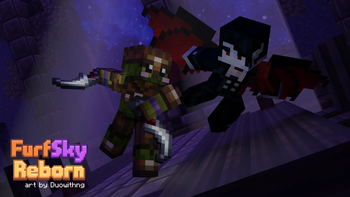
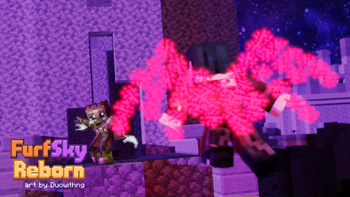
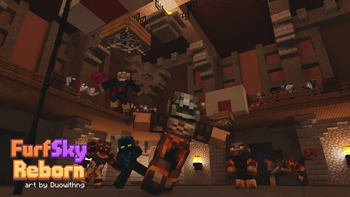
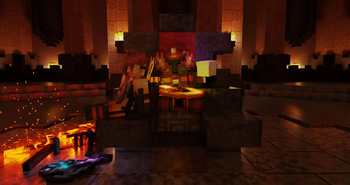
If you spend a lot of time on Hypixel Skyblock, you know how annoying it is when every custom sword or rare drop looks like a basic diamond tool. FurSky Reborn fixes that by giving almost every unique item in the game its own look. It is probably the most used texture pack collection for Skyblock players because it covers so much ground without making the game feel messy.
The visual style stays true to a 16x resolution, which is great because it does not tank your frame rate during busy dragon fights or while farming. The art team behind this project has put a lot of work into making sure you can actually tell what you are holding. Rare armor sets and weapons finally look as powerful as their stats suggest. Instead of just relying on the old 1.8.9 version, the creators have pushed this to work on 1.21.11, so you get modern performance with those classic custom textures.
One important thing to keep in mind is that this pack is no longer built for Optifine. You actually need to install the Catharsis mod for any of the textures to show up correctly. The cool part about this requirement is that it lets you customize the pack through a menu. If there is a specific item texture you do not like, you can just toggle it off instead of having to manually delete files from the zip folder.
It is nice to see a community project like this stay updated after all these years. If you want to check out some other options to pair with your setup, you can browse more packs to find something that fits your specific needs. Just remember to grab that dependency mod before you load into the hub, or everything will look like vanilla gear again. For any weird bugs or feedback on specific item designs, the team is pretty active on their Discord server.