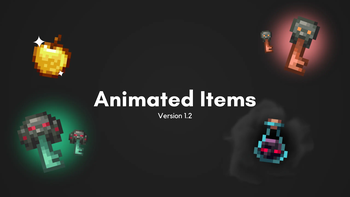
Texture Pack // by palettemc
Animated Items
Bring your inventory to life with Animated Items
- Latest
- Minecraft 26.3 / 26.2
- Updated
- Sep 13, 2026
- Resolution
- —
- Style
- Vanilla+
If you have ever felt like the items in your hotbar look a bit too static, then Animated Items might be exactly what you need. It does not try to reinvent the game or change the pixel art style we are all used to. Instead, it just adds a bit of life to the tools, ores, and consumables you carry around every day. It feels like a natural part of the game that should have been there from the start.
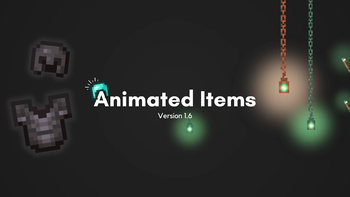
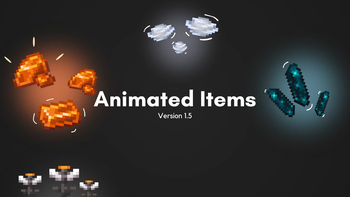
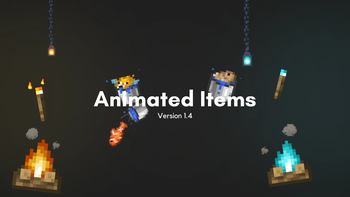
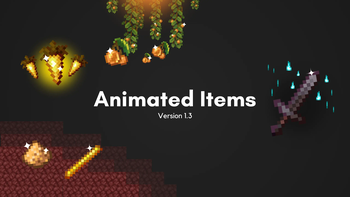
The pack covers a wide range of objects. You will see things like the Totem of Undying blinking, or metals like gold and iron ingots catching the light with a subtle shine. Potions and glowing items like Glow Berries or Glowstone Dust actually look like they are pulsing with energy now. Even your armor sets and swords get some love, giving them a much more premium feel when you are looking through your chests. Most of these Minecraft resource packs focus on changing blocks, but this one prioritizes the stuff you actually hold in your hand.
One of the best things about this pack is that it stays very close to the vanilla look. It is compatible with modern versions of the game from 1.18 all the way up to the latest releases. You do not actually need OptiFine to see the animations, which is great for people running literal vanilla clients or Fabric setups. However, if you do use something like Continuity or OptiFine, you can get extra emissive effects that make certain items glow in the dark.
It also has some cool built-in support for extra mods. If you use Tool Trims or certain combat expansions, the pack can animate those custom weapon textures too. Just make sure the load order is correct in your settings menu. If you want to find more ways to tweak your game visuals, you can always browse more packs to see what else fits your style. It is a simple addition, but once you get used to seeing your diamonds sparkle, the regular flat textures feel kind of boring.