Texture Pack // by Jacosvaldo
Connected Paths
Natural ground transitions for your vanilla and modded Minecraft paths.
- Latest
- Minecraft 26.1.2
- Updated
- Jul 12, 2026
- Resolution
- 16x
- Style
- Vanilla+
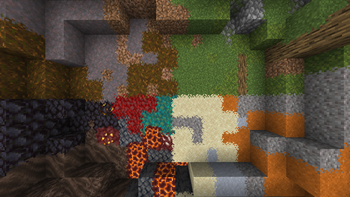
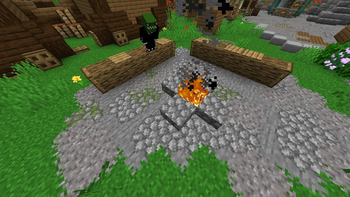
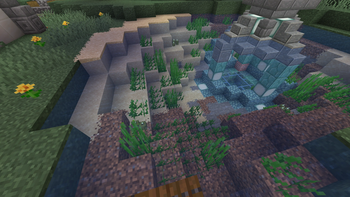
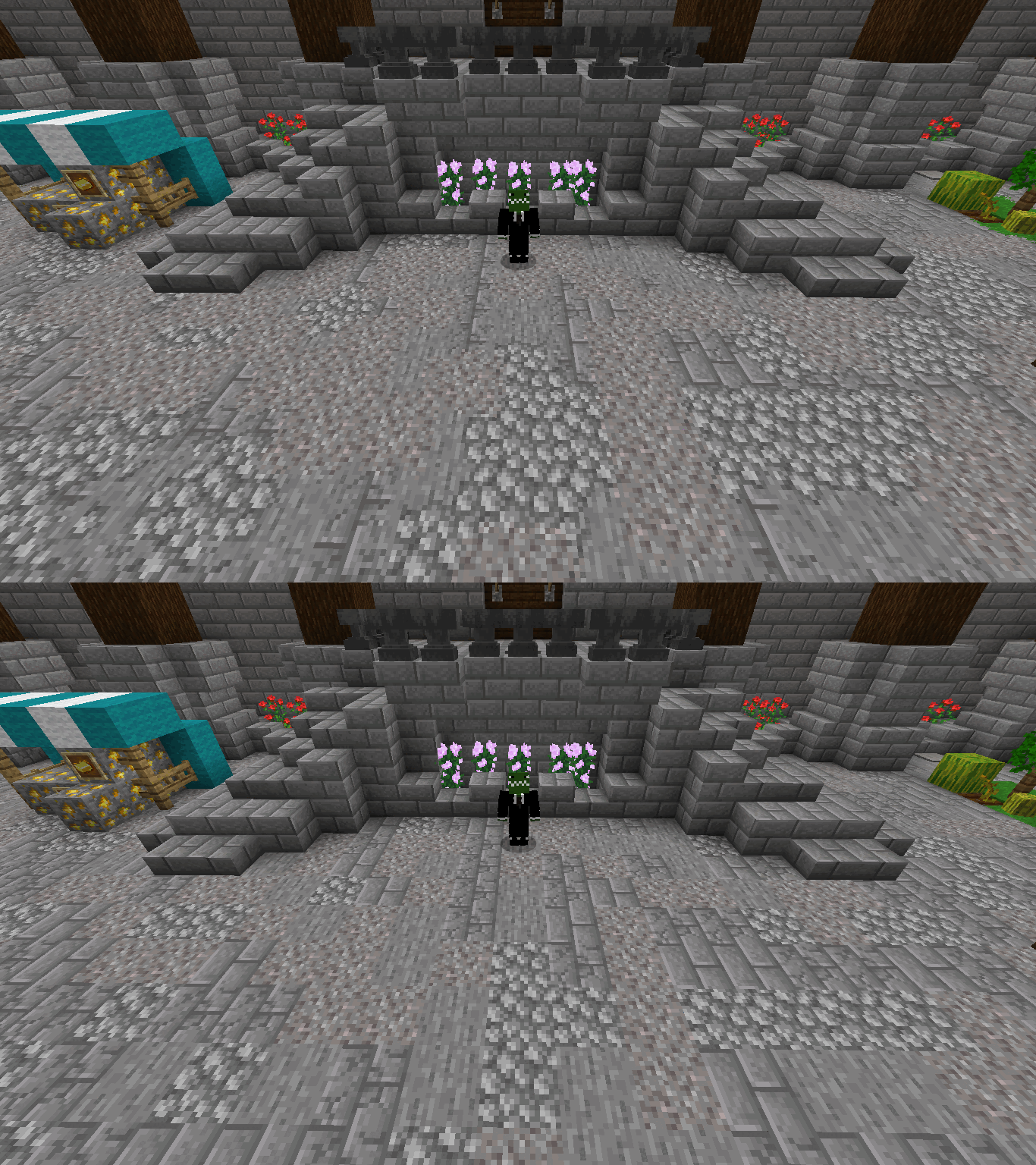
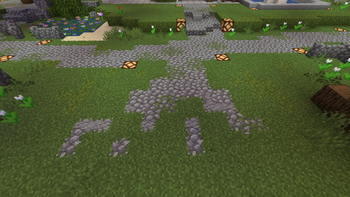
When you build a dirt path in Minecraft, it usually feels a bit disconnected from everything else. The Connected Paths pack fixes that specific annoyance. It focuses on making path blocks look like they actually belong in the world by adding connected textures that blend ground blocks together more naturally. It is a simple visual change, but it makes a huge difference if you spend most of your time building villages or landscaping around your base.
The pack is designed in a 16x vanilla-plus style, so it won’t look out of place next to your standard Minecraft texture packs. While many packs only focus on the default dirt paths, this one goes further by supporting a wide range of popular mods. If you use Biomes O' Plenty, Regions Unexplored, or even Cobblemon, the paths in those biomes will finally have those smooth, connected edges instead of hard, blocky lines.
To get this working, you will need to have Continuity or OptiFine installed, because the game doesn't handle connected textures on its own. It is also part of a wider series, so if you like how the ground looks, you can find similar packs for bricks and rocks to match. If you are playing purely on a vanilla world and want better performance, there is a lighter fusion version out there, but this main version is the one you want for full modded compatibility with things like BetterNether or Deep and Darker.
Everything follows the standard resolution, so your frame rate shouldn't take a hit. It's a nice little quality of life tweak for anyone who wants their world to feel more cohesive without changing the actual look of the game too much. You can browse more packs if you want to find other ways to touch up your world’s visuals.