Texture Pack // by Cymock
Detailed Animations
Natural movement and better physics for your Minecraft character.
- Latest
- Minecraft 26.1.2
- Updated
- Jul 12, 2026
- Resolution
- —
- Style
- Tweaks
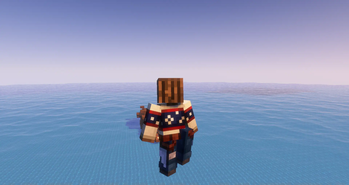
Standard movement in the game is pretty stiff and hasn't changed much since the early days. If you find the robotic look of characters a bit boring, Detailed Animations helps fix that by refreshing how the player model behaves in third-person view. This pack is still being tinkered with and updated, but it already adds a lot more weight and life to basic actions like running, stopping, and jumping. It is a solid choice when you want your character to feel less like a rigid block and more like it is actually interacting with the physics of the world.
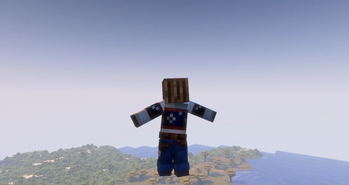
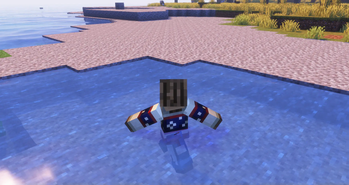
The visual style here stays true to the vanilla vibe without getting too weird, but the changes are obvious once you start moving around. When you run, there is a distinct hop to the gait, and landing after a jump feels much more natural. It covers a wide range of common actions, including specific animations for climbing ladders, flying through the air, and even how your character reacts when standing in the rain. One of the cooler additions is the way the cape and elytra have their own physics now, making them flow behind you instead of just sitting there like a flat piece of cardboard. These Minecraft texture packs usually just change the looks of blocks, but this one focuses entirely on the feeling of movement.
To get this working, you are going to need the Entity Model Features and Entity Texture Features mods installed. It is important to know that this pack does not play nice with Optifine or other popular animation overhaul mods since they try to change the same thing at the same time. If you use Not Enough Animations, you will need to turn off smoothing in that mod's settings so the limbs do not jitter or look broken. It is a bit specific about its setup, but the result is a much more dynamic character model that looks great during normal play.
If you want to customize your game further or find other ways to change your visuals, you can browse more packs to see what else fits your style. For now, this pack is one of the best ways to get better player motion without needing a heavy engine overhaul.