Texture Pack // by Nakuring
Enhanced Boss Bars
A custom overhaul for the standard Minecraft health and boss bar visuals.
- Latest
- Minecraft 26.1.2
- Updated
- Jul 12, 2026
- Resolution
- —
- Style
- Themed
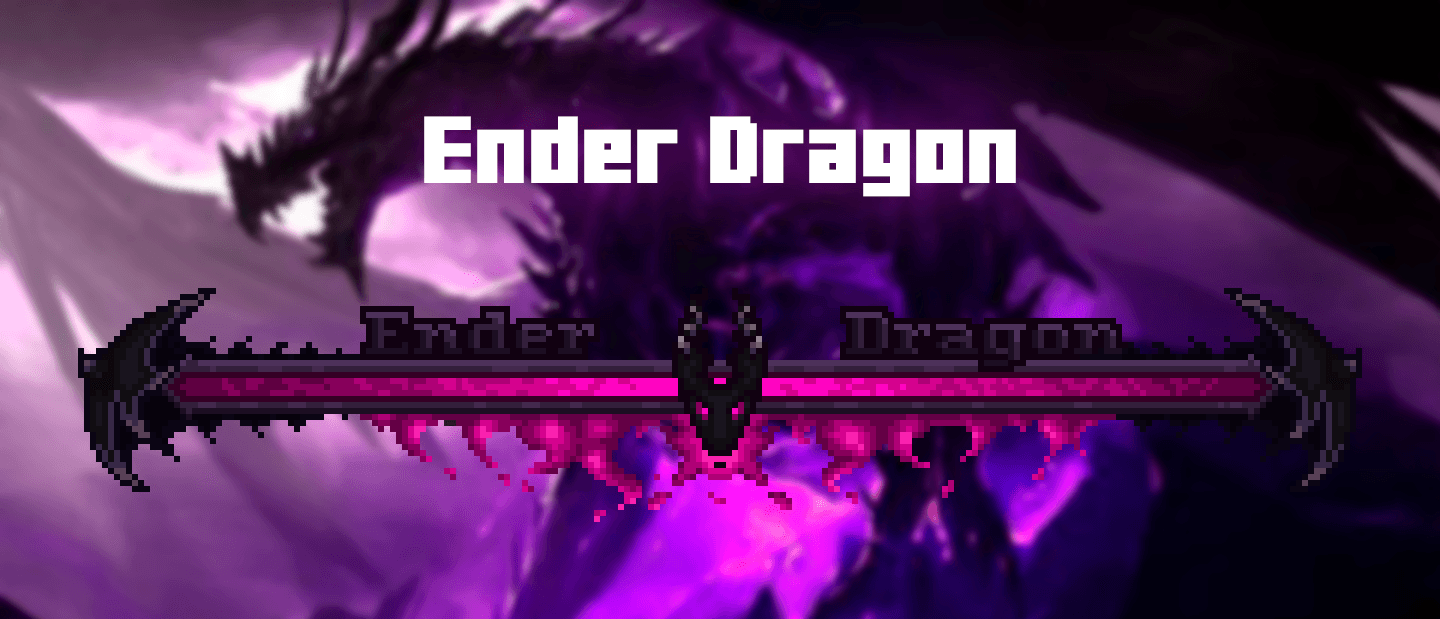
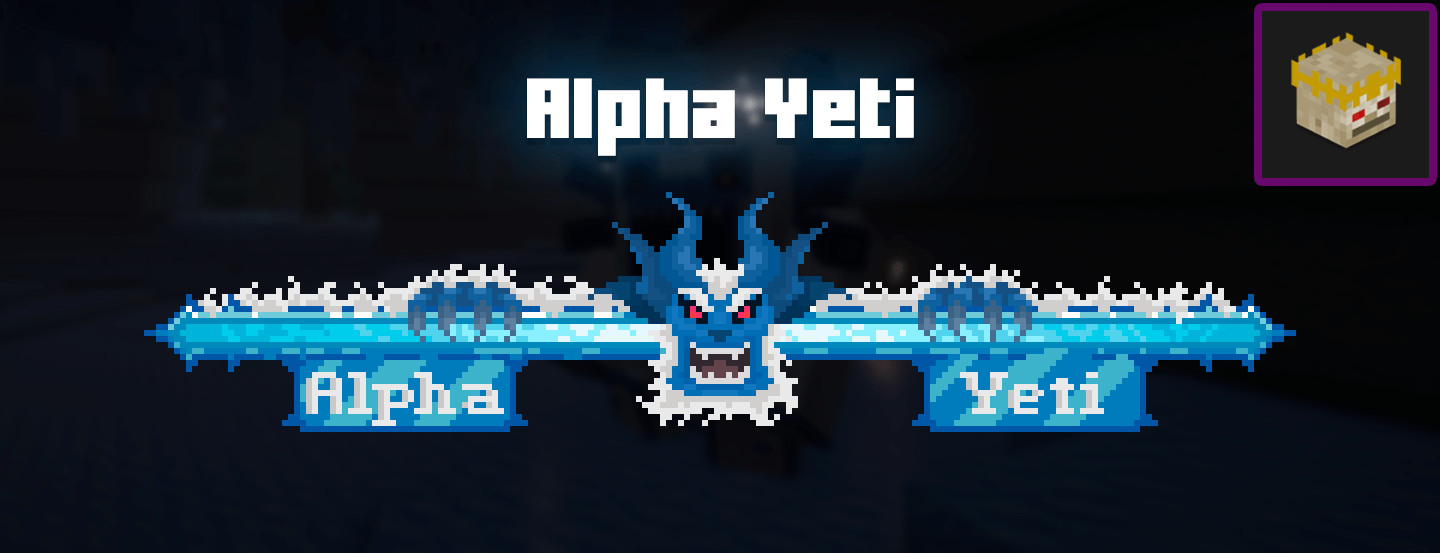
Fighting a major enemy in Minecraft usually feels like a big event, but the purple health bar at the top of the screen is a bit plain. The Enhanced Boss Bars pack fixes that by giving these health indicators a lot more personality. Instead of a basic colored line, you get detailed art that actually matches the creature you are currently fighting. It makes those long fights feel much more like a proper boss encounter rather than just another mob with a lot of health.
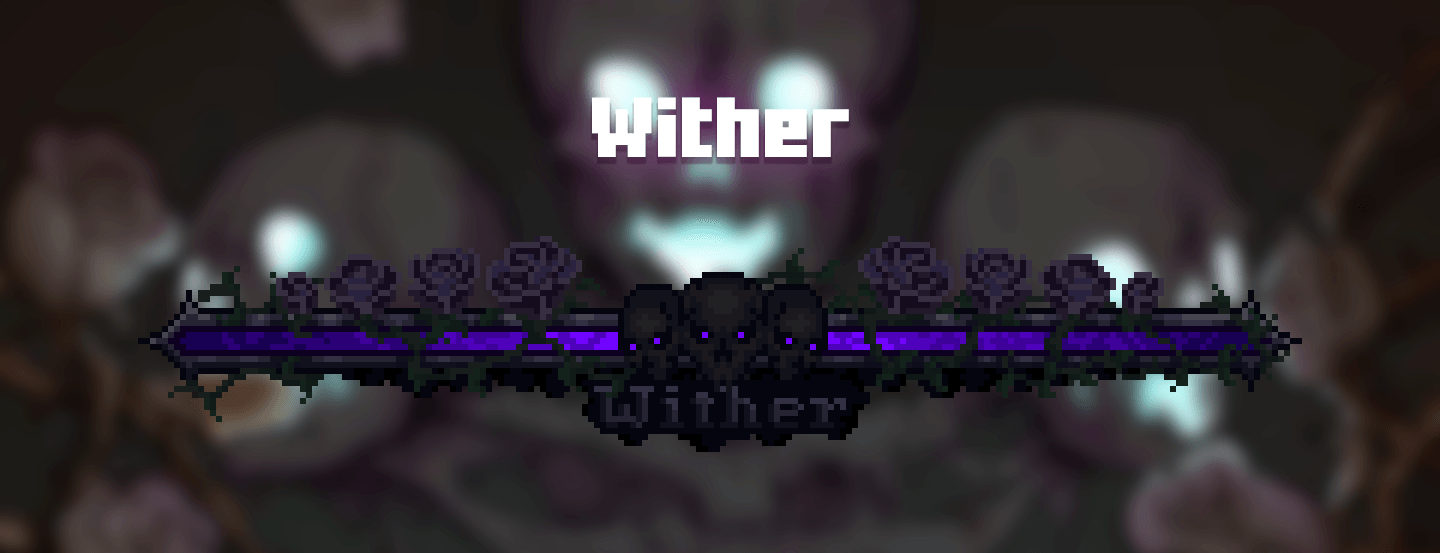
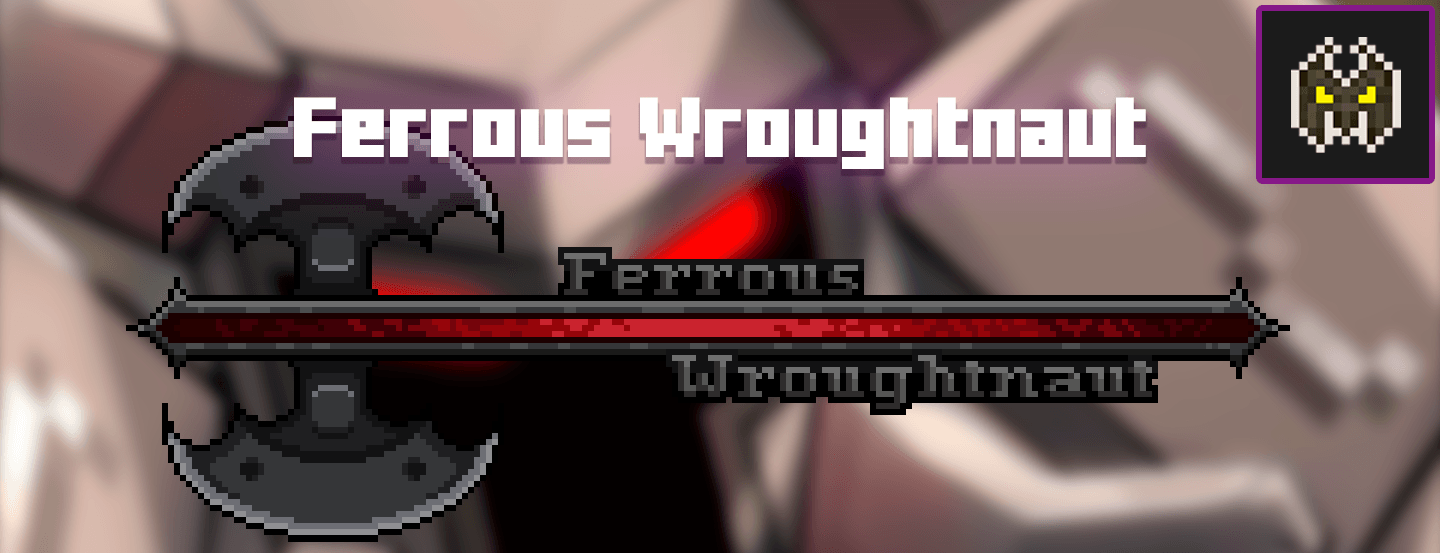
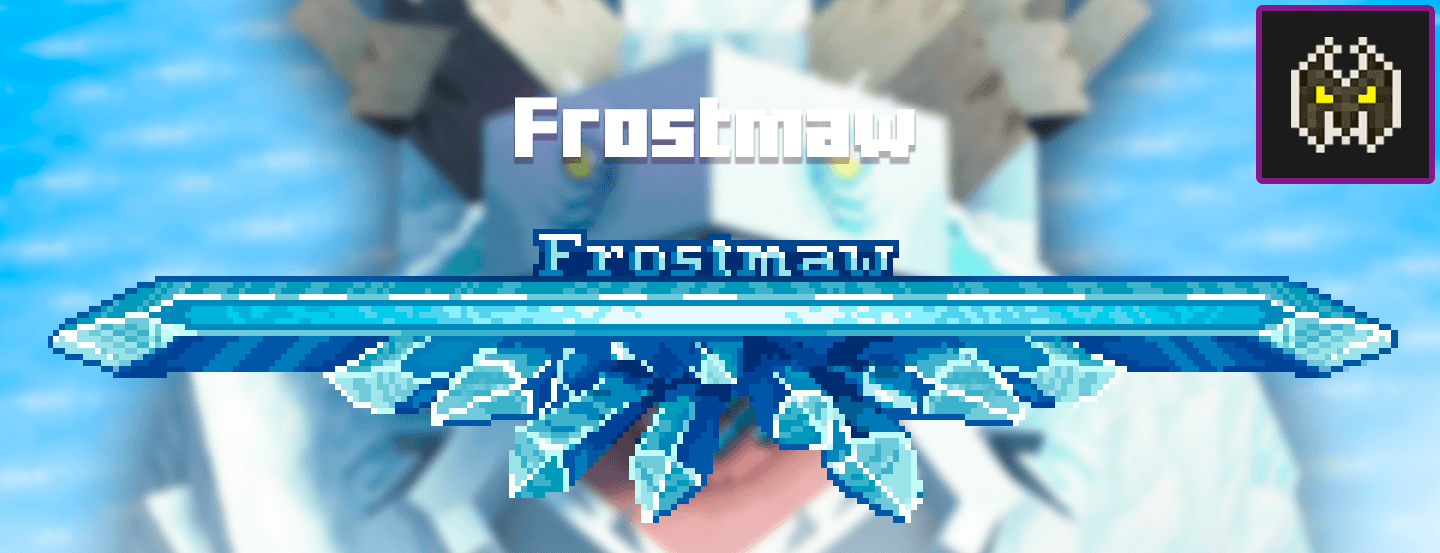
The creator of this pack has spent time redesigning the bars to make them look cohesive with one another. Each bar is carefully detailed, departing from the uncreative look we are used to in the vanilla game. There are now specific designs for the Wither, the Ender Dragon, and even various enemies from popular mods. If you use a lot of Minecraft texture packs to change your world view, you will probably notice that default icons often look out of place. This pack fills that gap by adding stylized borders and unique textures to every health bar.
Compatibility is a big part of how this works. While it functions well as a standalone resource pack, some modded bosses have their own baked-in bar display systems that might cause overlaps. If you use mods like Mowzie's Mobs, Cataclysm, or the Aether, you might want to look into the separate mod version of this project to fix technical issues like names showing up in the chat. For users of the Jade HUD or RPG-HUD, you may need to tweak a few settings in the configuration menu to prevent the health bars from overlapping with your tooltips or entity info displays.
It works across many game versions, ranging from older favorites like 1.16.5 and 1.12.2 all the way up to the latest releases like 1.21. If you want to find other ways to customize your interface, you can always browse more packs to see what else matches this visual style. It is a small change, but it makes a huge difference in how the world feels when you finally walk into a boss arena and see a custom health bar pop up.