Texture Pack // by Braytonks
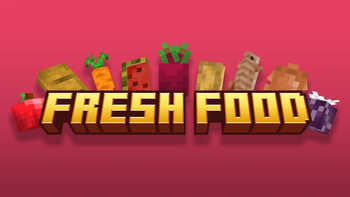
Fresh Food
Transform your Minecraft meals with Fresh Food 3D models and feeding animations
- Latest
- Minecraft 26.3 / 26.2
- Updated
- Sep 13, 2026
- Resolution
- —
- Style
- Vanilla+
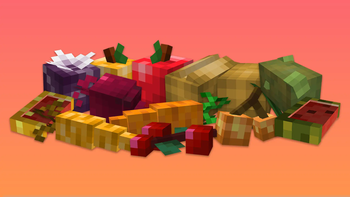
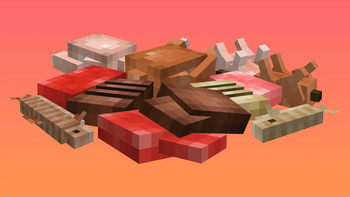
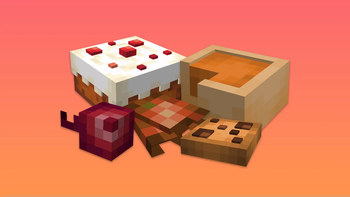
When you are playing through a long session, you end up staring at the same flat food icons for hours. The Fresh Food resource pack changes that by turning those basic pixels into actual 3D models when you hold them or drop them on the ground. It is one of those Minecraft texture packs that does not try to rewrite the whole game, but instead focuses on making the small stuff feel way more detailed and physical.
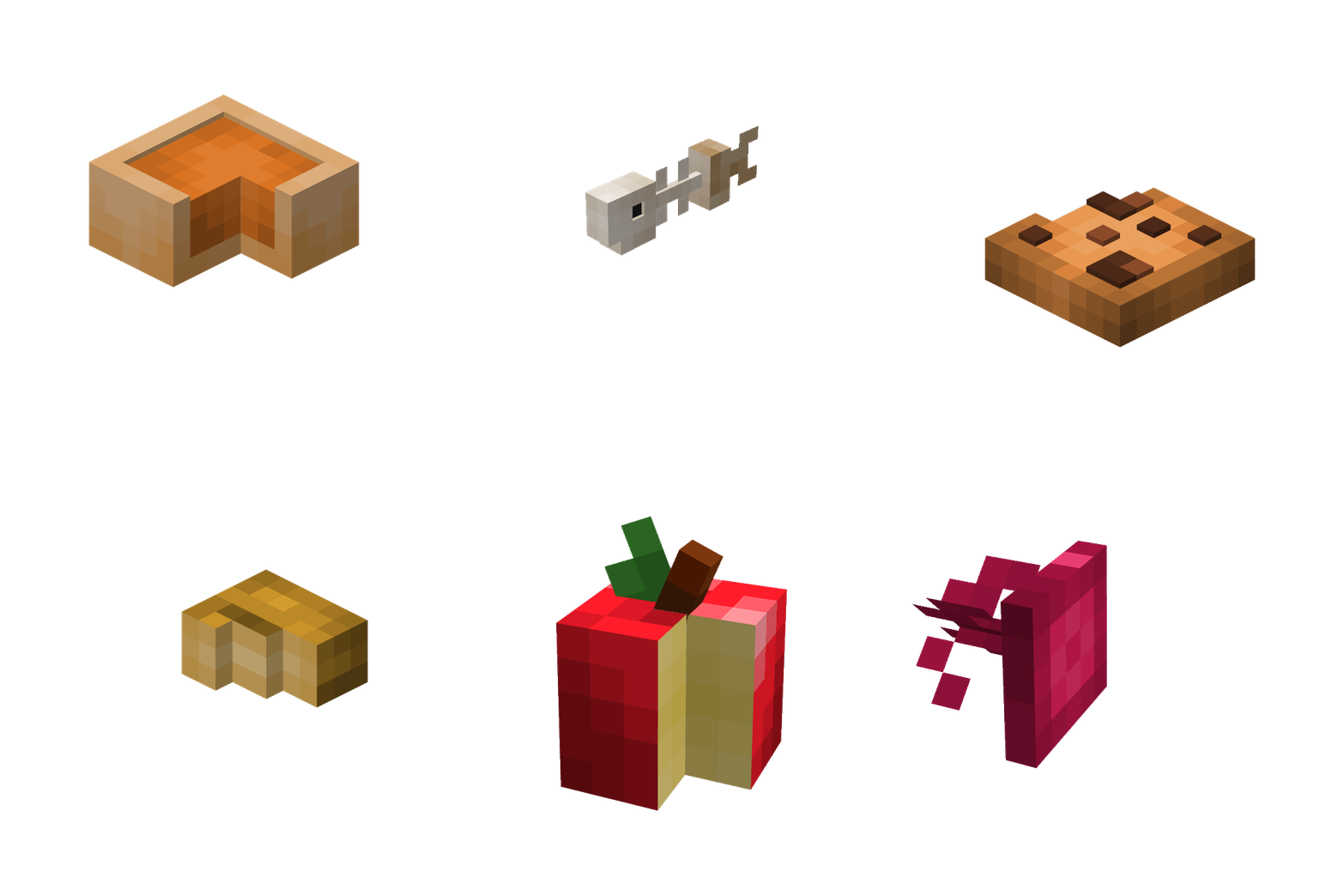
The coolest part about Fresh Food is how it handled the eating process. Most packs just show the item wiggling, but here you get custom animations. For example, if you eat an apple, you will actually see chunks being taken out of it until it is gone. If you are eating a fish, the meat disappears to reveal the bones underneath. It makes the simple act of healing up feel a lot more interactive and less like you are just clicking a button.
The creator was smart about compatibility too. By default, the items in your inventory and hotbar still look like 2D sprites. This is great because it means you can use other resource packs that change item icons without everything breaking. However, if you really want those 3D models to show up in your menus or on item frames, you can toggle those settings using the RespackOpts mod. This gives you the choice between a clean vanilla UI or a fully 3D look.
One extra feature that builders might like is the nameable variants. You can rename your food to get special versions that look like they are sitting on plates. It is perfect for decorating a kitchen or a tavern table since the food looks like it is actually part of the world rather than just a flat item spinning in a frame. It works on several versions of the game, though you might need a few helper mods like Modefite if you are playing on specific updates like 1.21.5.
Overall, this is a solid pick if you want your survival world to feel a bit more tactile. It stays true to the game's art style while giving every snack and meal its own personality through clever modeling and animation work.