Texture Pack // by patrixcraft
Patrix 32x
High-detail realistic texture pack with vanilla-accurate colors
- Latest
- Minecraft 26.3 / 26.2
- Updated
- Sep 13, 2026
- Resolution
- —
- Style
- Realistic
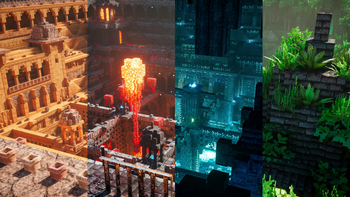
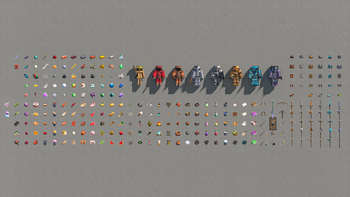
When you first load up Patrix 32x, it might look like a modest resolution increase, but there is actually a lot going on under the hood that makes it feel much heavier and more detailed than a standard 32-pixel pack. The creator has leaned heavily into randomization and clever tiling tricks rather than just cranking up the texture size. This means you get a world that feels organic because the blocks dont repeat in those annoying, obvious grid patterns since it uses specific features to vary how textures sit next to each other.
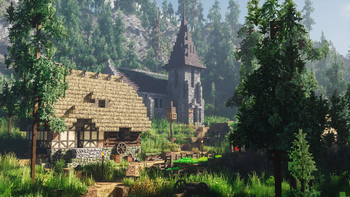
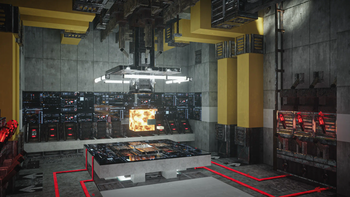
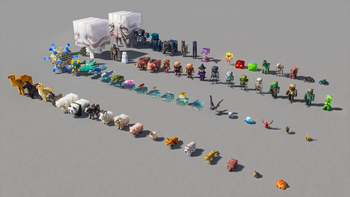
One of the best things about this texture pack collection entry is how it handles lighting and surfaces. It is basically built for shaders. If you use a shader that supports LabPBR, you will see actual depth, reflections, and subsurface scattering on the materials. If you try to run it without shaders, it might look a bit flat or strange because the textures are specifically designed to react to light and shadow data provided by external mods. It also includes some really smooth mob animations that make creatures feel much more alive than the stiff default movements.
Even though the surfaces look realistic, the colors are tuned to match the default game. This is great because if you have built a massive base already, it wont suddenly turn into a different color or mess up the aesthetic of your world. The leaves and grass also respond to biome tints, so if you go into a jungle or a desert, the foliage shifts naturally as you would expect. Just keep in mind that because of the massive amount of extra data for randomization, it might be more taxing on your hardware than other packs at this resolution.
To get the intended look, make sure you have the required mods like Iris or Optifine set up correctly to handle things like connected textures and custom entity models. You should also ensure you load the basic pack at the bottom of your list while placing any extra addon packs on top. If you want to see how this compares to other styles, feel free to browse more packs to find the right fit for your setup.