Texture Pack // by xR4YM0ND
RAY's 3D Rails
Bring tactile depth to your Minecraft railway systems with custom 3D models.
- Latest
- Minecraft 26.1.2
- Updated
- Jul 12, 2026
- Resolution
- —
- Style
- Realistic
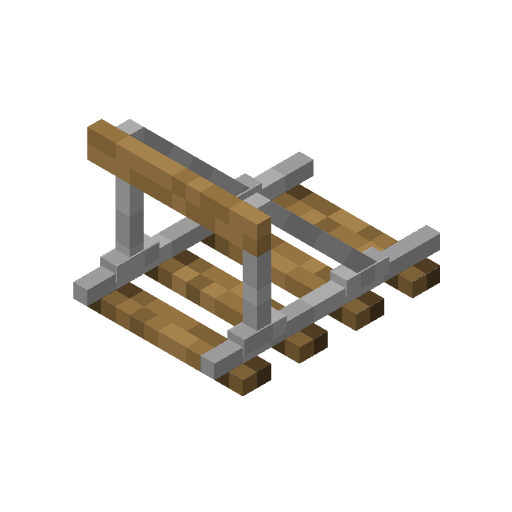
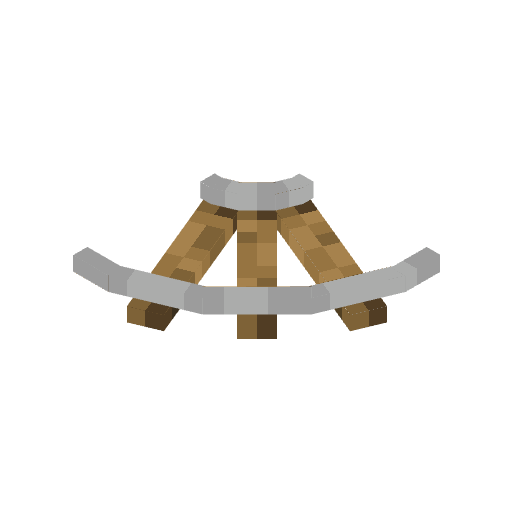
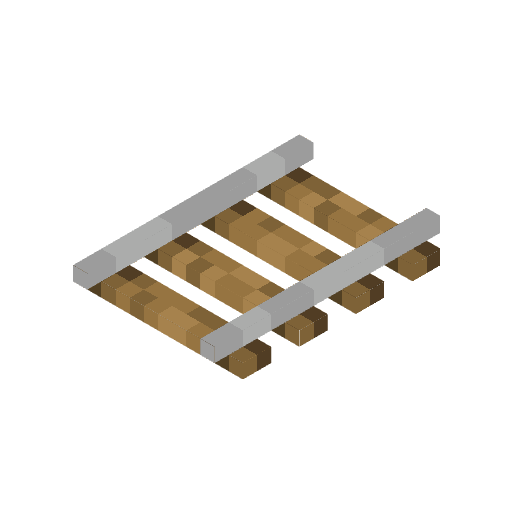
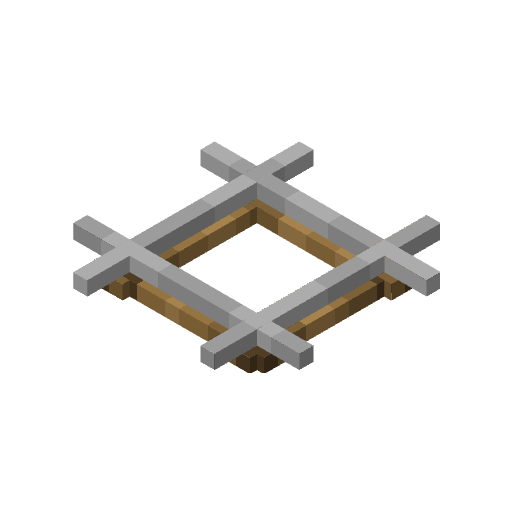
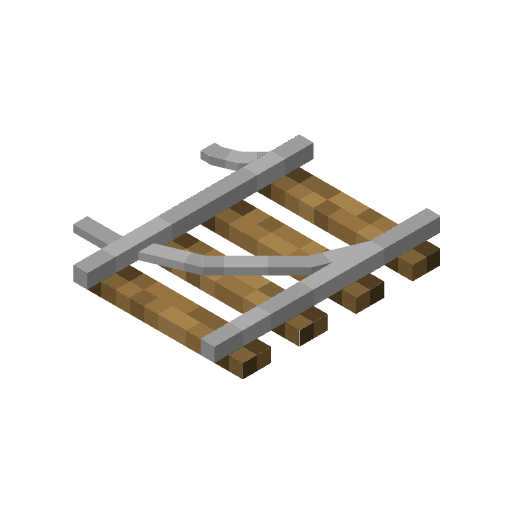
If you have ever felt that the standard rails in your world look a bit too flat against the ground, RAY's 3D Rails is exactly what you need. This pack focuses on one specific part of the game and does it really well by transforming the standard flat rail sprites into actual 3D models. It makes your minecart tracks look like they have real physical height, with actual ties and metal bars that pop out from the floor.
The visual style is built to fit right into the game without feeling out of place. Because it replaces the model and not just the picture, you get a lot more depth when you are looking down a long tunnel or building a large transit station. These Minecraft texture packs that focus on adding volume to blocks really change how builders approach simple scenery like train tracks.
One of the best things here is how much it covers. It doesn't just stop at the default vanilla rails. It includes support for tons of big mods like Create, Alex's Caves, Botania, and Spelunkery. If you use mods that add copper rails or specialized industrial tracks, there is a good chance this pack already has a 3D version ready for them. Also, if you use shaders, the pack has LabPBR support, which means you get proper lighting and reflections on the metal surfaces of the tracks.
It works across a massive range of game versions, from older releases like 1.13 all the way up to the newest updates. Since it only targets the models for these specific items, it is easy to layer with your other favorite packs. You can find more variety for your game by checking out the browse page for resource packs to see what else fits your style. If you spend a lot of time underground or building rollercoasters, having these 3D rails makes a huge difference in the final look of your project.