Texture Pack // by Vi_Tul
Recolourful Containers GUI + HUD
Bring vibrant color and life to your Minecraft interface and storage menus.
- Latest
- Minecraft 26.1.2
- Updated
- Jul 12, 2026
- Resolution
- —
- Style
- Vanilla+
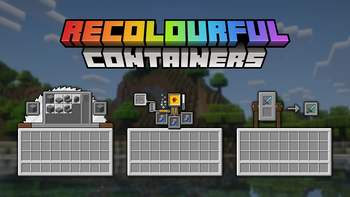
It always felt a bit strange that every single block you interact with in Minecraft uses the same dull grey menu. Whether you are opening a wooden chest or a magical enchanting table, the background never really matches the world around it. The Minecraft texture packs community has tried many ways to fix this, but Recolourful Containers GUI + HUD takes a very specific, vibrant approach to solving the problem by giving every container its own personality.
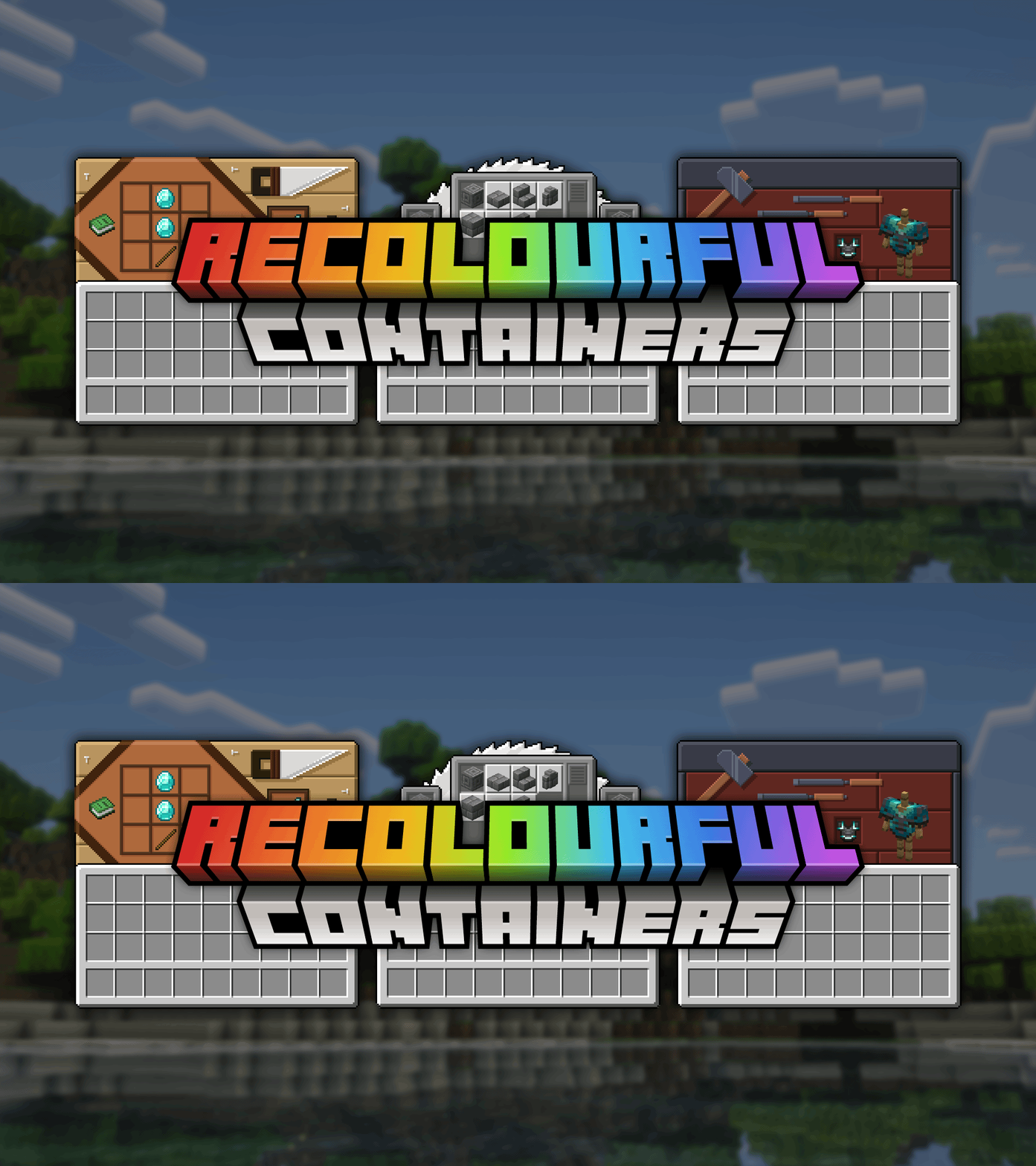
The main goal of Recolourful Containers GUI + HUD is to make the interface look like an extension of the block itself. If you open a loom, the menu has textures that remind you of string and wood. Opening a furnace or a blast furnace gives you a look that feels industrial and hot. It even goes beyond static images. Several menus, like the anvil, stonecutter, and smithing table, actually have subtle animations that make the UI feel alive while you work. Even the HUD and XP bar get a fresh look to keep everything feeling consistent.
There is a lot of attention to detail in the specific menus for different professions and objects. For example, the pack includes custom graphics for villager trading screens based on their jobs, and even specific looks for things like boats with chests or minecarts. It fixes some of the older, clunkier textures found in vanilla and replaces them with something much more polished and themed. The experience bar even has an animated glow in newer game versions, which is a nice touch when you are grinding for levels.
When it comes to compatibility, the pack works great on its own, but it really shines if you use tools like OptiGUI or OptiFine. Using those allows for even deeper customization, such as unique textures for ender chests, different shulker box colors, and even variation in llama carpets or horse armor screens. It also supports a long list of popular utility mods, making sure the buttons and menus from other creators don't break the visual style. If you want to see even more ways to change your game, you can browse more packs to find the perfect match for your building style.
This is a solid choice for anyone who wants a more colorful and interesting way to manage their items without straying too far from the core feel of the game. It makes the world feel a bit more cohesive when the menus finally match the blocks they belong to.