
Texture Pack // by blobh
Small Shield & Totem
Get a better view during PvP with the Small Shield & Totem resource pack.
- Latest
- Minecraft 26.3 / 26.2
- Updated
- Sep 13, 2026
- Resolution
- —
- Style
- PvP
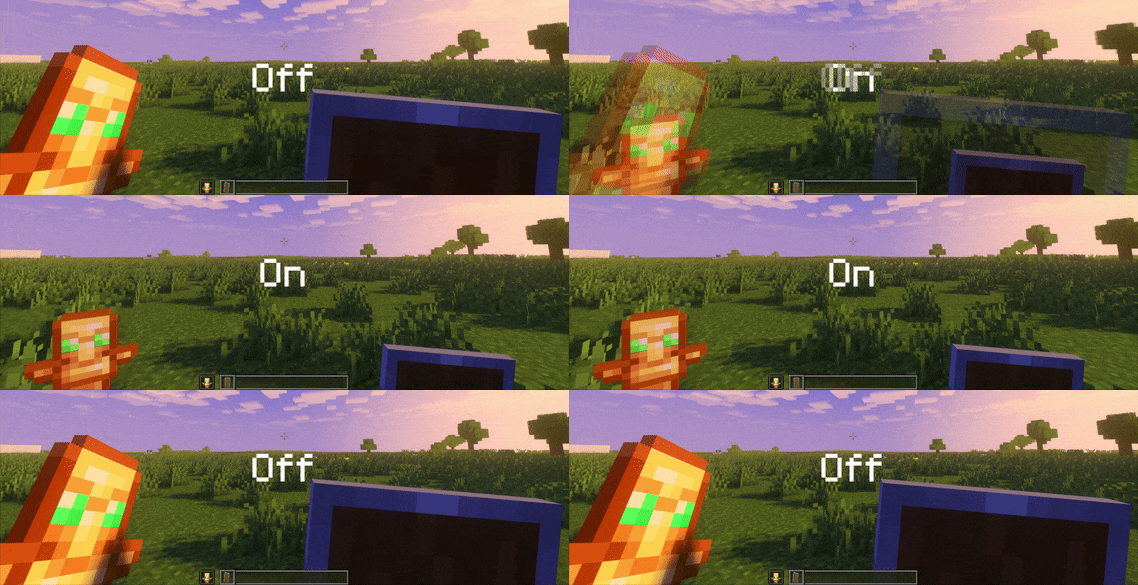
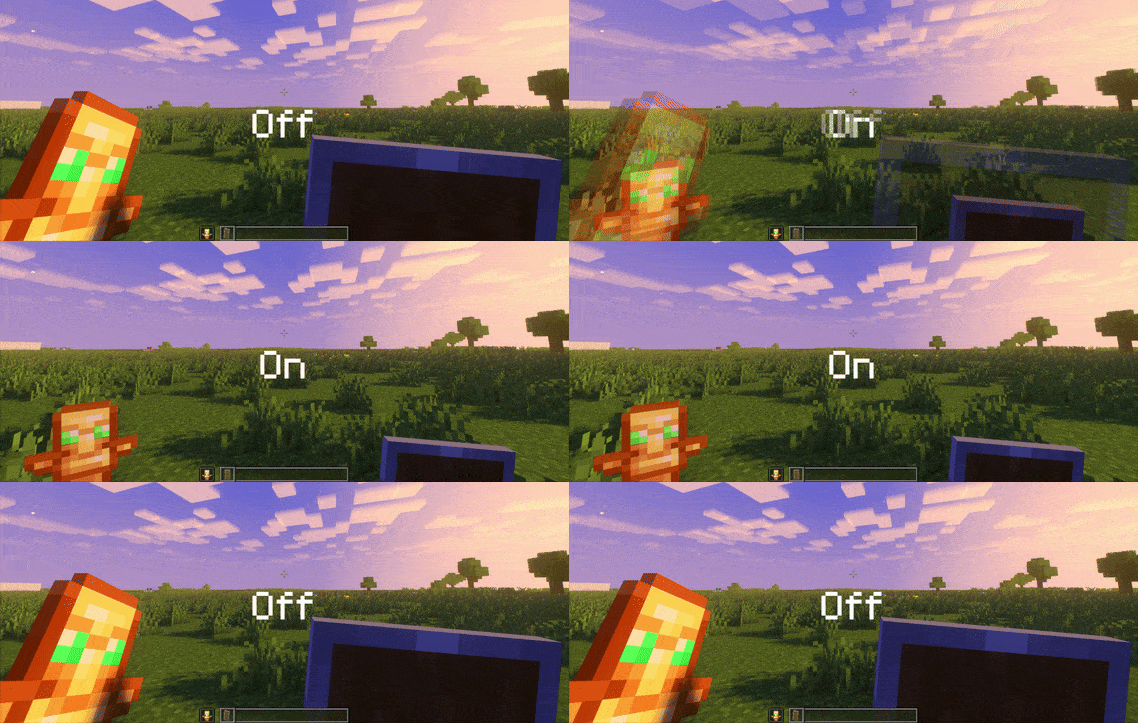
If you spend a lot of time in combat or just exploring, you know how annoying it is when a shield takes up half your screen. The Small Shield & Totem pack fixes that by shrinking the held items so you can actually see what is happening in front of you. It is a simple tweak, but it makes a massive difference when you are trying to track an opponent or just look at the landscape without a massive block of wood or gold blocking your view.
It is not just about the items in your hand either. This vanilla style texture pack also changes the animation that happens when you cheat death. The totem pop effect is much smaller, along with the particles that fly out. This is great because it stops that bright flash from blinding you right when you are likely in a dangerous situation and need to see your surroundings clearly. Even if you use other packs that change how your totem looks, this one should still play nice with those custom textures.
One thing to keep in mind is that because of how the pop effect is handled, the totem will look tiny if you put it in an item frame. It is a small trade-off for having a cleaner UI during actual gameplay. You do not need any specific mods to make this work, so you can just drop it in and go. It is built to work with pretty much every version of the game since 1.9. If you are on an older version and the game gives you a warning about it being for a newer release, you can usually just ignore it as the files will still load correctly.
You can find this pack over at Modrinth if you want to give it a try. If you are looking for other ways to change your game, you can browse more packs to find something that fits your style. It is a solid choice for anyone who feels the default items feel a bit too bulky.