


Texture Pack // by GamerPotion
Tiny PVP Swords and Tools
Shortening weapons and tools for better visibility.
- Latest
- Minecraft 26.1.2
- Updated
- Jul 12, 2026
- Resolution
- —
- Style
- PvP
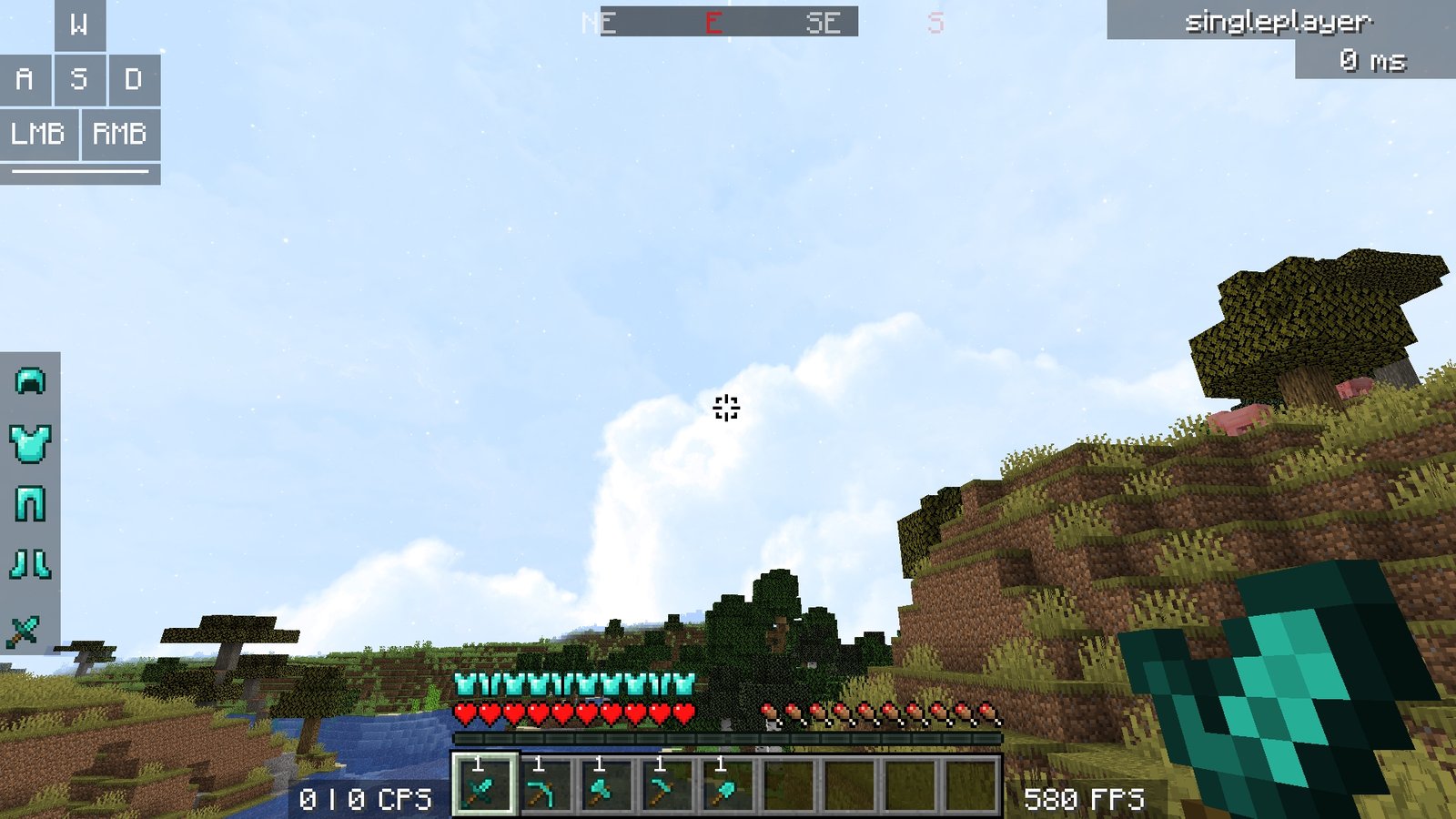
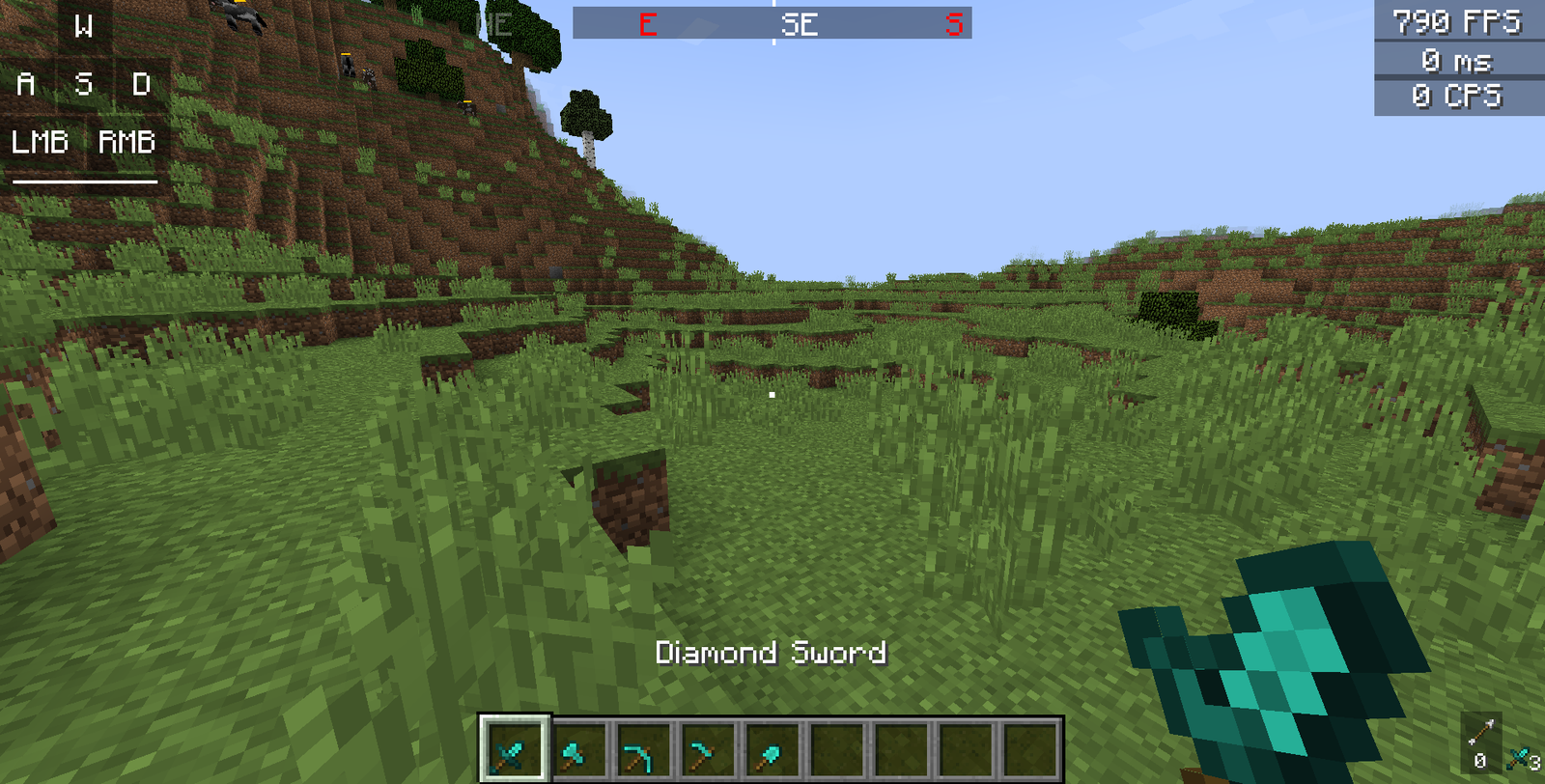
I usually find that the standard sword models in Minecraft take up way too much space on the right side of the screen. When you are trying to track a moving target, having a giant pixelated blade blocking your view is just annoying. Tiny PVP Swords and Tools fixes this by shrinking the default textures down so they are much less intrusive. It is a simple tweak that actually makes a difference when you are clicking fast in a fight or just running around your world.
The creator of Tiny PVP Swords and Tools basically went through the vanilla assets and trimmed them down. Swords have been shortened by a 5x5 pixel margin, and the other tools got a 4x4 reduction. This keeps the classic look of Minecraft texture packs while making the items feel lightweight. Since they use the original colors and shapes, you won't get confused about which material you are holding. It also comes with a specific crosshair designed for better aiming, which avoids that bulky default plus sign.
The pack is pretty versatile since it covers a huge range of versions, from older releases like 1.16.5 all the way up to the newest 1.21 updates. You can drop this into your folder and it should work without much fuss. If you like the look of the standard game but hate how big the diamond sword looks in your hand, this is a solid choice. You can find more resource packs that focus on performance and visibility if you want to pair this with other tweaks.
You can grab the files over on the Modrinth page to try it out yourself.